Create your XRP wallet
In this quick XRP Mobile walkthrough you'll create a self custody XRP wallet on the XRP Ledger, save your recovery phrase, set a PIN and enter a referral code. XRP Mobile is a noncustodial wallet where you can buy, send, receive and swap XRP. Perfect if you're getting started with XRP or self custody.
Want your XRP in a wallet that is truly yours? Let's set one up in under a minute.
Prefer to read? The steps below are the same walkthrough, 8 screens and 50 seconds of video.
1. Open XRP Mobile
Open XRP Mobile. It's a self custody wallet, so the keys stay on your phone, not with an exchange.
2. Tap Create wallet
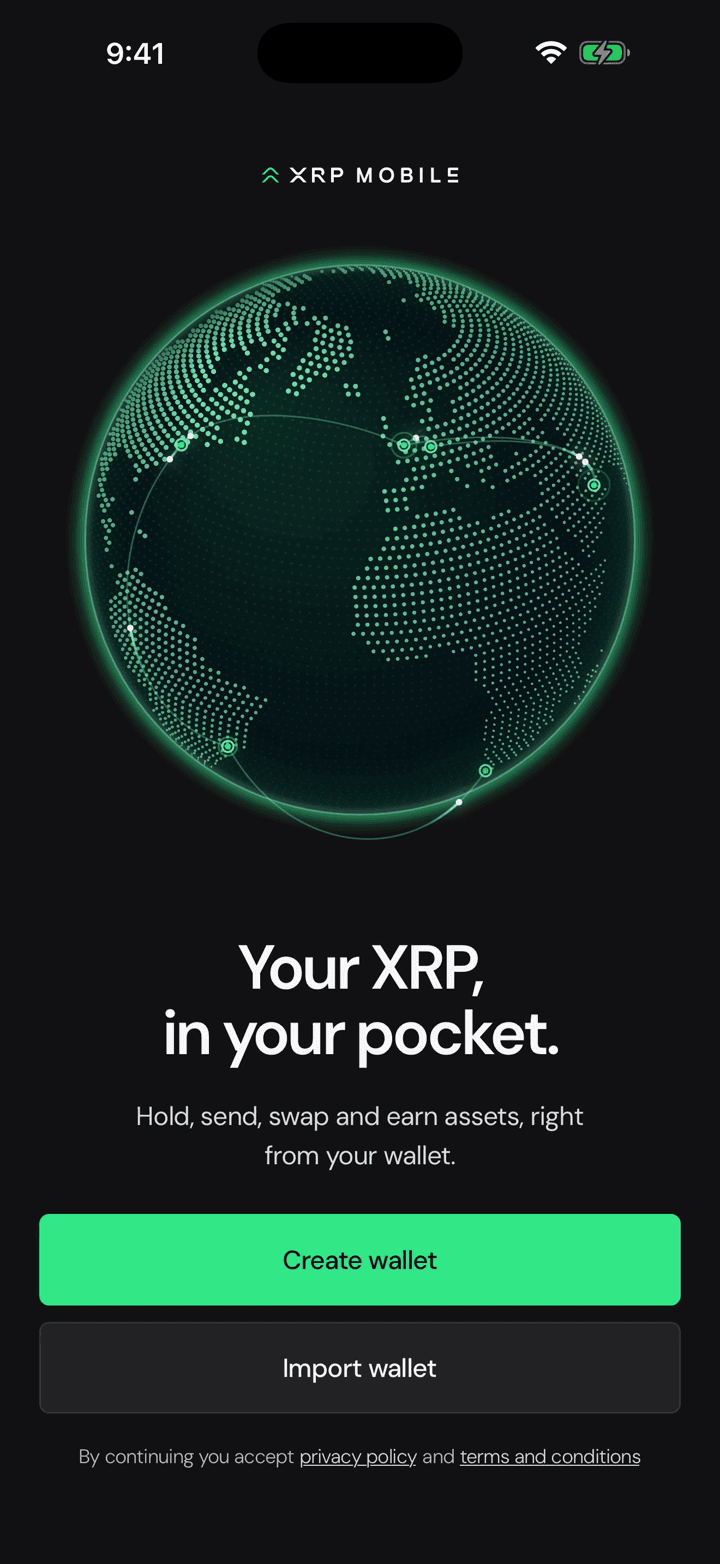
Tap Create wallet. You could import one you already have, but today we start fresh.
3. Reveal and write down your 12 words
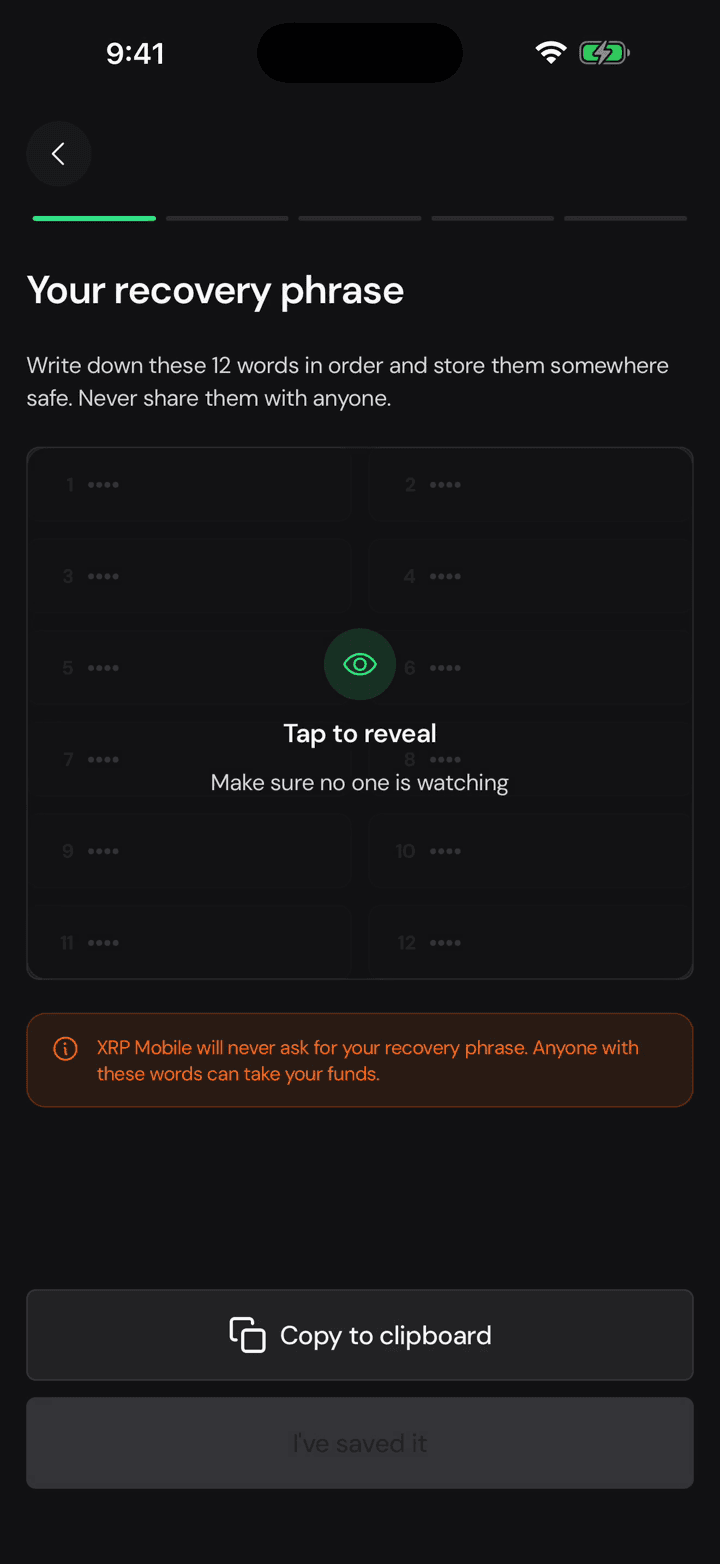
Tap to reveal your recovery phrase, then write the 12 words down in order and keep them somewhere safe. Anyone who has them can take your funds, and nobody from XRP Mobile will ever ask you for them.
4. Name your wallet
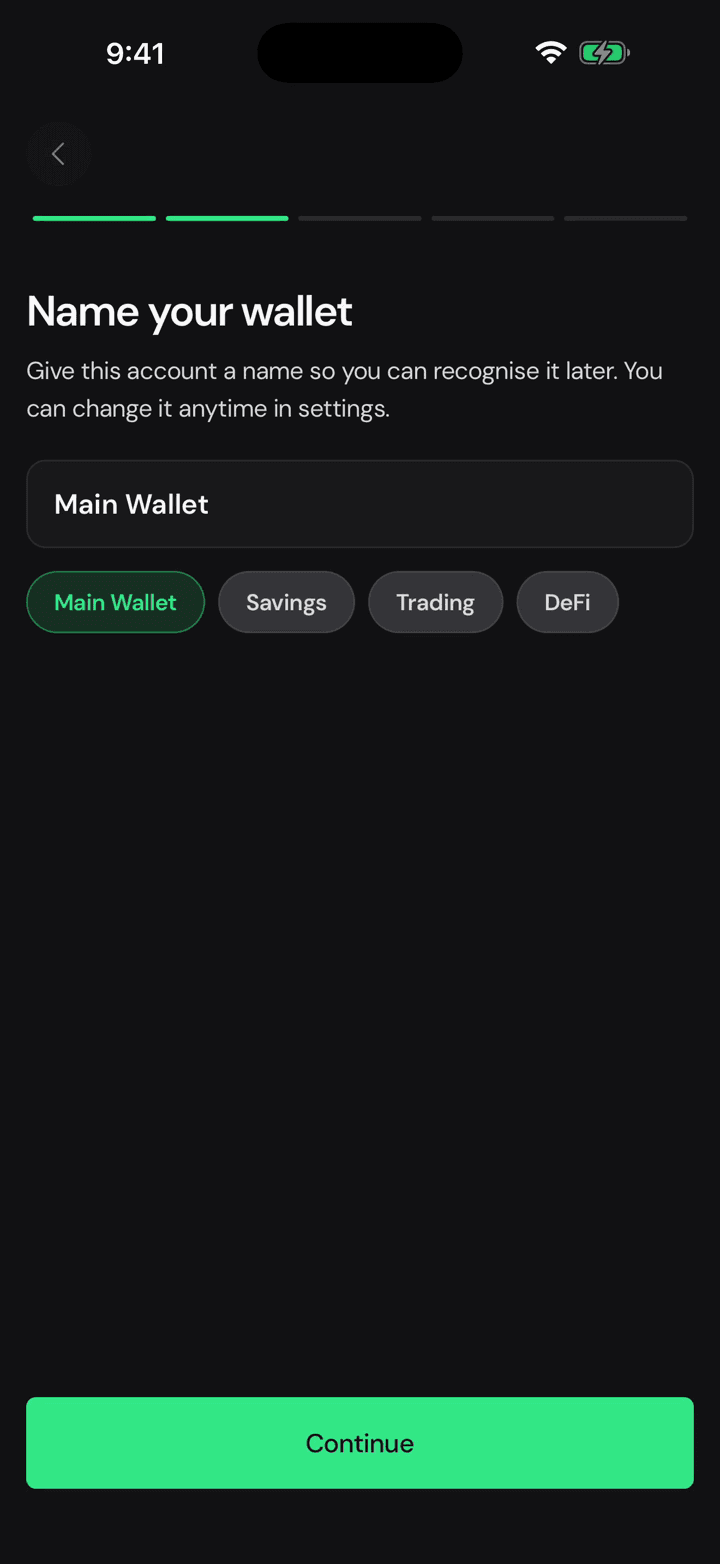
Give the wallet a name so you can tell it apart later. You can change it whenever you like.
5. Set a 4 digit PIN, twice
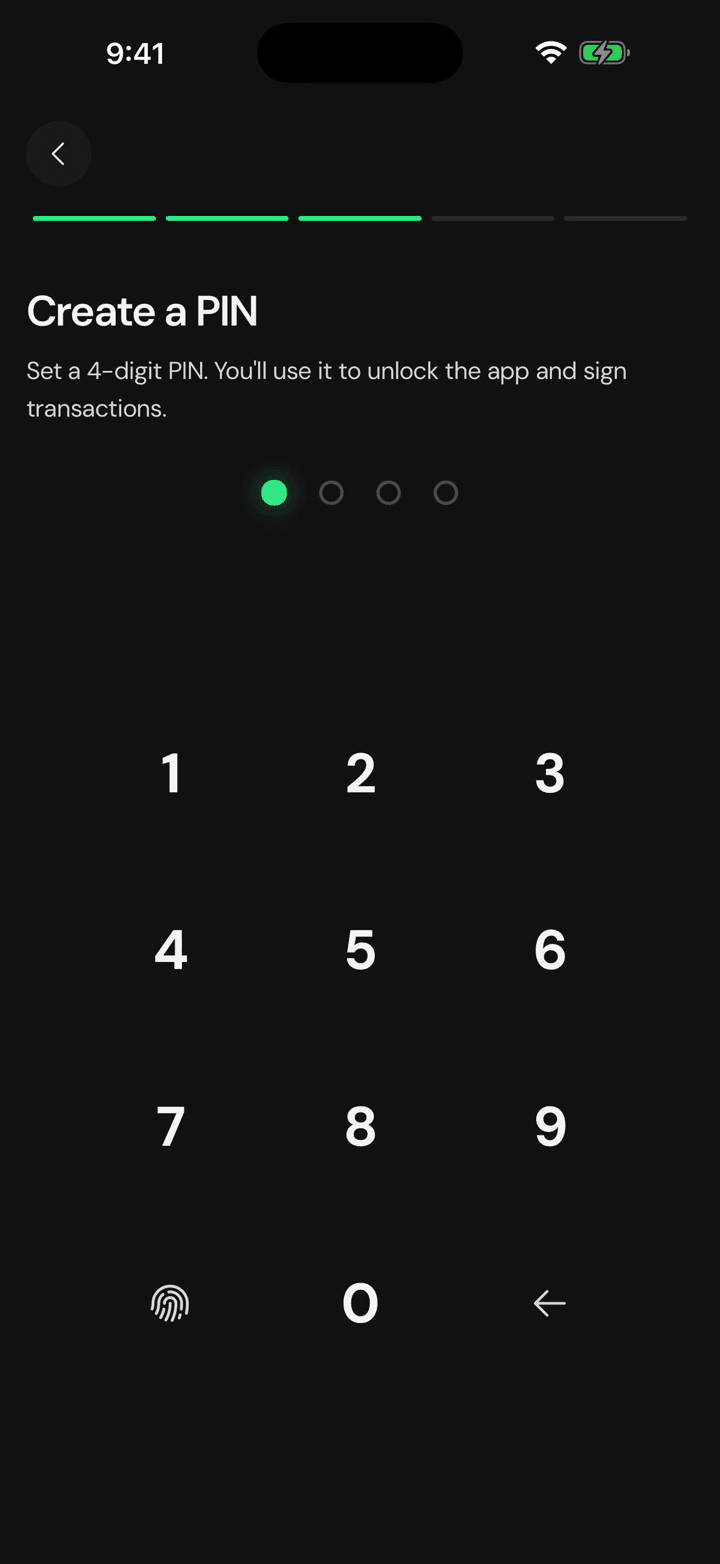
Now set a 4 digit PIN and confirm it. You'll use it to unlock the app and to sign every transaction.
6. Notifications are your call
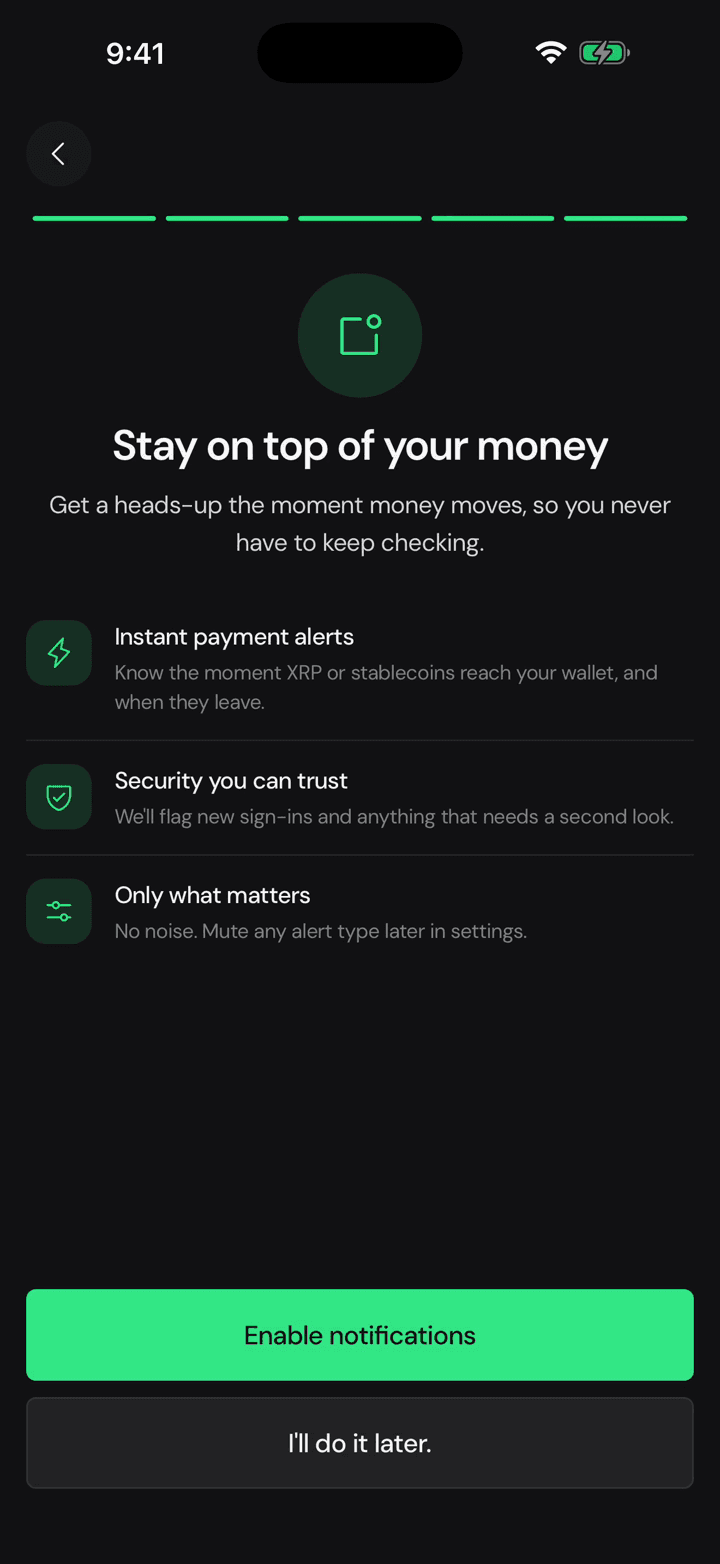
Turn on notifications to stay on top of the latest updates, or skip it and decide later in settings.
7. Wallet created
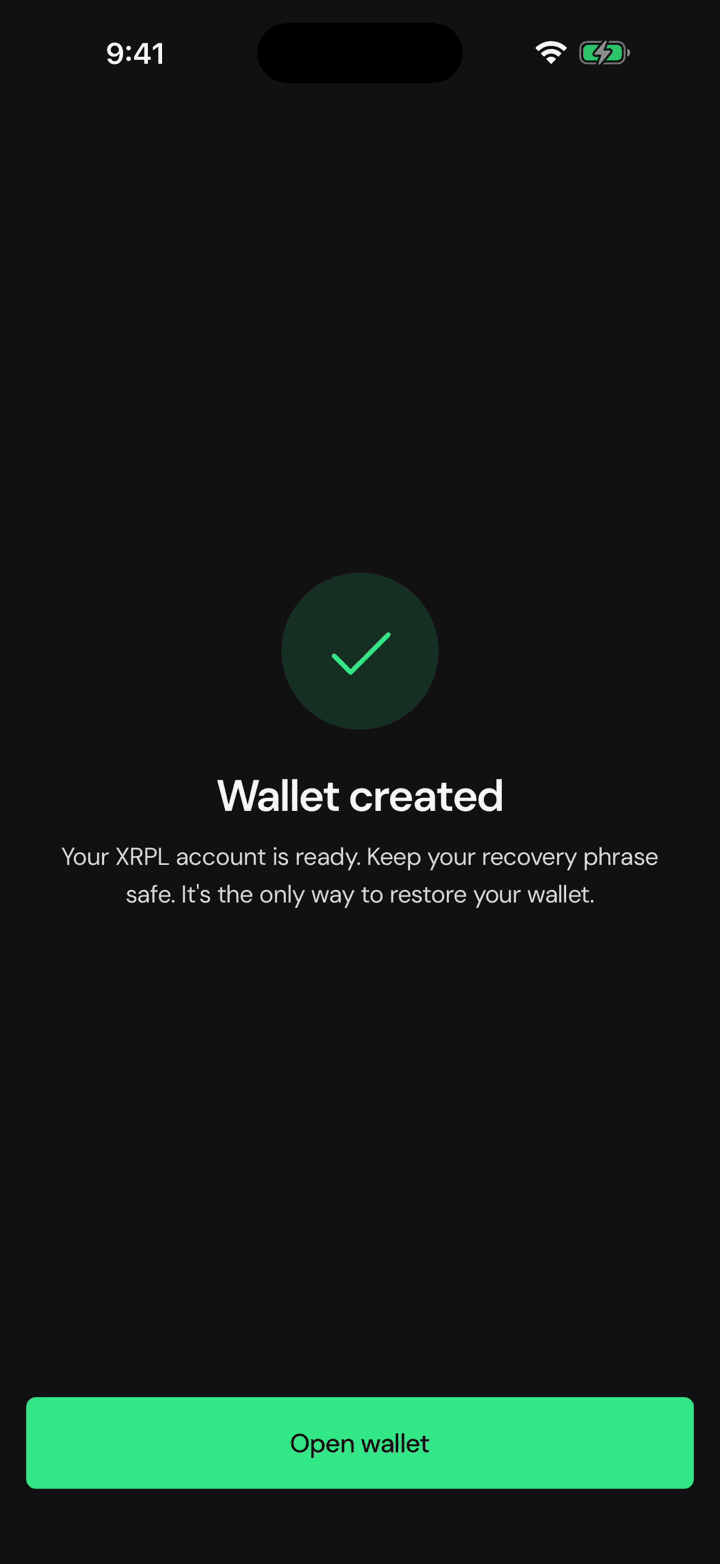
And that's your XRP Ledger account ready. Tap Open wallet.
8. Enter your referral code
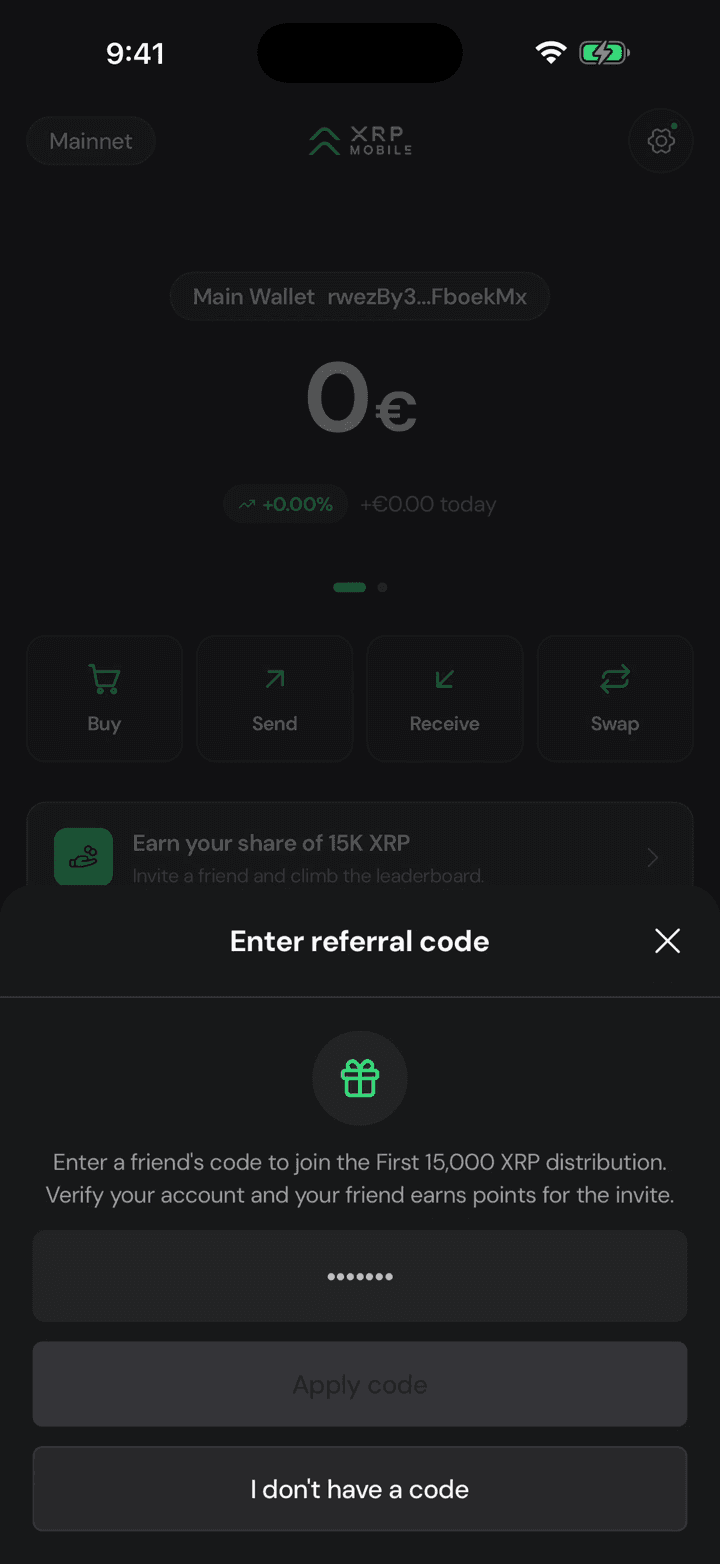
Got a referral code? Type it in here to join the campaign.
Will XRP Mobile ever ask for my recovery phrase?
No. Not in the support chat, not by email, not on social media, not through a transaction memo. Anyone who asks for your recovery phrase, secret numbers or private key is trying to steal from you.
Your first minute in XRP Mobile
Just installed XRP Mobile? This short tour walks through every tab: the Wallet home with buy, send, receive and swap, the Earn roadmap, the Explore market, the Share referral campaign, and the settings behind the gear. A good first watch before any other tutorial.