Earn is on the way
A short look at the Earn tab in XRP Mobile. There is no yield product yet: the tab shows what we are building towards, self custody yield with no lock ups, and the two pools we would start from, XRP and RLUSD. Nothing is confirmed and no rate is promised. Turn on the notification to hear about it first.
There is an Earn tab in XRP Mobile, and right now it earns you nothing. Here is why that is deliberate.
Prefer to read? The steps below are the same walkthrough, 4 screens and 29 seconds of video.
1. Open Earn
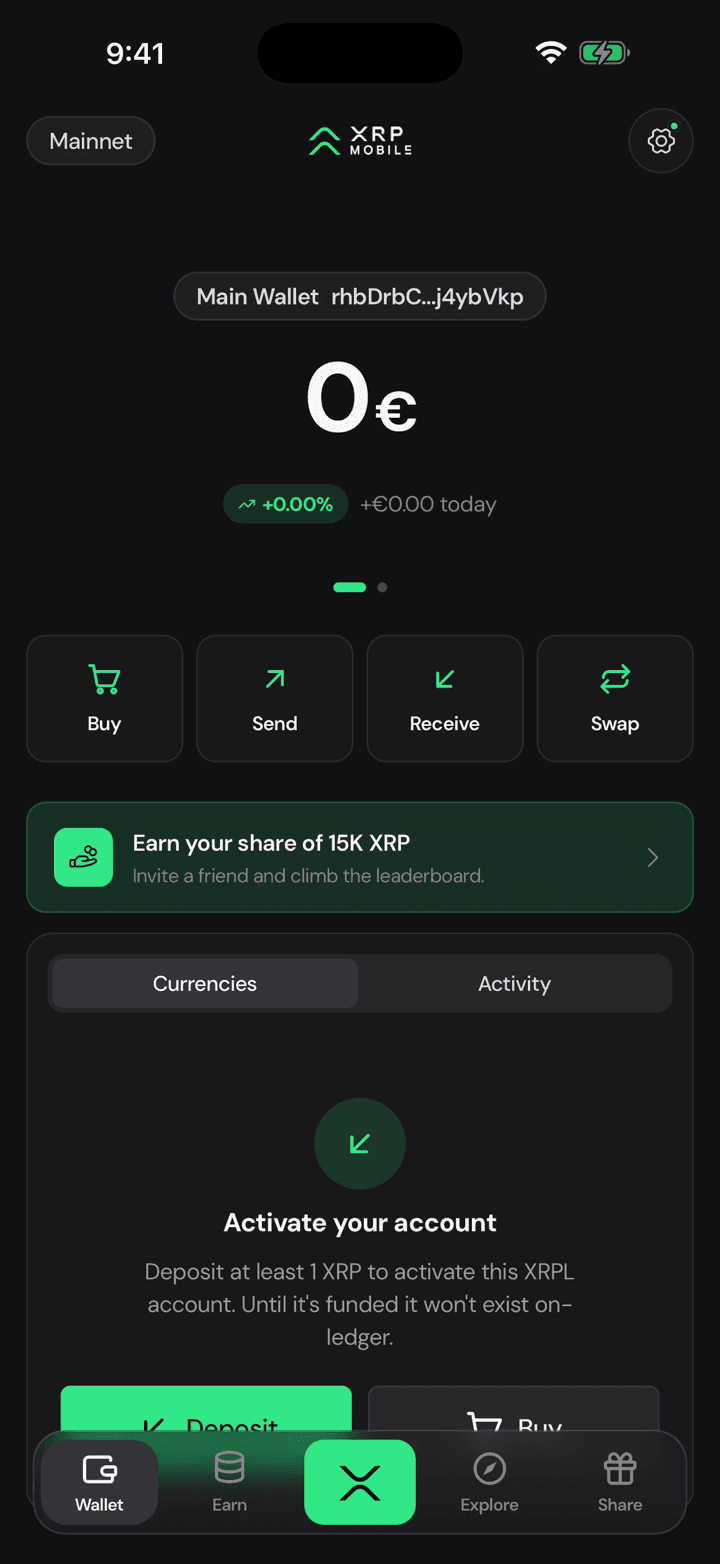
Tap Earn. No rate, no launch date, no fine print, because there is no product yet.
2. What we are aiming for
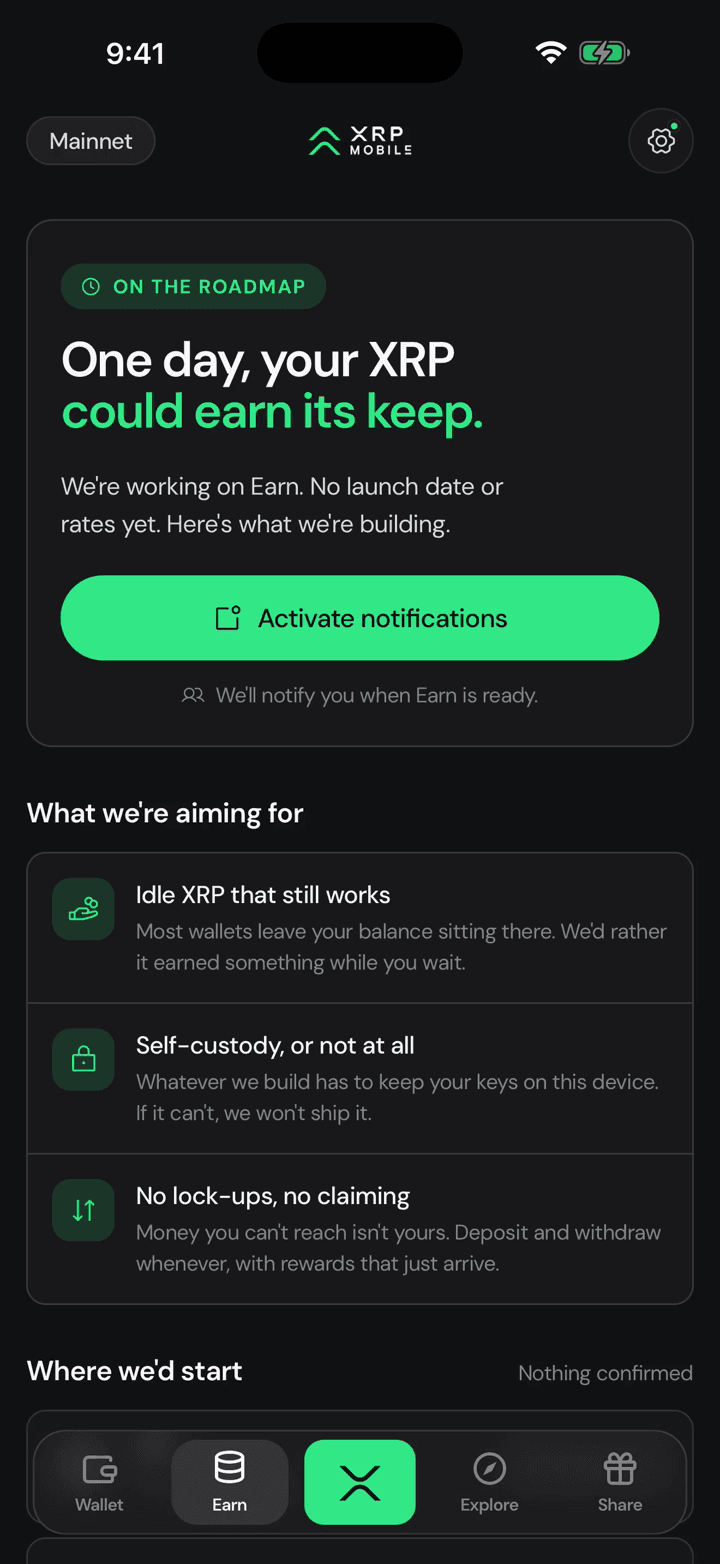
Instead it says what we are building towards: XRP that works while it sits, keys that never leave your phone, and no lock ups.
3. Where we would start
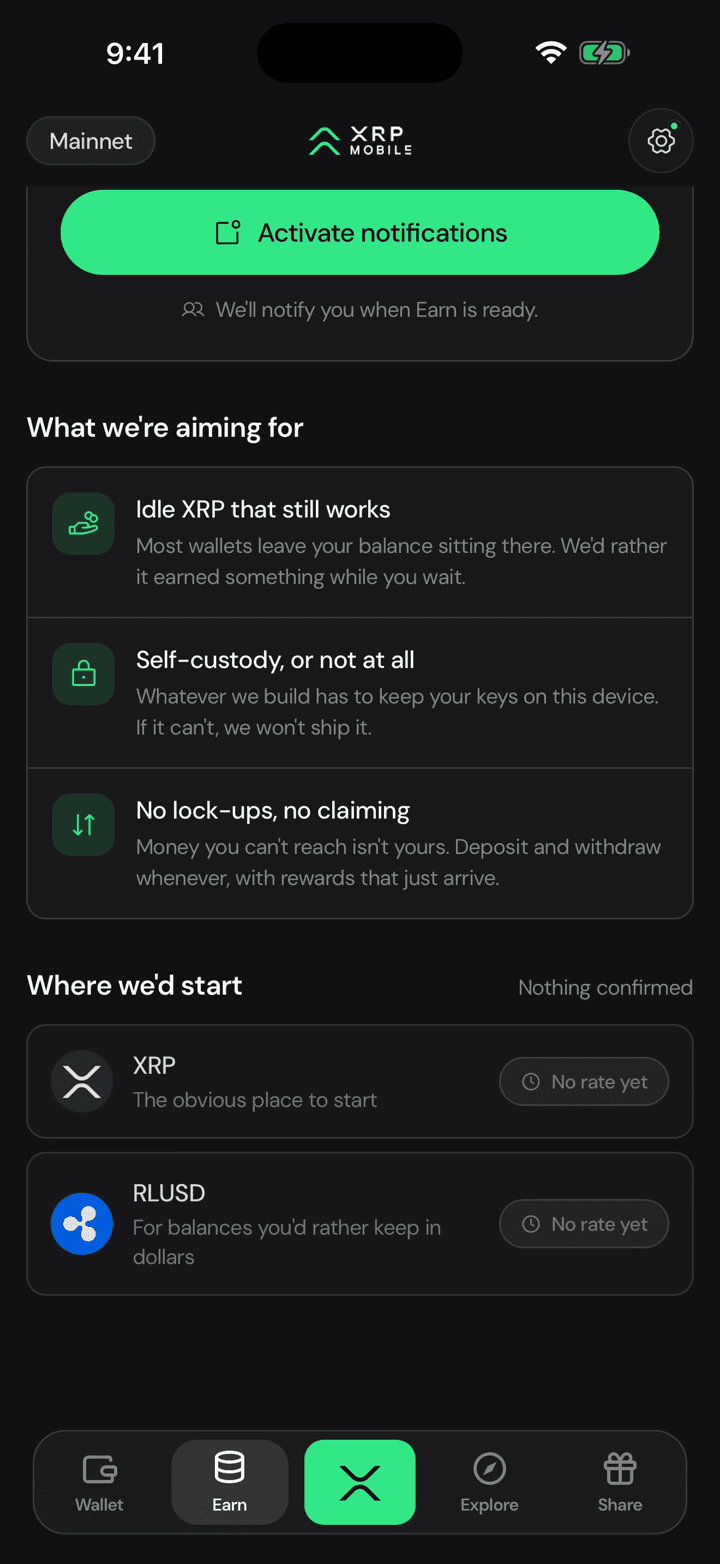
And where we would start: XRP first, then RLUSD for balances you would rather keep in dollars. Nothing confirmed, no rate promised.
4. Get told when it lands
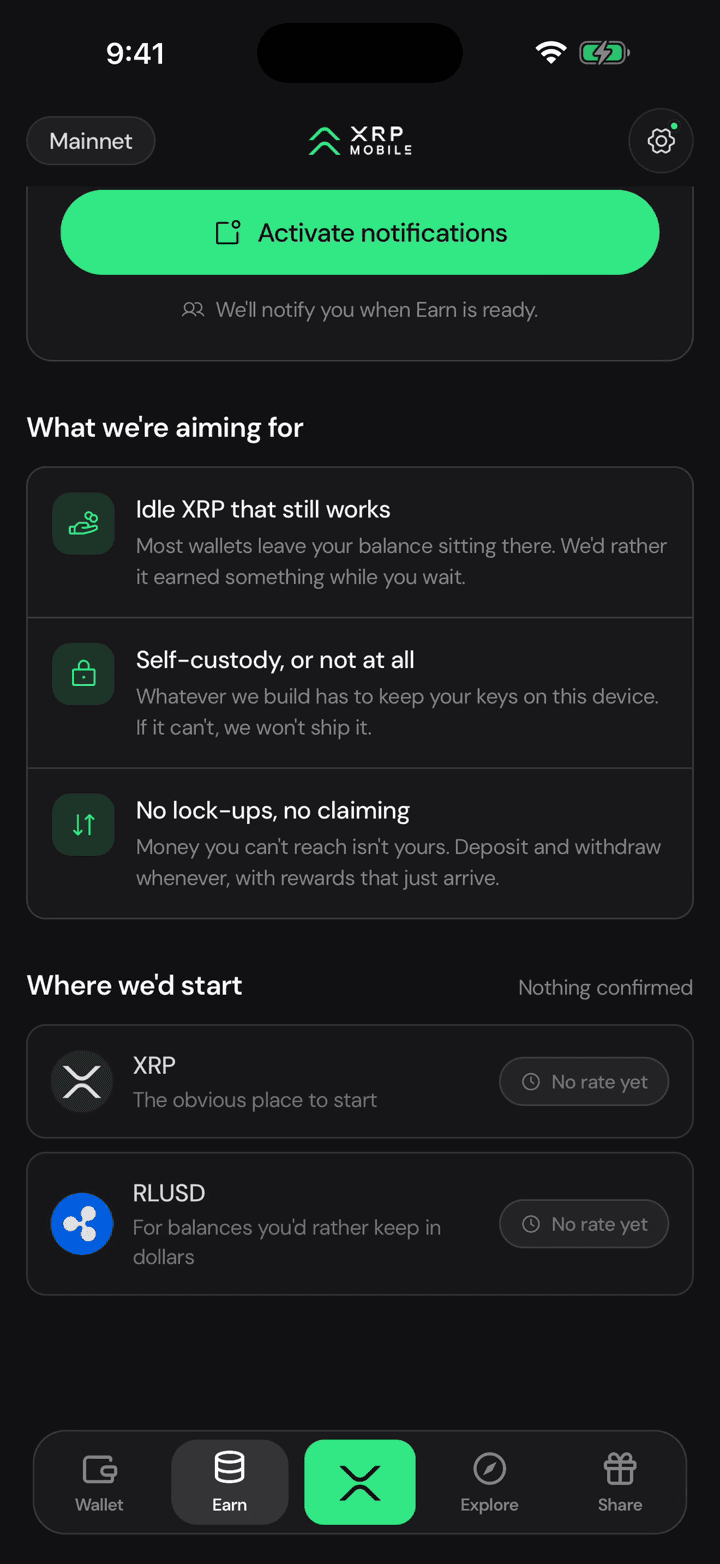
If you want to know the day it goes live, turn on the notification and forget about it.
Look a token up before you buy it
Short XRP Mobile tutorial: open any token's page from the Explore market. Read its chart from one day to all time, then the numbers that matter, market cap, 24 hour volume and total supply, plus links to the project's website and whitepaper. Not financial advice, just where to look.
Change your default currency
Quick XRP Mobile tutorial: change the app's default currency from Settings and watch every balance follow. The selector shows each currency's code, name and symbol, and the search matches names too, so switching takes seconds. Your holdings never change, only what they are priced in.