Swap XRP for USDC
Short XRP Mobile tutorial: swap XRP for USDC from a self custody wallet, with no exchange account. Where the minimum comes from, how to read the live quote, what the two fees actually are, what max slippage protects you from, and why a swap takes half a minute when an XRP payment takes four seconds: it is routed through NEAR Intents and crosses two networks, so it settles with two hashes instead of one.
Turn XRP into a dollar stablecoin without an exchange account, without signing up anywhere. Here is how the swap works, and exactly what it costs.
Prefer to read? The steps below are the same walkthrough, 8 screens and 92 seconds of video.
1. Tap Swap
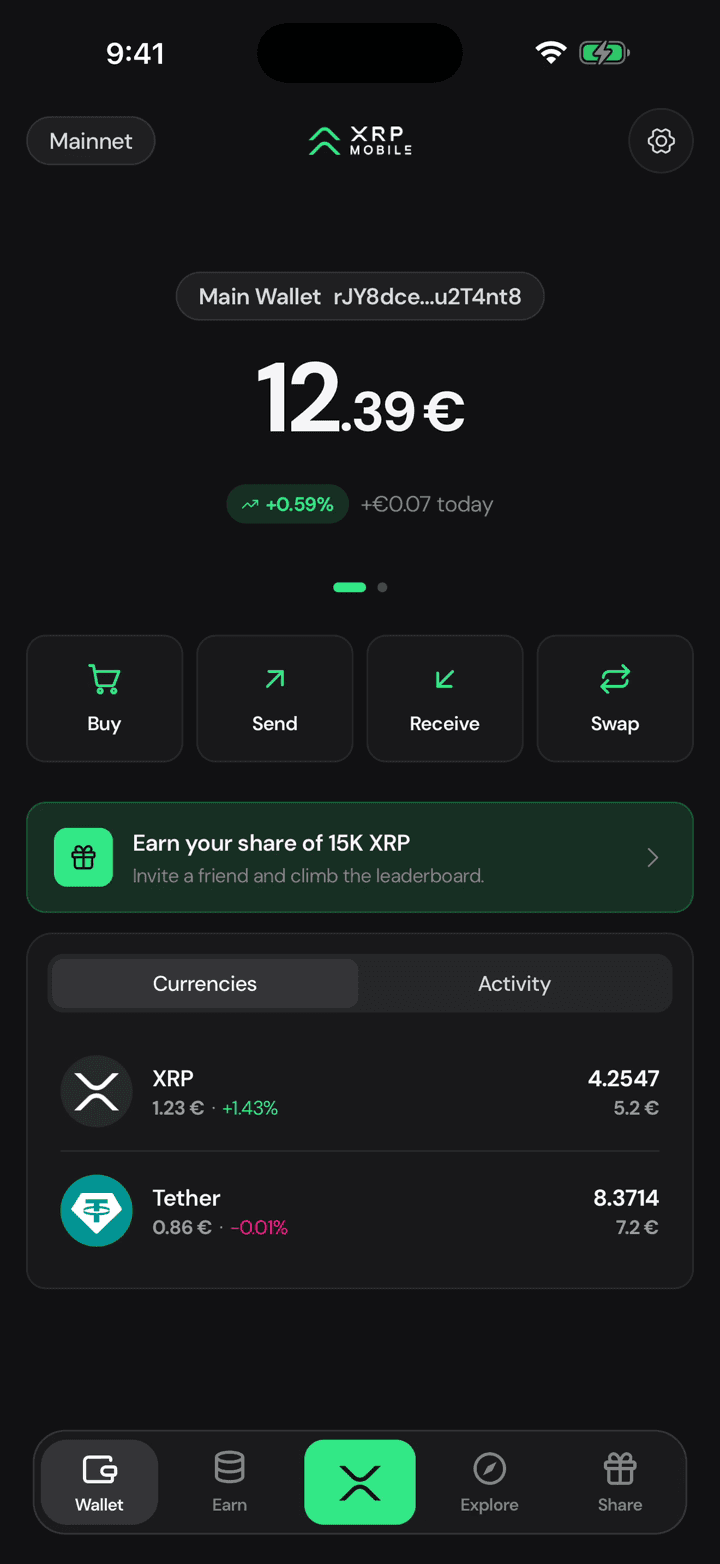
From the wallet home, tap Swap. You pick what you are paying with on top and what you want underneath: XRP for USDC here, and the arrows in the middle flip the pair.
2. Type the amount
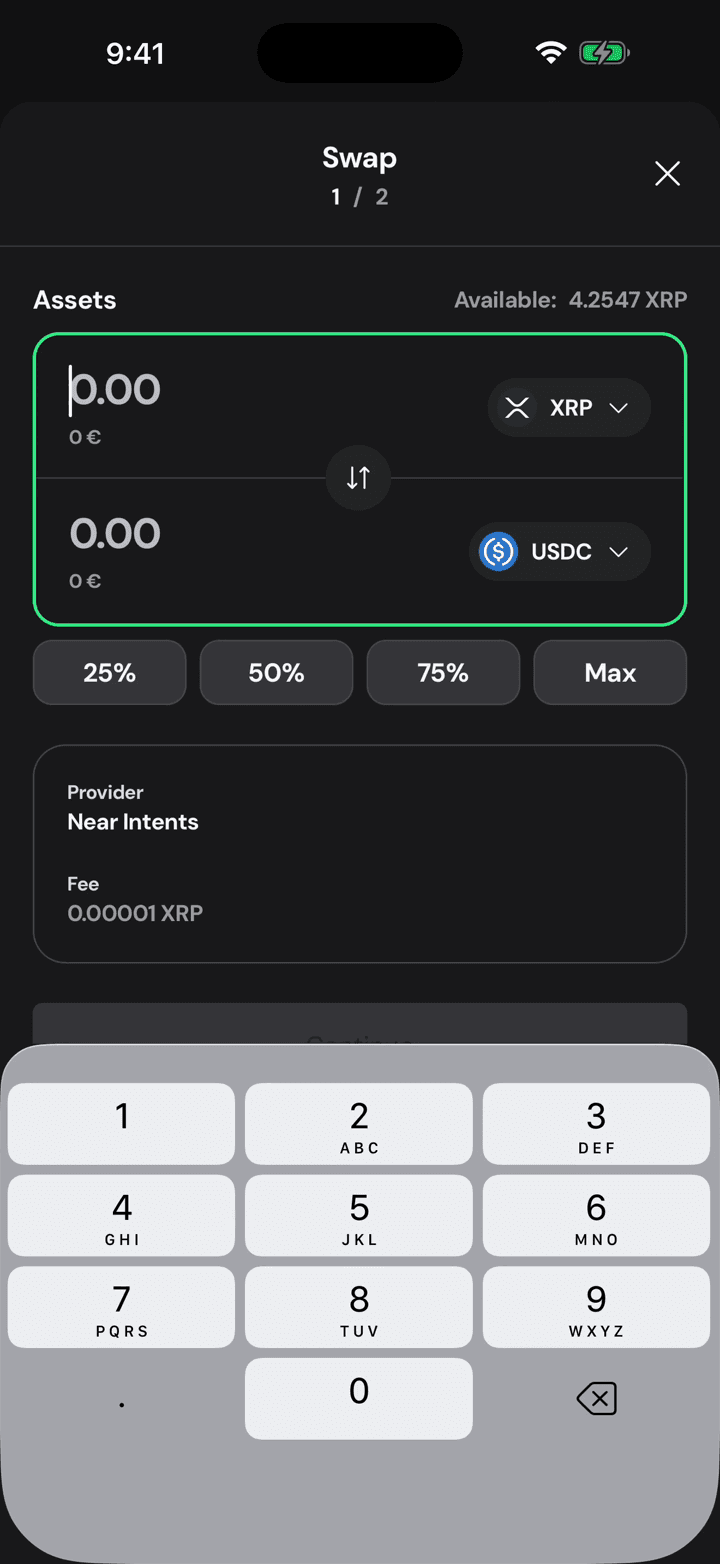
Type what you want to swap, or take a percentage of your balance. The provider sets a minimum, two XRP at the time of recording, and the field tells you when you are under it.
3. Read the quote
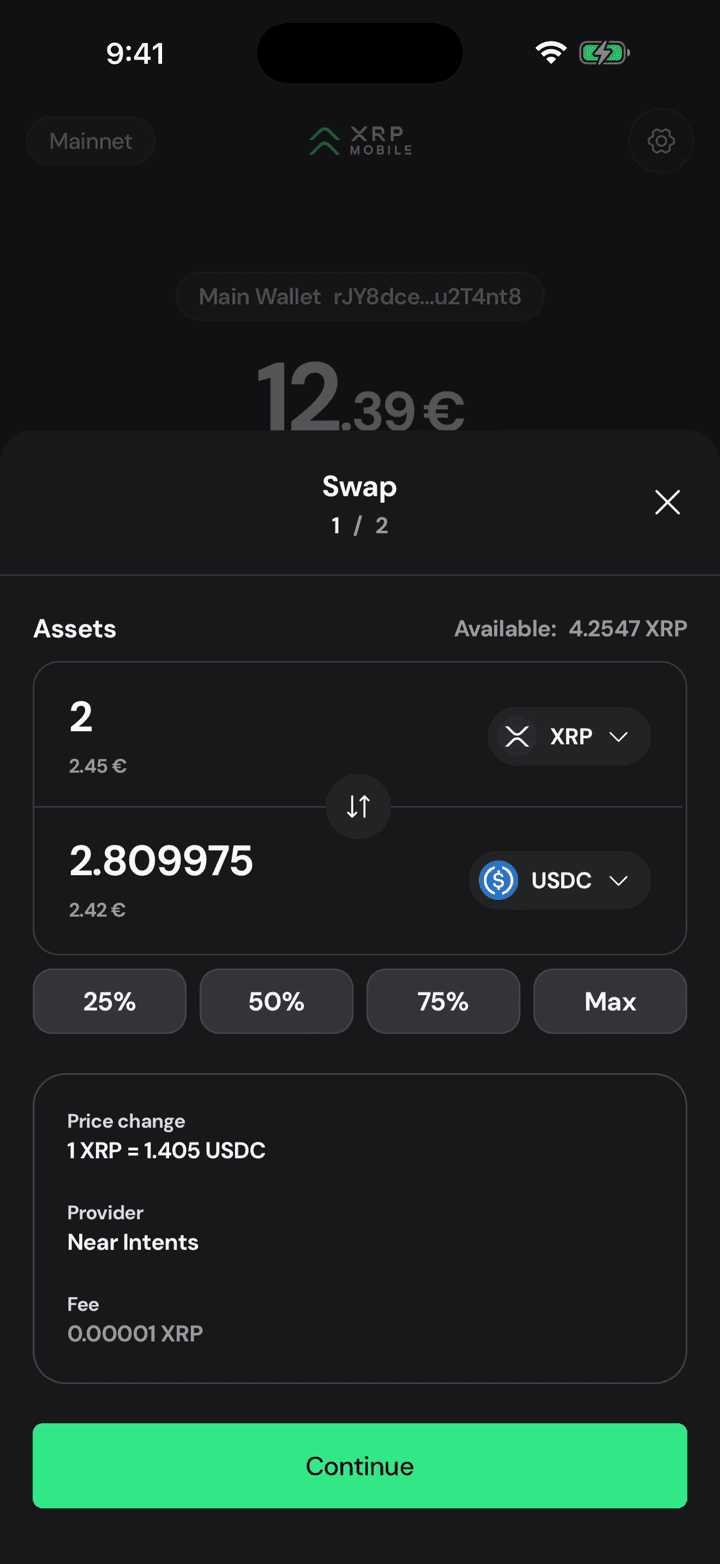
The quote fills in as you type: what you get, in USDC and in your own currency, and the rate it is based on. It is a live quote, not a promise, which is why it refreshes.
4. Check the terms
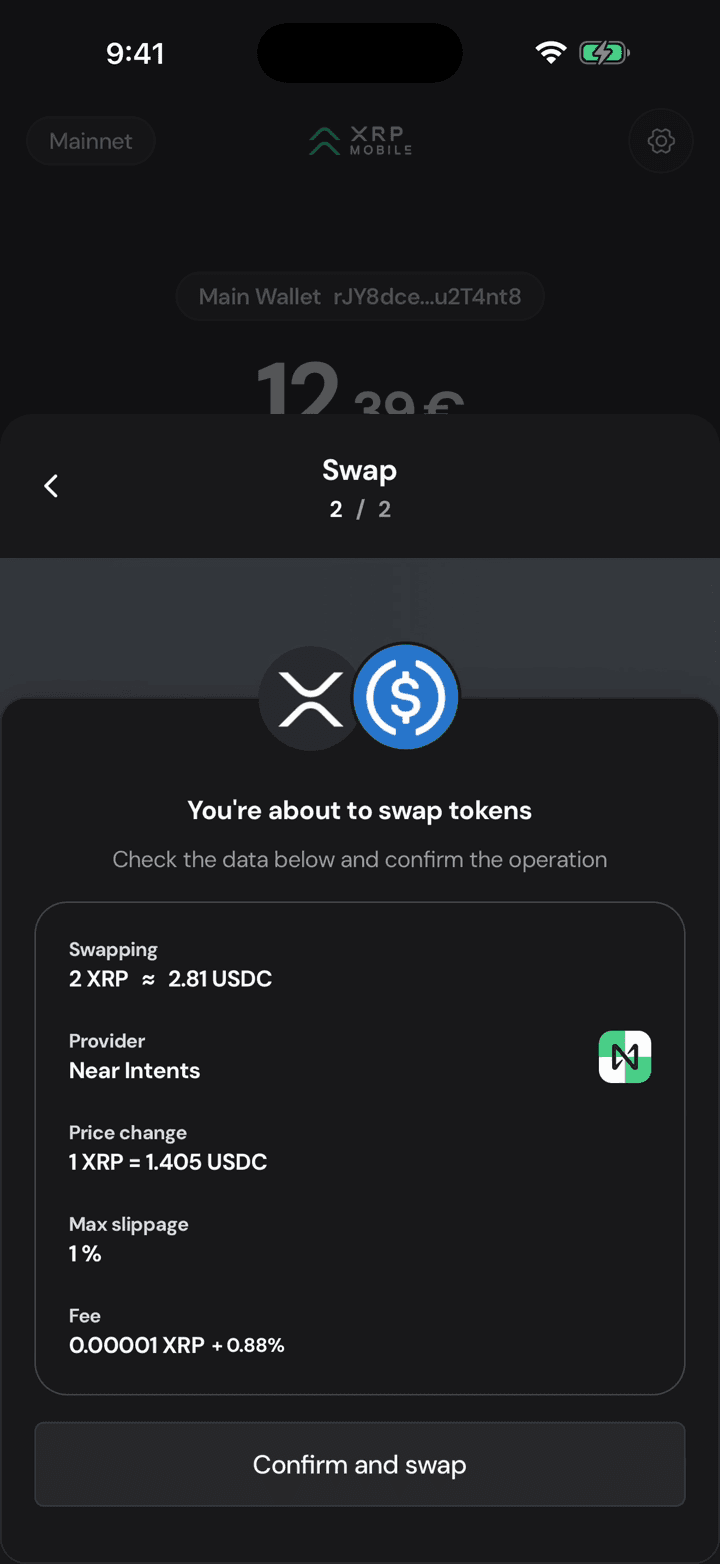
The second step is where the real cost is. Two fees: the network fee, a hundredth of a cent, and the provider's, nought point eight eight percent. Max slippage of one percent is the worst rate you accept: if the market moves further than that while it settles, the swap fails instead of filling badly.
5. Sign with your PIN
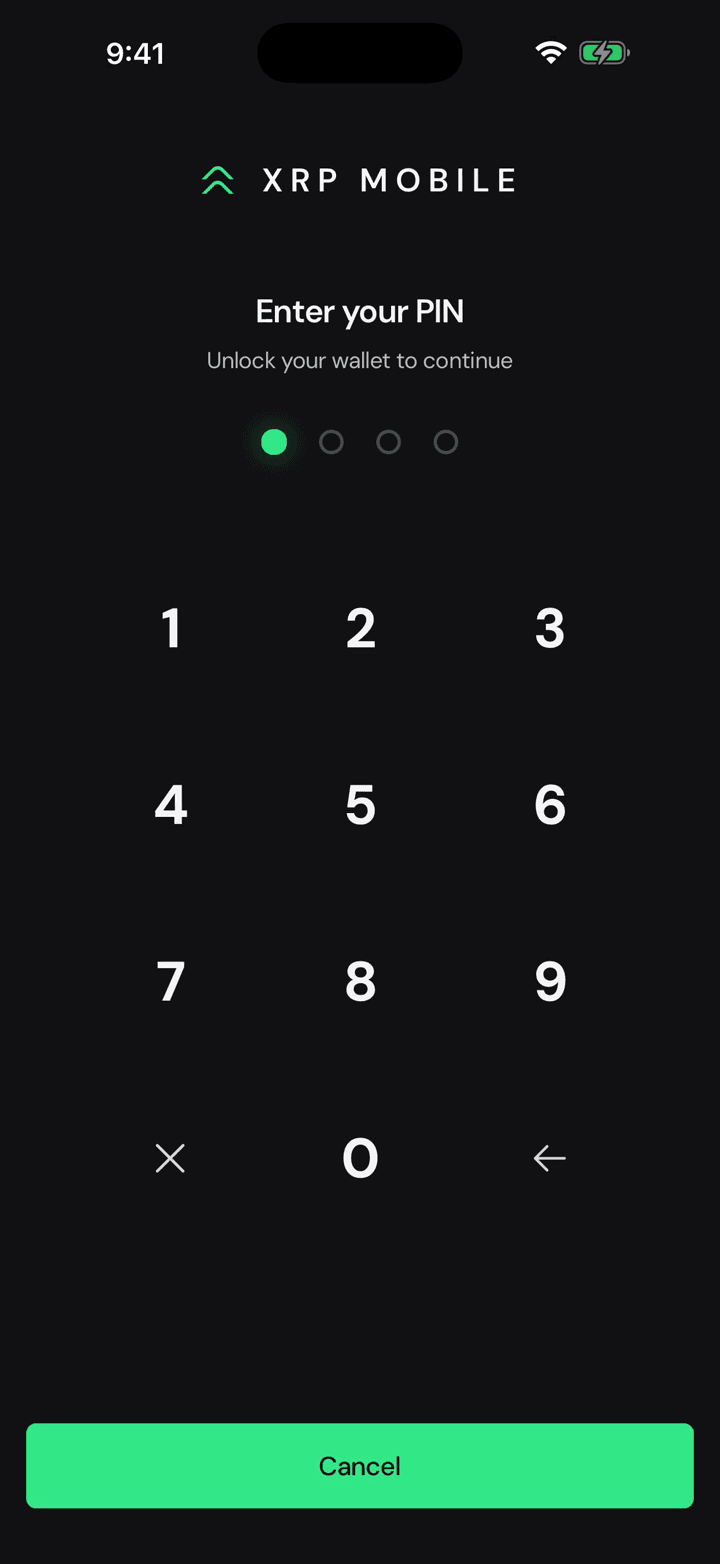
Confirm and swap, then your PIN. Your keys sign this on the phone, the same as any payment.
6. It crosses two networks
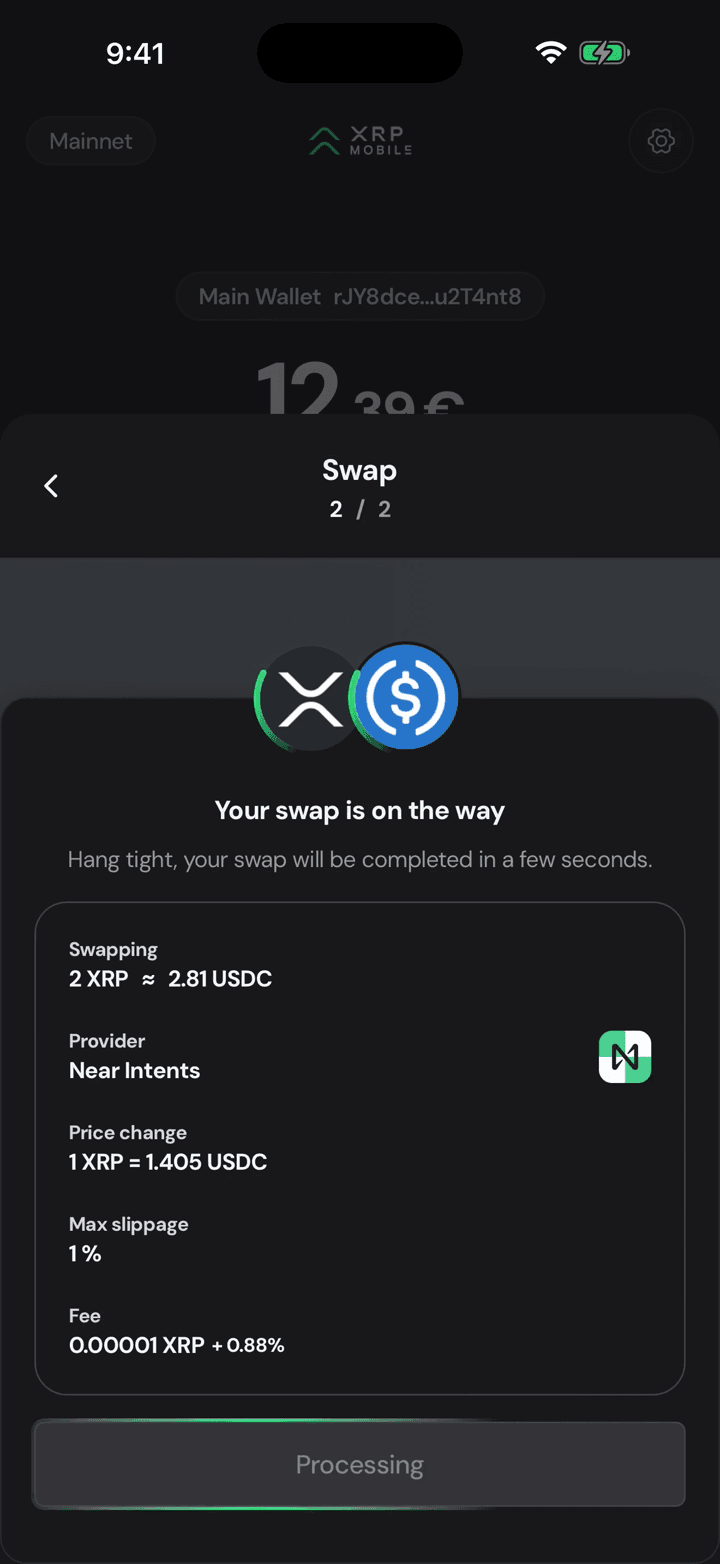
This is not a trade on the XRP Ledger. Your XRP leaves the ledger and the swap is routed through NEAR Intents, which is why it takes half a minute instead of four seconds.
7. Two hashes, both pending
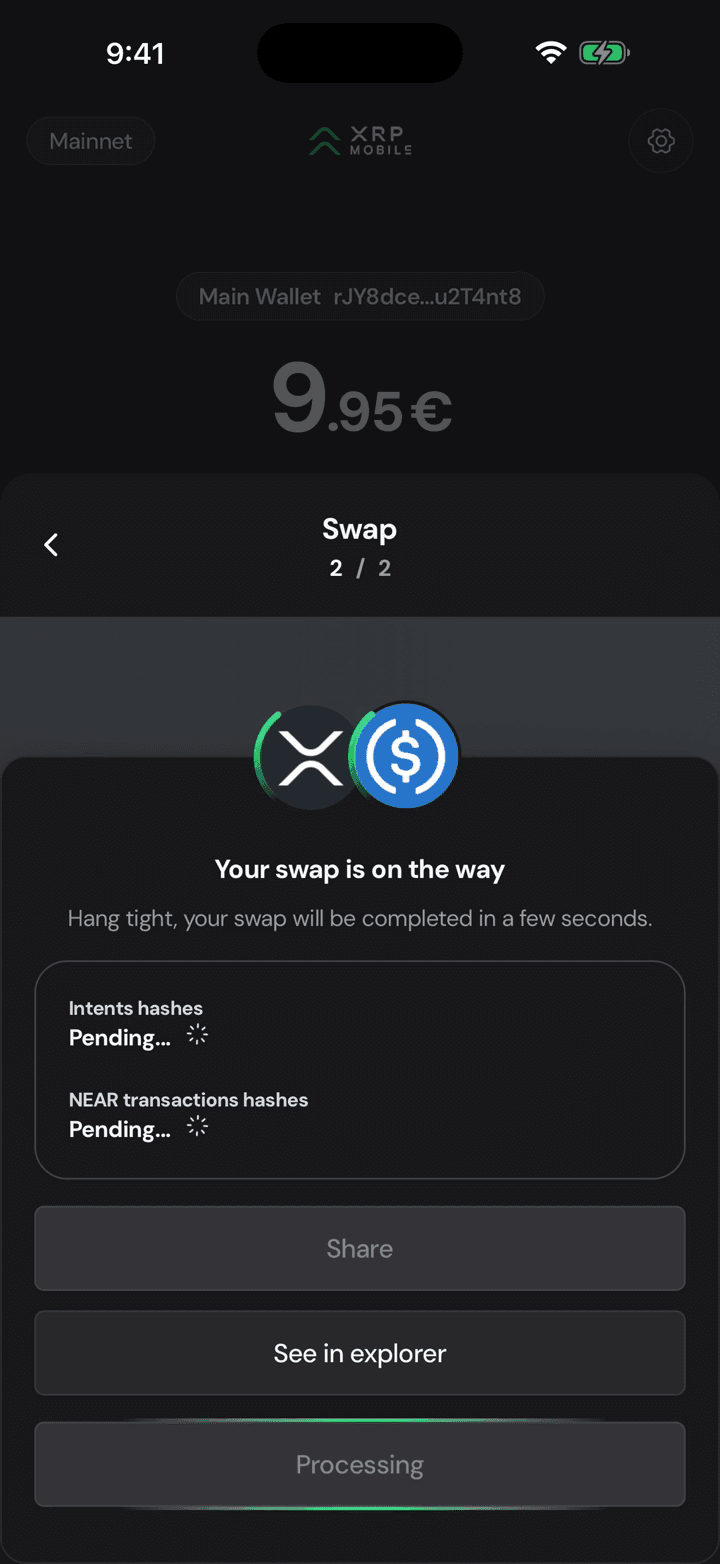
The screen shows both legs while they settle: the intents hash and the NEAR transactions. Pending means it is still moving, not that it is stuck. Leaving the app does not cancel it.
8. Swapped
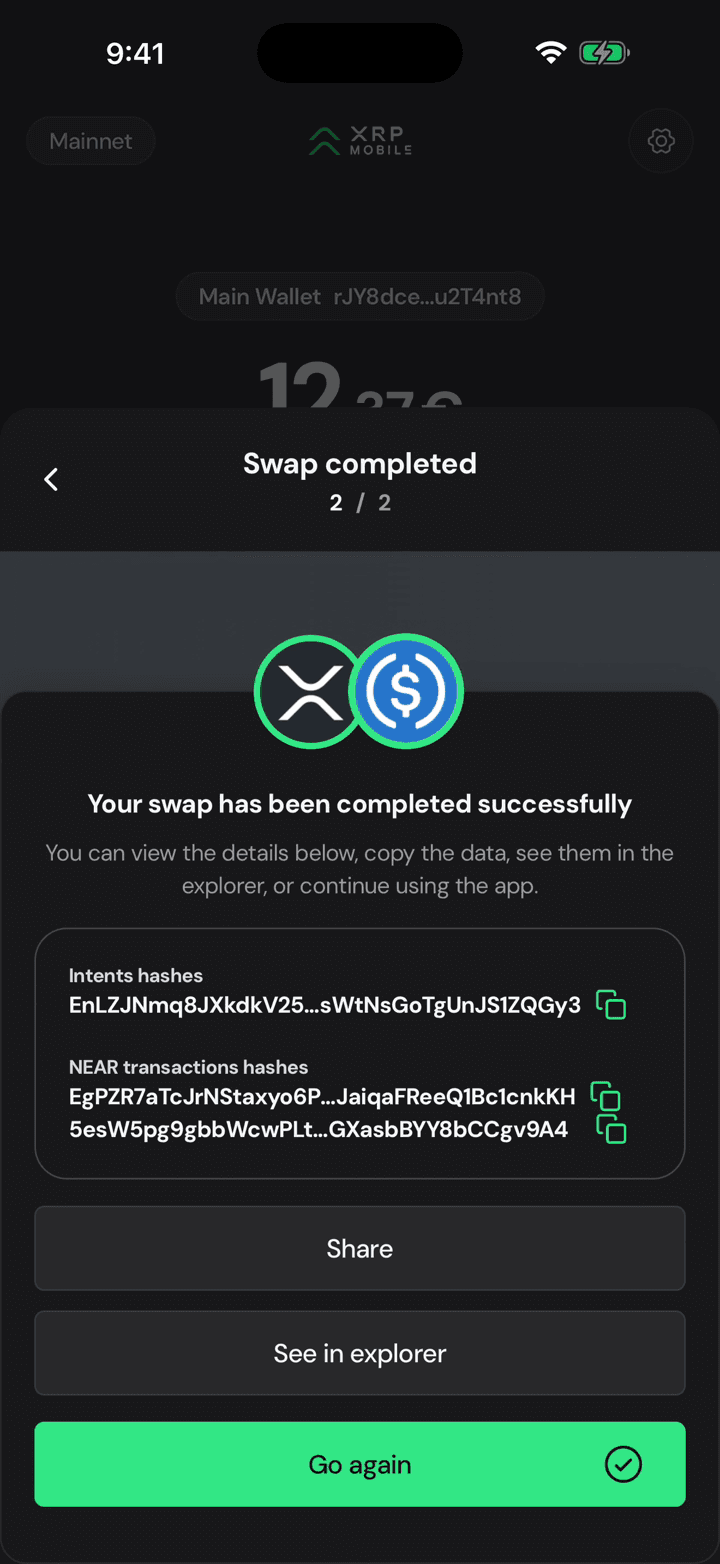
Done. The hashes are now real, and your USDC balance is on the wallet home. Go again if you want to swap the rest.
Send to another chain
Short XRP Mobile tutorial: send a multichain asset out to another blockchain. Choosing USDC turns the recipient row into a network picker, the address field changes to the format that chain expects, and the summary shows what the recipient actually receives after the routing cost. The transfer settles in three legs, each with its own hash, which is why it takes longer than a payment on the XRP Ledger. Includes the warning about sending to exchanges from a third party.
Read your activity
Short XRP Mobile tutorial: read your transaction history. Switch the wallet home from balances to activity, find any payment sent or received, and open its receipt: counterparty, network fee, date, status and the transaction hash you can check on a public XRP Ledger explorer. Also, what those tiny incoming amounts you never asked for are, and why you should ignore them.