Buy XRP with a card
Short XRP Mobile tutorial: buy XRP with a credit or debit card. Pick an amount, watch the live quote update, and read the full breakdown before committing: the rate, the provider's fee, how much XRP actually reaches your wallet, and how long it takes. The card details are entered with the third party provider, never inside the wallet.
Buying crypto with a card is easy. Knowing what it costs you is the part nobody shows. XRP Mobile puts the whole bill on one screen before you commit.
Prefer to read? The steps below are the same walkthrough, 5 screens and 37 seconds of video.
1. Tap Buy
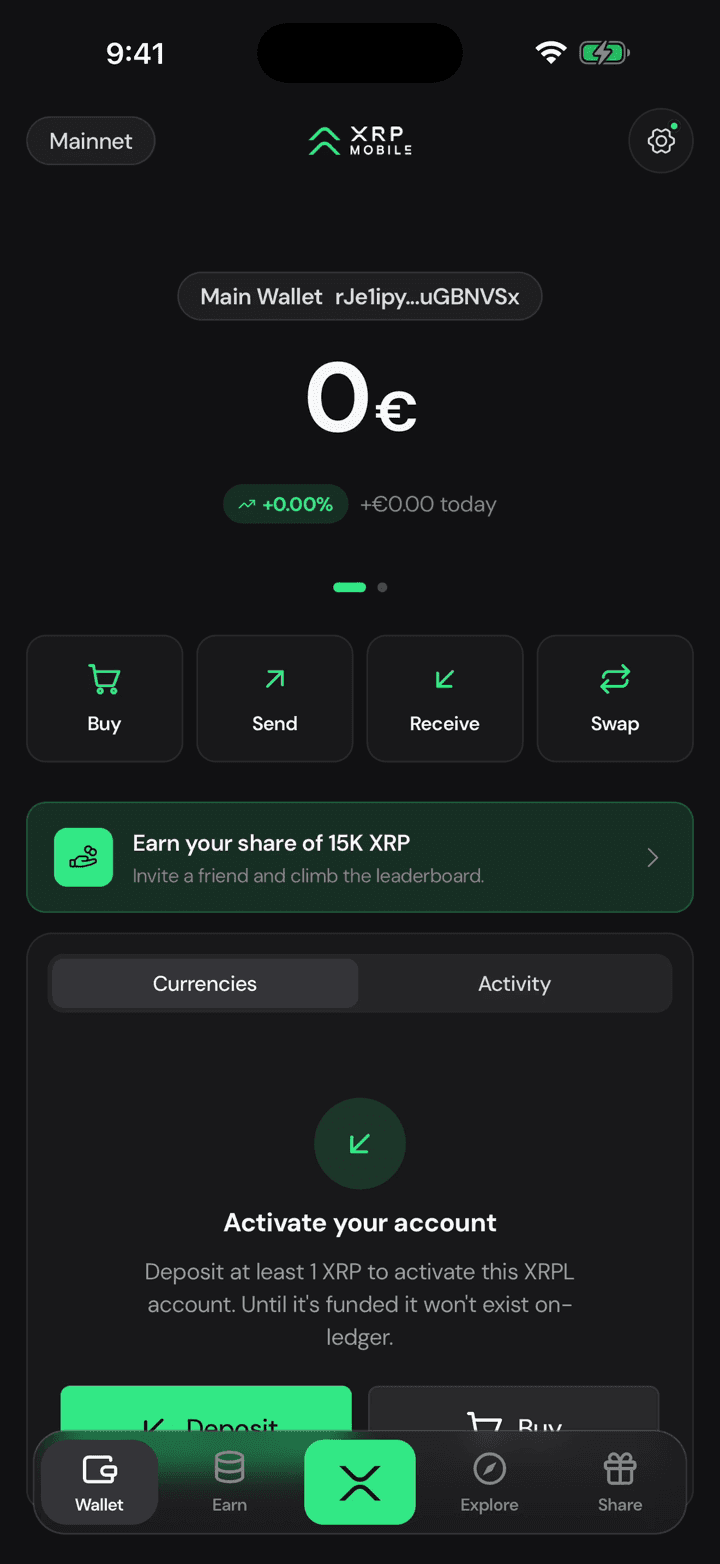
From the wallet home, tap Buy. The XRP lands straight in this wallet, at the address you already have.
2. Pick an amount
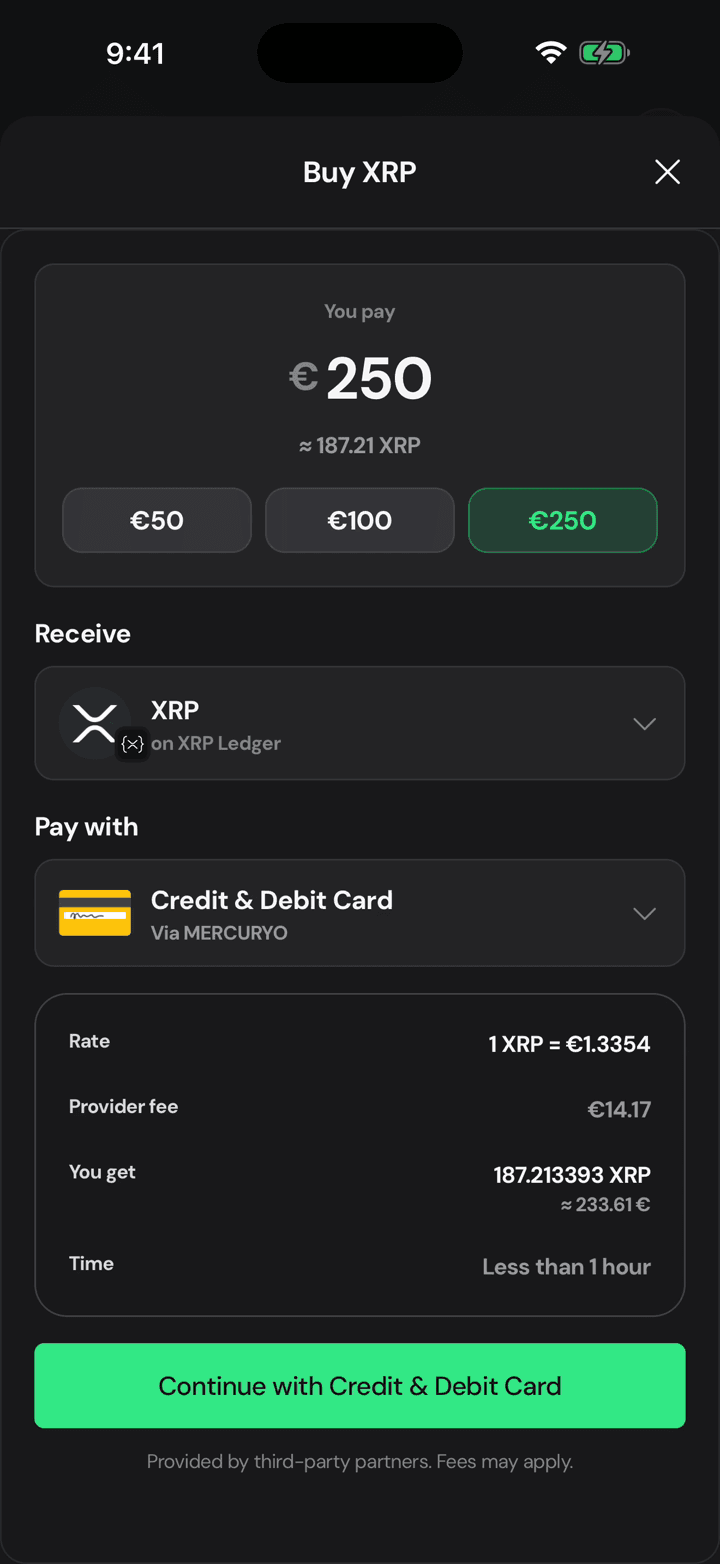
Pick an amount, or type your own. Underneath it tells you roughly how much XRP that becomes at today's price.
3. Change it, the quote follows
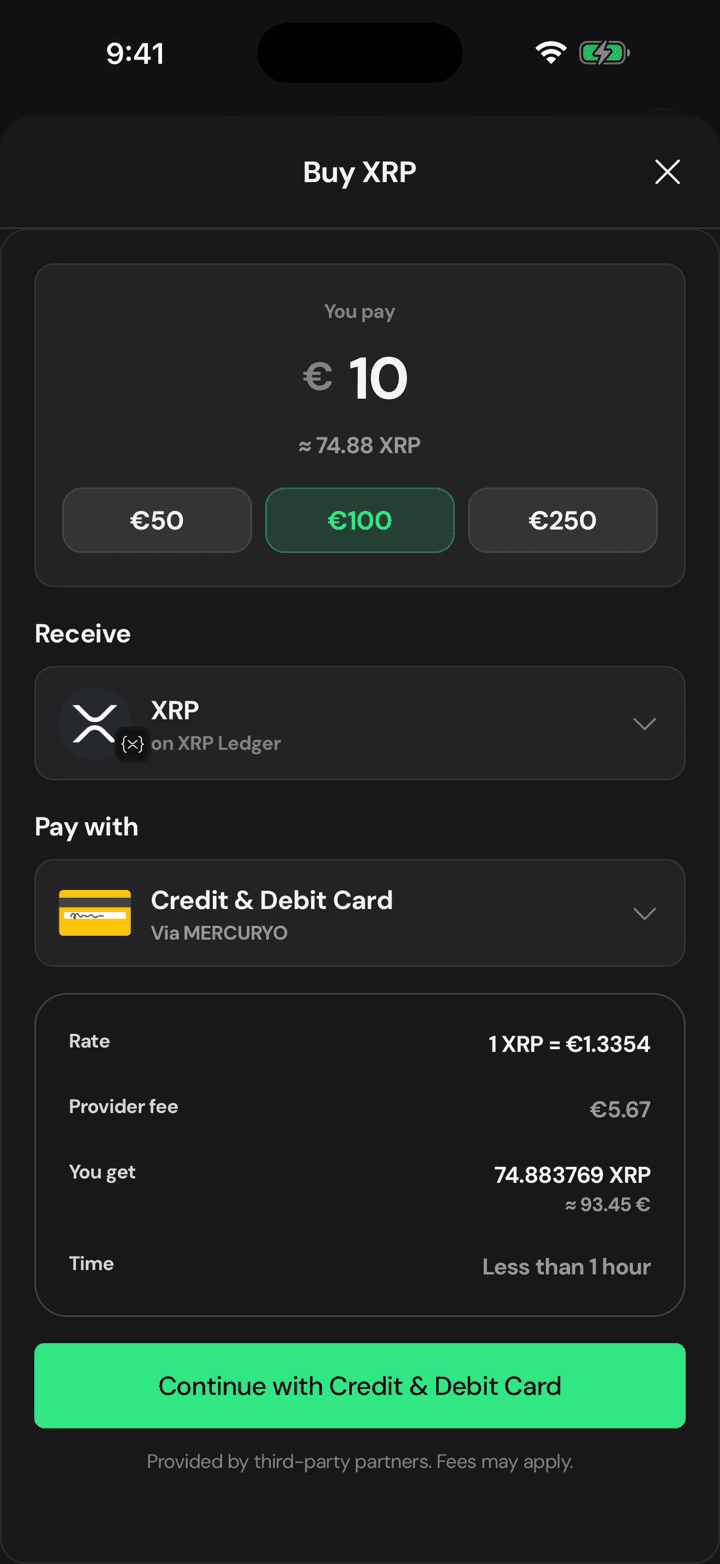
Change your mind and everything recalculates, because this is a live quote from the provider rather than a rough estimate.
4. Read the whole bill
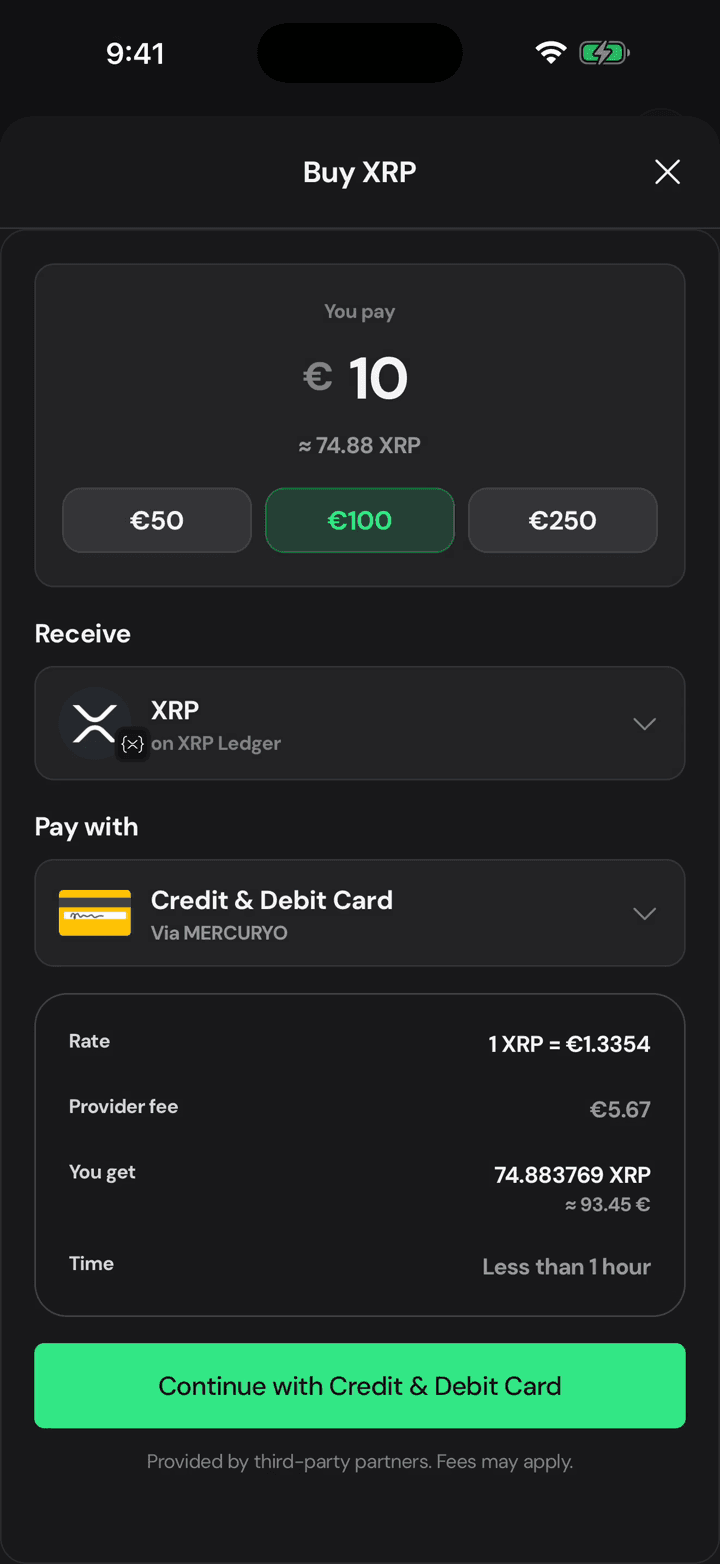
Here is the part worth reading: the rate, the provider's fee, exactly how much XRP reaches you, and how long it takes.
5. The next tap leaves the app
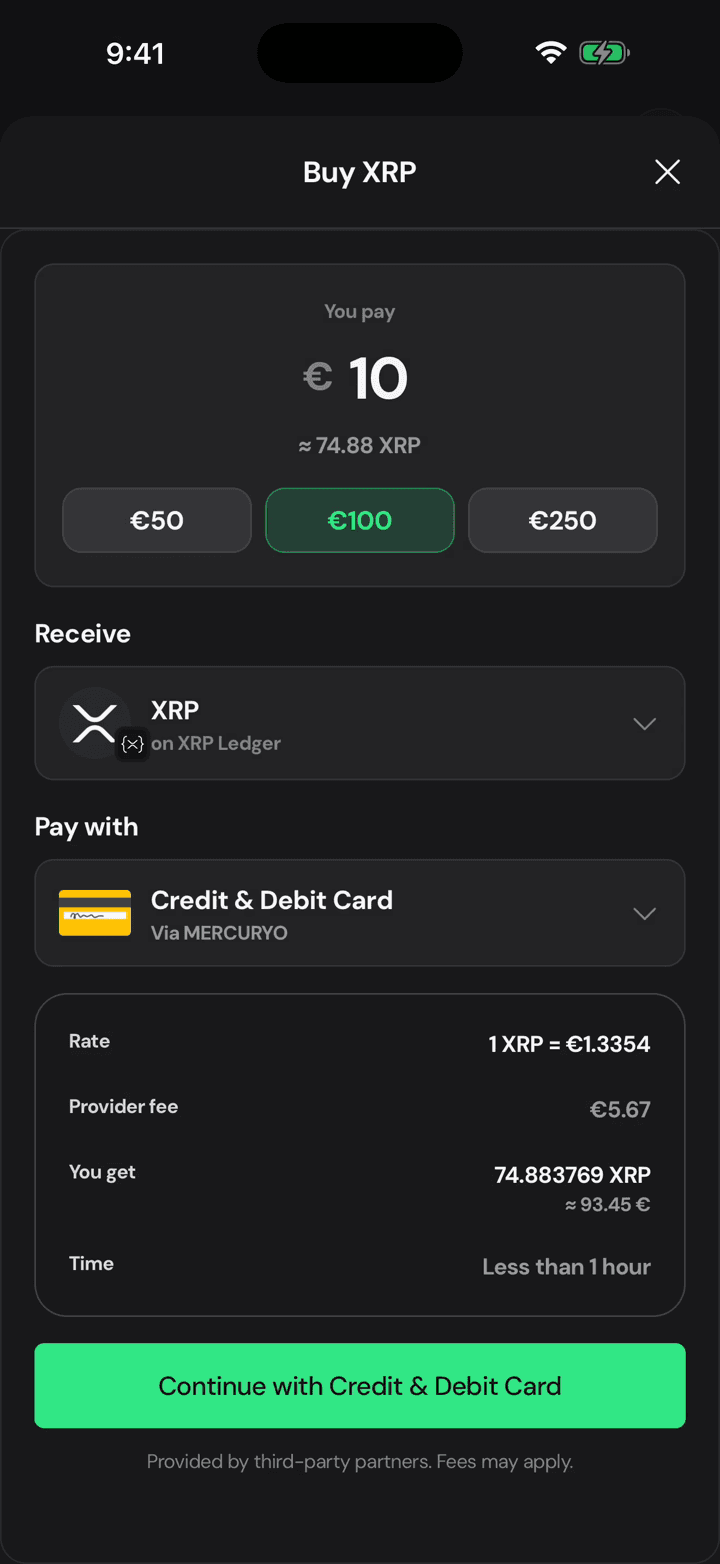
Continue hands you to the payment provider for the card details, outside XRP Mobile. Your card never touches the wallet, and neither do we.
Receive XRP
A short XRP Mobile walkthrough: open Receive, pick XRP, and share your deposit address or QR code. We cover the XRP Ledger network warning that catches people out, and the 1 XRP minimum that a brand new XRPL account needs before it exists on the ledger. XRP Mobile is a self custody wallet where you can buy, send, receive and swap XRP.
Send XRP
Short XRP Mobile tutorial: send XRP from a self custody wallet. Pick a recipient and watch the address validate as you type, enter an amount or use the percentage shortcuts, read what the recipient gets against the network fee, then sign with your PIN. Ends on the transaction hash, your receipt on the XRP Ledger. The one check the wallet cannot do for you: comparing the address against the person expecting the money.