Your first minute in XRP Mobile
Just installed XRP Mobile? This short tour walks through every tab: the Wallet home with buy, send, receive and swap, the Earn roadmap, the Explore market, the Share referral campaign, and the settings behind the gear. A good first watch before any other tutorial.
You've just made a wallet and the app is staring back at you. Here is what every tab does, in under a minute.
Prefer to read? The steps below are the same walkthrough, 6 screens and 37 seconds of video.
1. Wallet is home
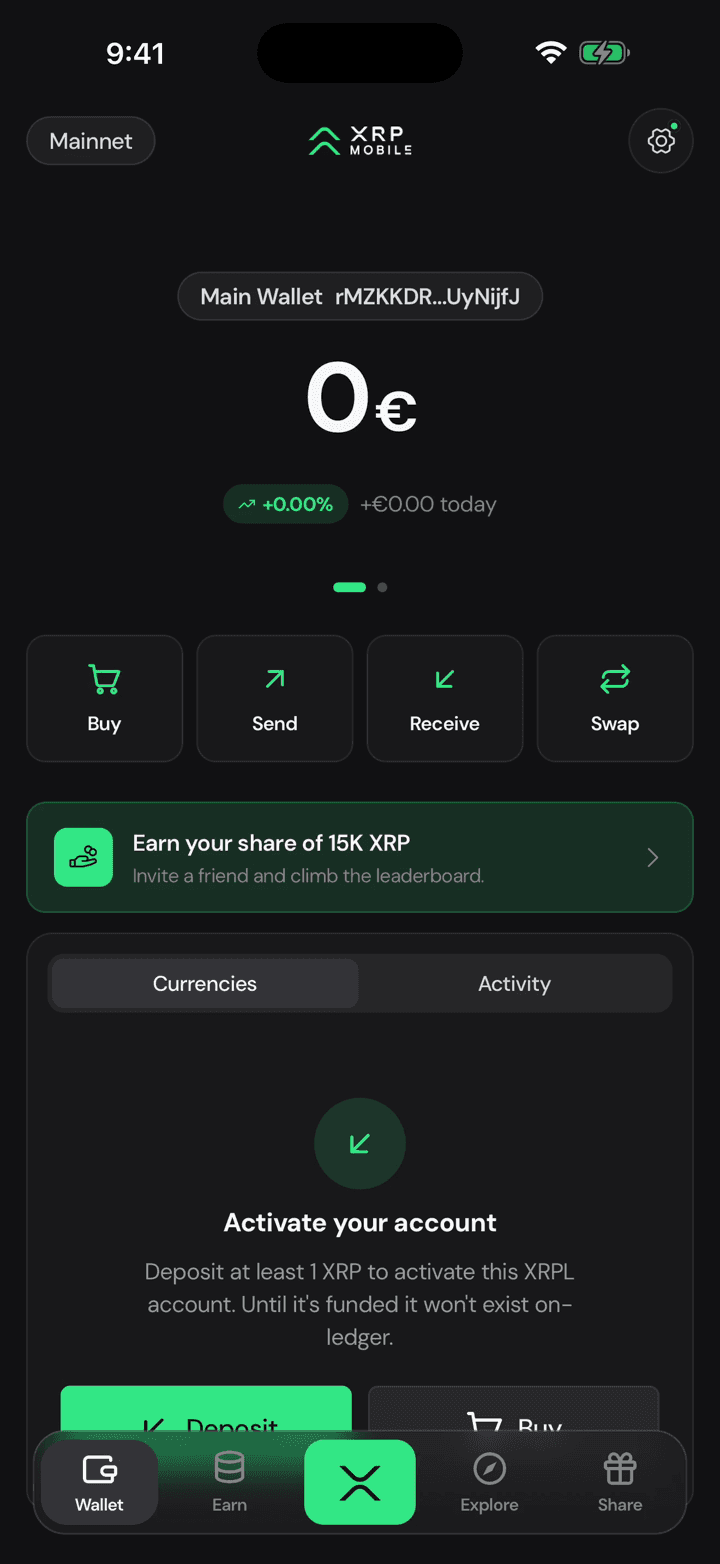
Wallet is where you land: your balance, the four things you can do with it, and your tokens and activity underneath.
2. Earn, still on the way
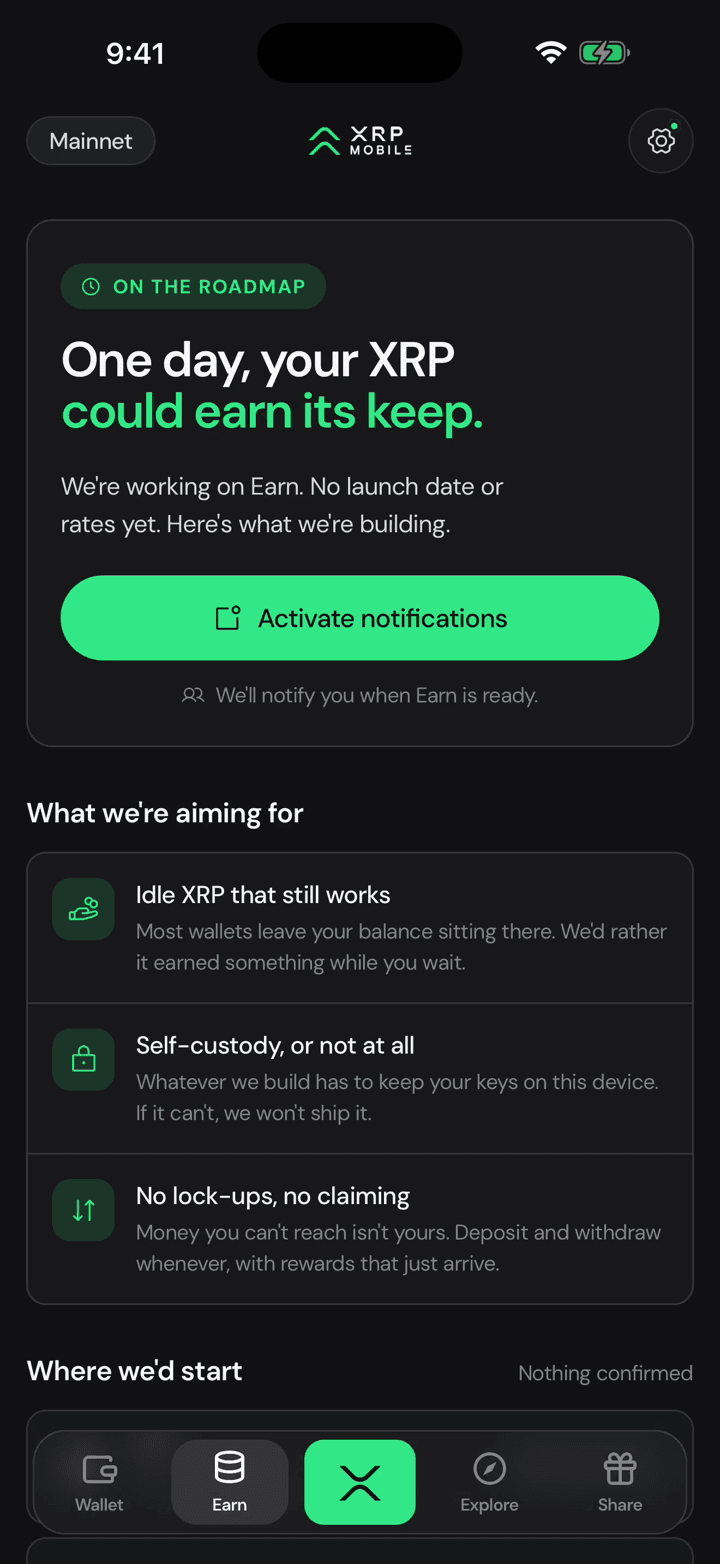
Earn is honest about itself. There is no yield product yet, just what we are building and a way to be told when it lands.
3. Explore is the market
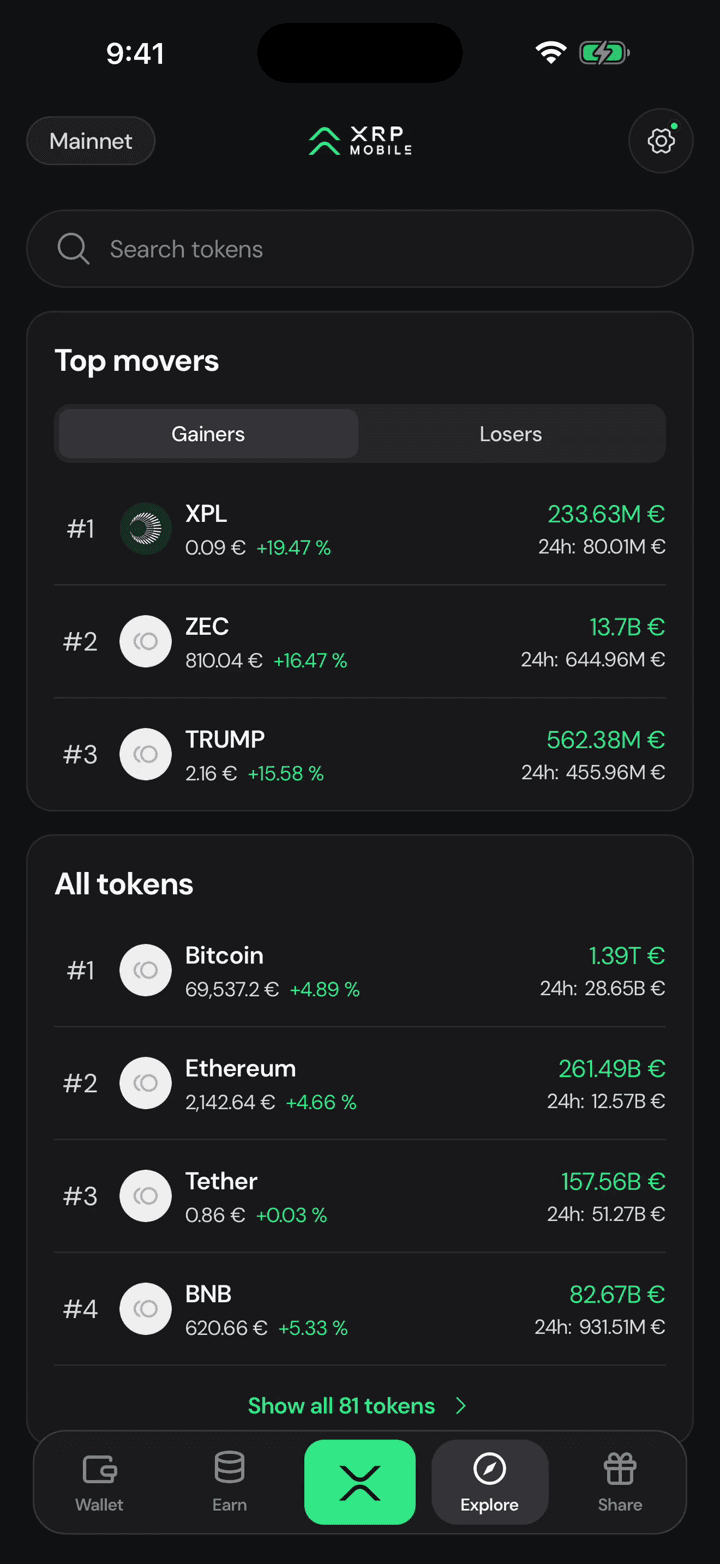
Explore is the market: what is moving today, every token we list, and a page per token with its chart.
4. Share is the campaign
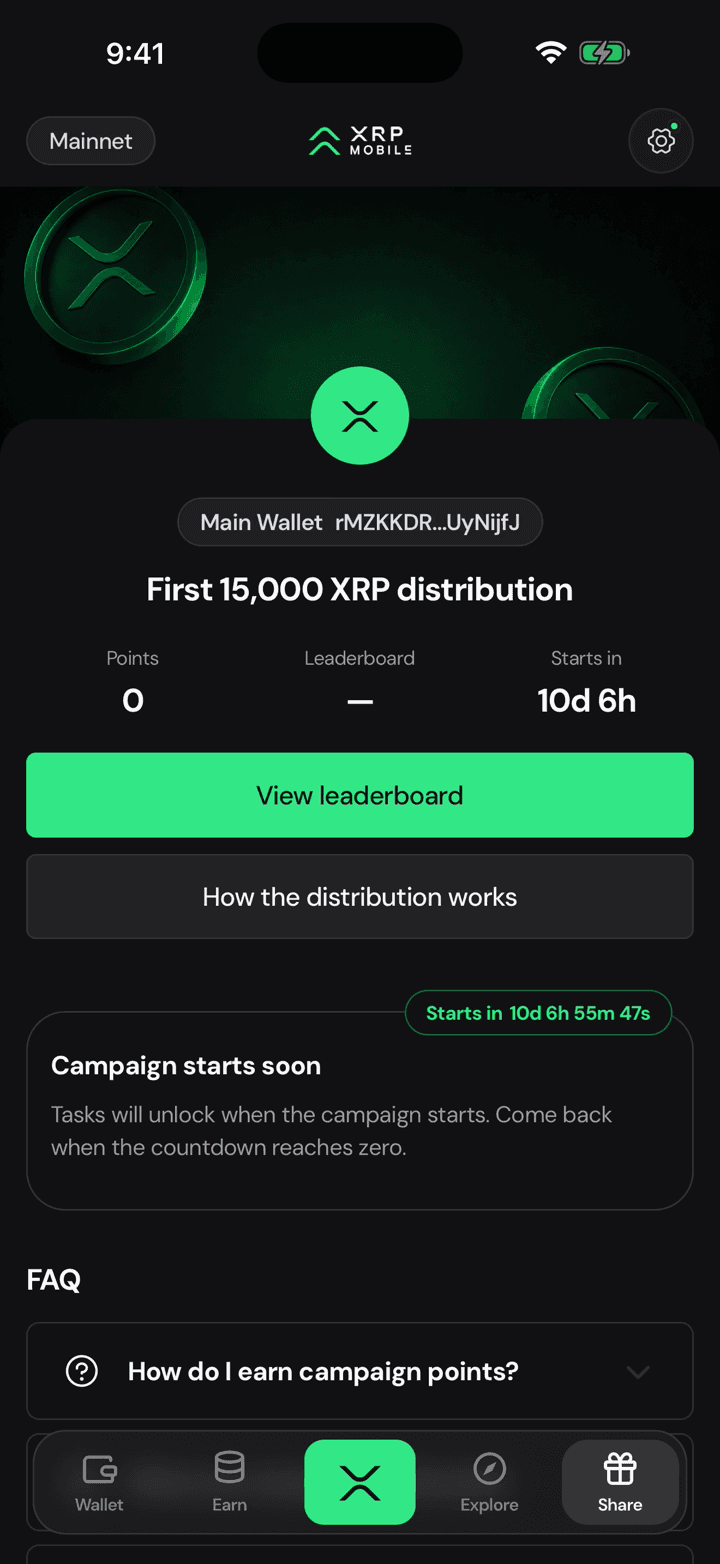
Share is the referral campaign. Your points, the leaderboard, and the tasks that earn you a slice of the pot.
5. Settings behind the gear
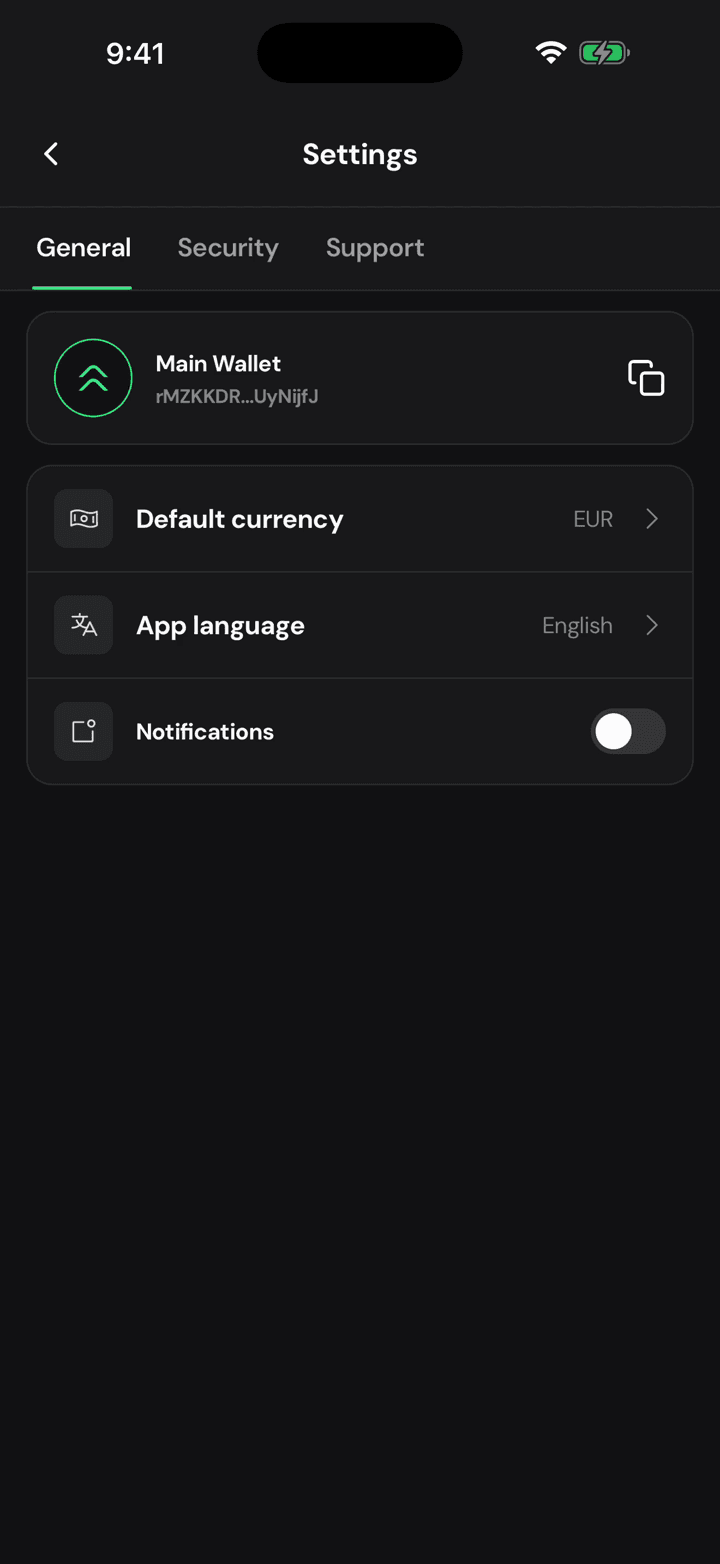
The gear holds the rest: your currency, your language, your PIN, your backup, and support.
6. Back to your wallet
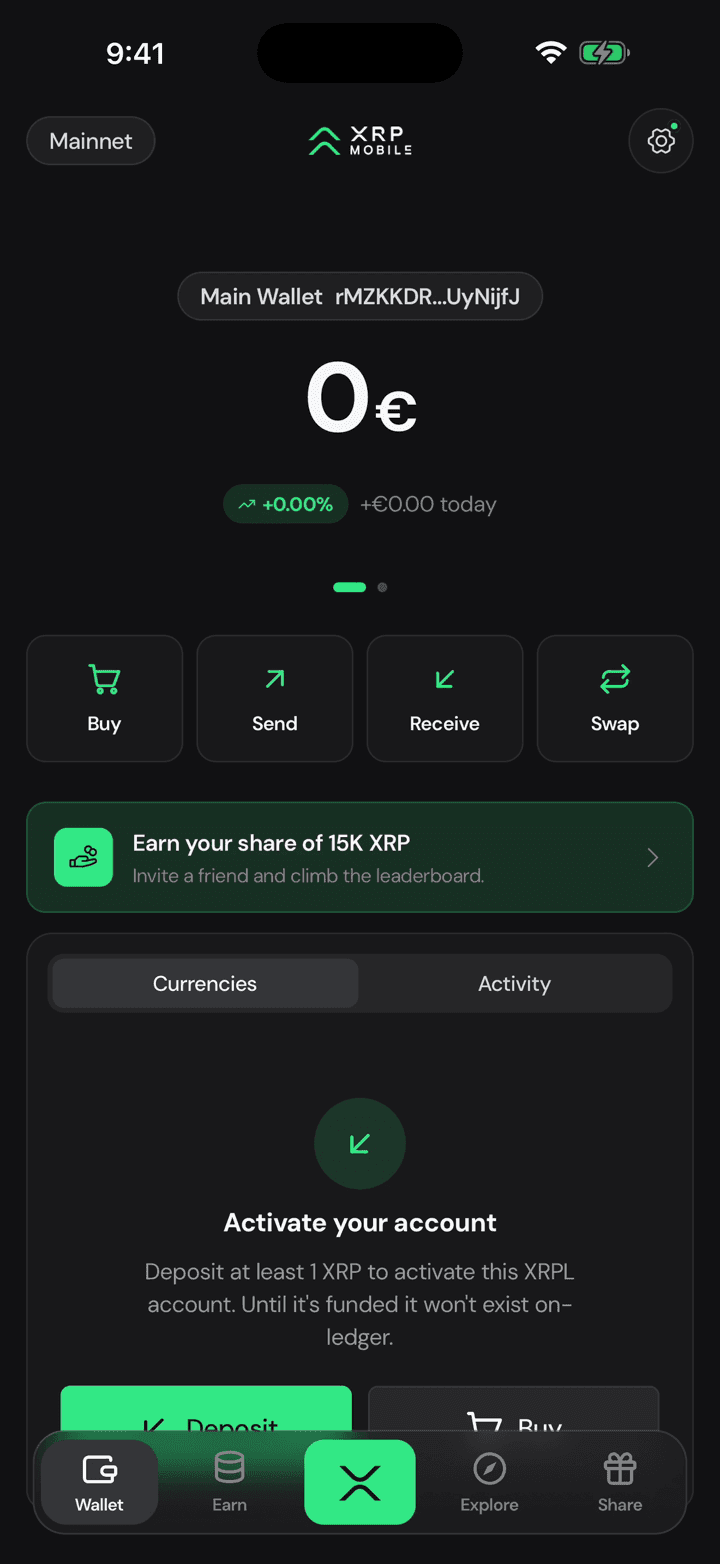
And you are never more than one tap from your wallet.
Create your XRP wallet
In this quick XRP Mobile walkthrough you'll create a self custody XRP wallet on the XRP Ledger, save your recovery phrase, set a PIN and enter a referral code. XRP Mobile is a noncustodial wallet where you can buy, send, receive and swap XRP. Perfect if you're getting started with XRP or self custody.
Import a wallet with your recovery phrase
Step by step XRP Mobile tutorial: import an existing XRP Ledger wallet using its 12 word recovery phrase. Type the words in order or paste them, name the wallet, set a device PIN, and your account comes back with the same address and the same balance. The keys stay on your phone, and the PIN is local to the device.