Read your activity
Short XRP Mobile tutorial: read your transaction history. Switch the wallet home from balances to activity, find any payment sent or received, and open its receipt: counterparty, network fee, date, status and the transaction hash you can check on a public XRP Ledger explorer. Also, what those tiny incoming amounts you never asked for are, and why you should ignore them.
Did that payment actually go through? Every transaction your wallet has ever made or received is one tap away, with the receipt that settles the argument.
Prefer to read? The steps below are the same walkthrough, 5 screens and 55 seconds of video.
1. Balances, then history
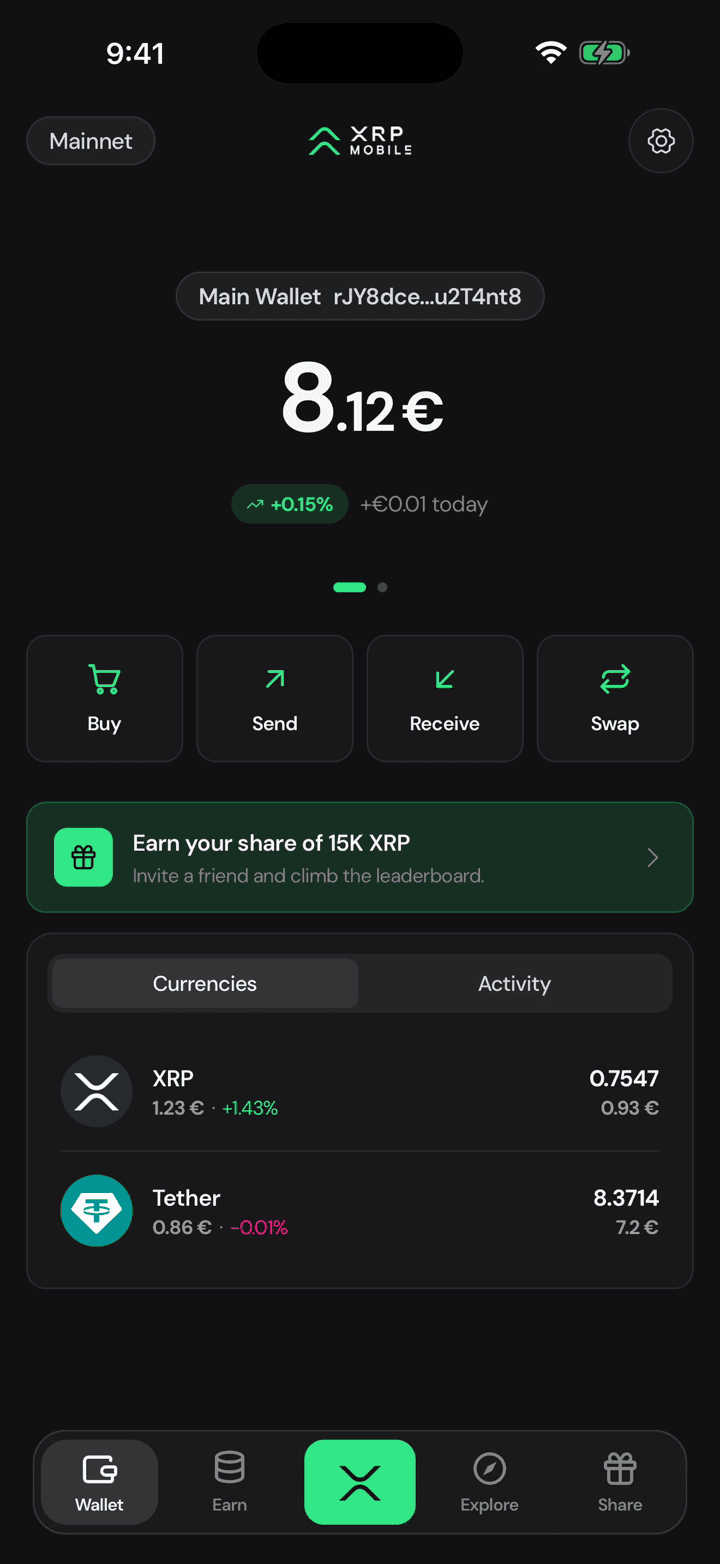
The wallet home has two tabs. Currencies is what you hold right now. Activity is how it got there.
2. Everything in and out
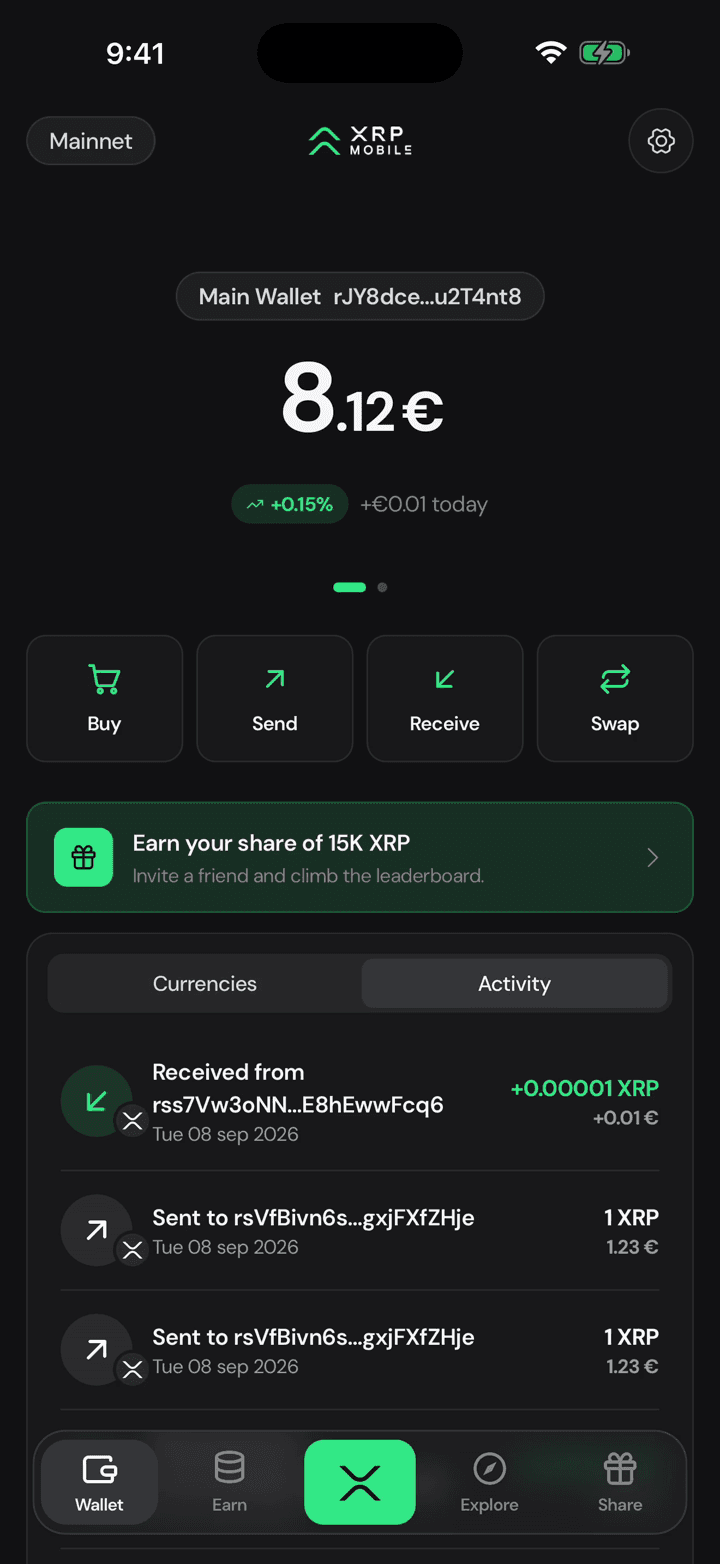
Every payment, sent and received, newest first, with the amount in XRP and in your own currency. The tiny incoming amounts you do not recognise are spam: the XRP Ledger lets anyone send you a fraction of a cent, and some senders use it to advertise. Ignore them, and never follow a link one of them carries.
3. Open one for the receipt
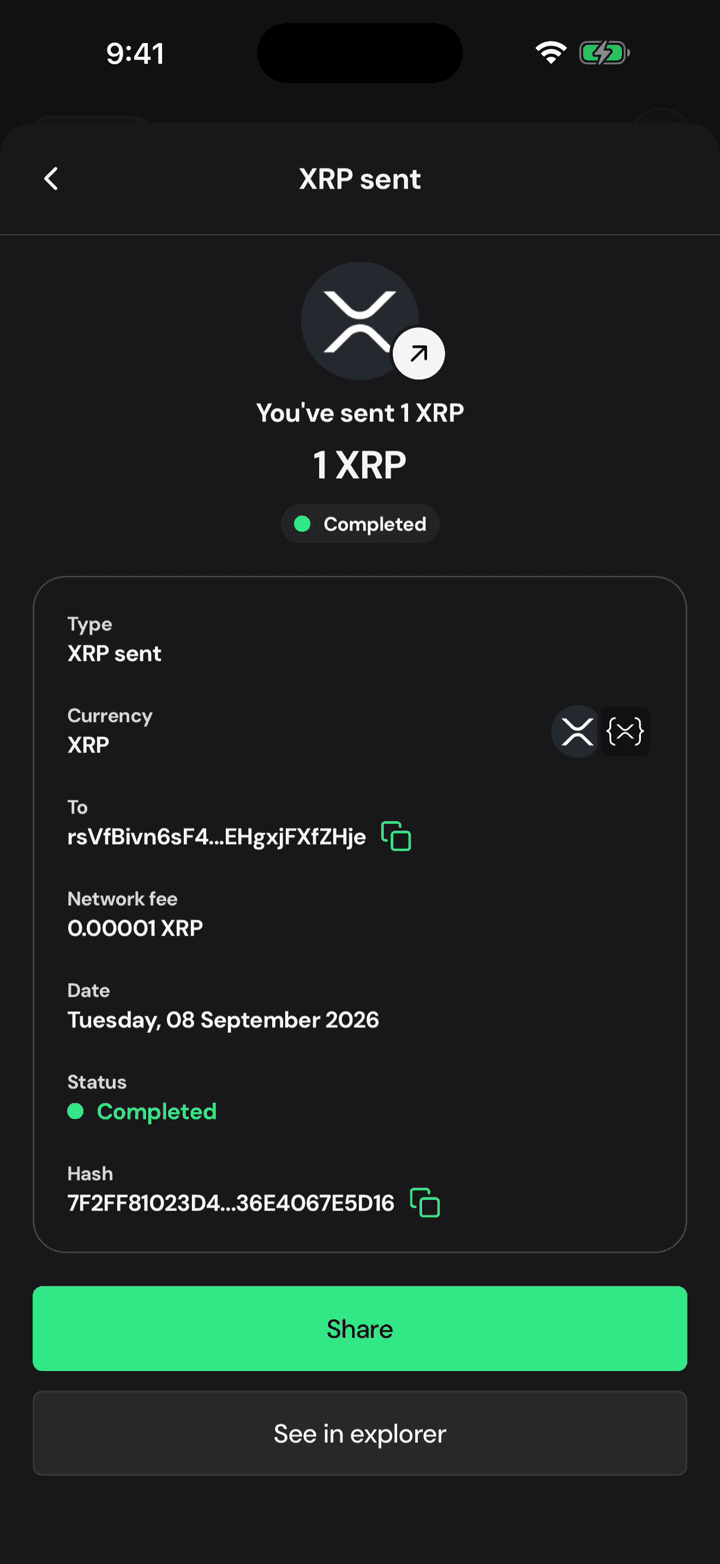
Tap any entry to open its receipt.
4. Fee, status and hash
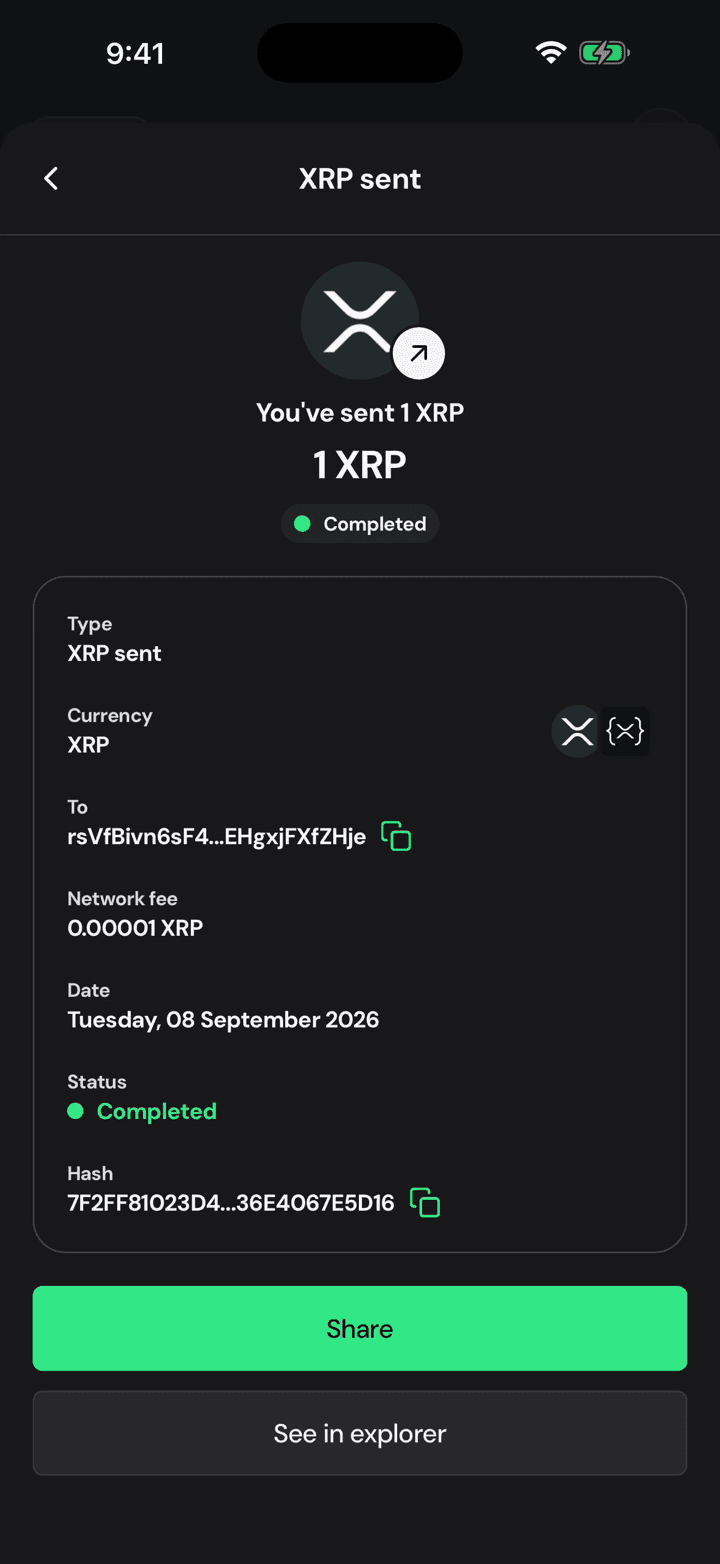
Who it went to, what the network charged, the date, and whether it completed. At the bottom, the transaction hash: that is the proof. Copy it, or open it in the explorer to see the same payment on the public ledger, from outside the app.
5. Back to your balances
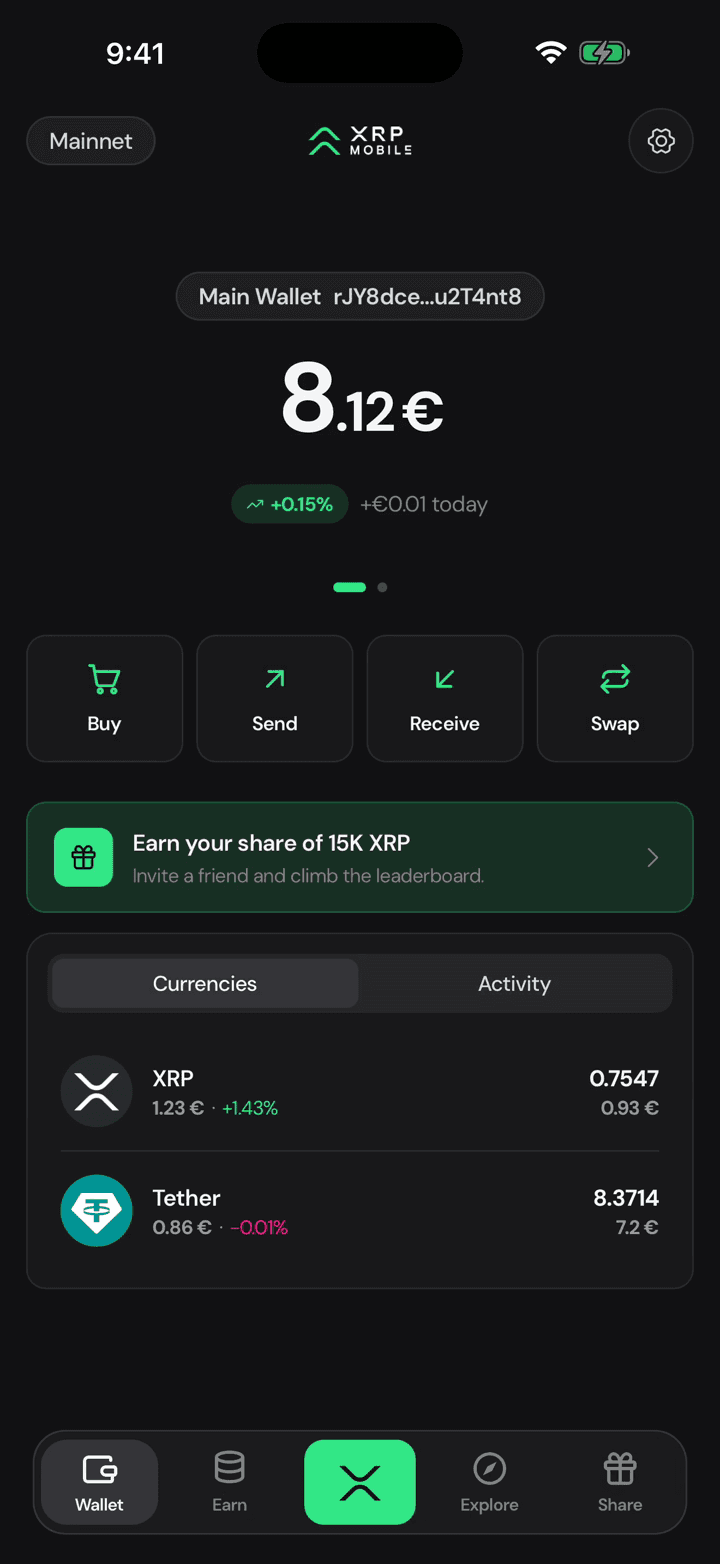
Back out and you are on your balances again. Nothing here is stored by us: the list is read from the XRP Ledger every time you open it.
Swap XRP for USDC
Short XRP Mobile tutorial: swap XRP for USDC from a self custody wallet, with no exchange account. Where the minimum comes from, how to read the live quote, what the two fees actually are, what max slippage protects you from, and why a swap takes half a minute when an XRP payment takes four seconds: it is routed through NEAR Intents and crosses two networks, so it settles with two hashes instead of one.
Change your PIN
Short XRP Mobile tutorial: change your wallet PIN from Settings, Security. The app asks for your current PIN before it lets you set a new one, so nobody holding your unlocked phone can change it blind. The new PIN unlocks the app and signs every transaction from then on.