Get help from a human
Short XRP Mobile tutorial: find help from the Support tab. Start a chat with the team, or read the built in FAQ that covers the questions we get most, why 1 XRP is locked in your wallet, how swaps work, where multichain tokens are held, and why a deposit can take a few minutes. Nobody from XRP Mobile will ever ask for your recovery phrase.
Something is not working and you want a person. Before that, the app already answers the questions we get asked most.
Prefer to read? The steps below are the same walkthrough, 4 screens and 32 seconds of video.
1. Settings, then Support
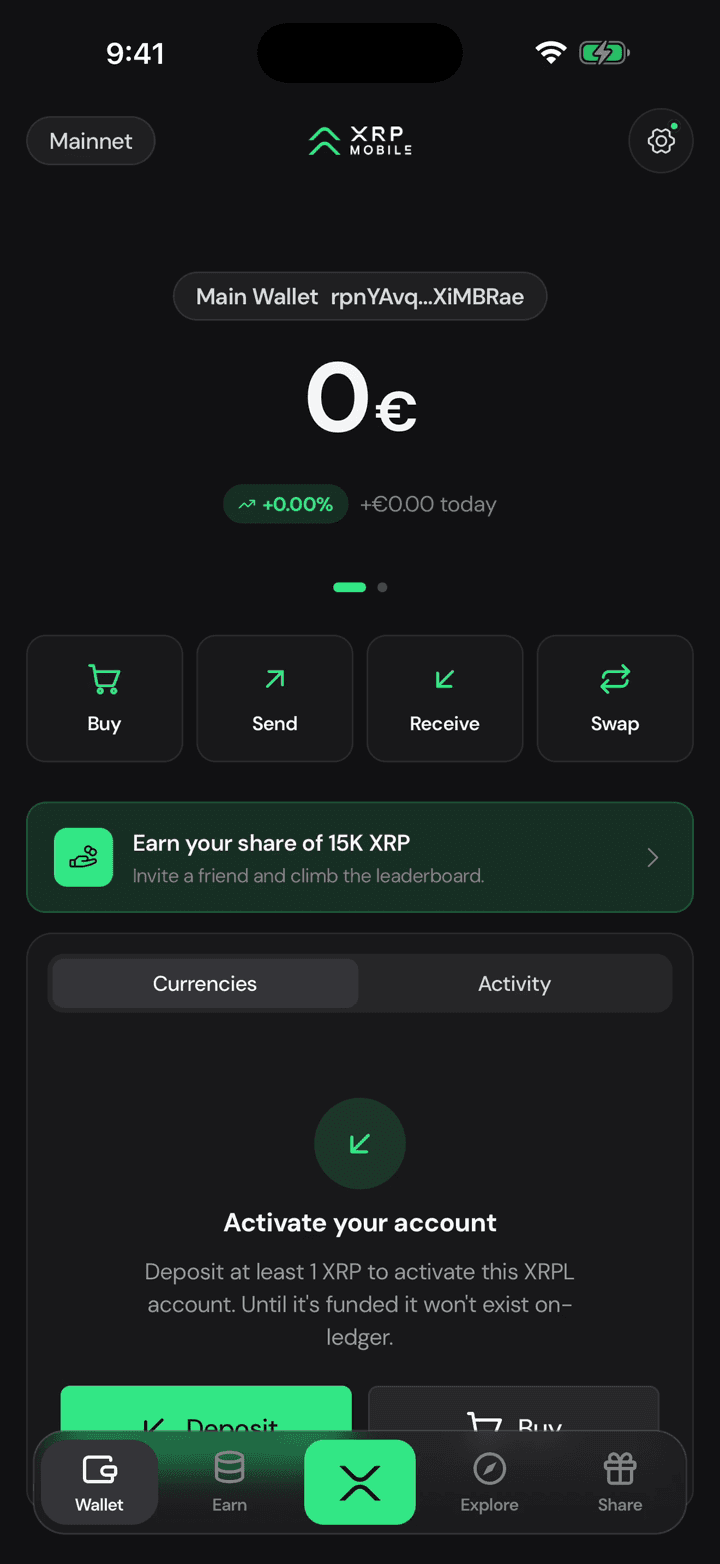
Open the gear and move to Support. Everything about getting help lives on this one tab.
2. Chat with the team
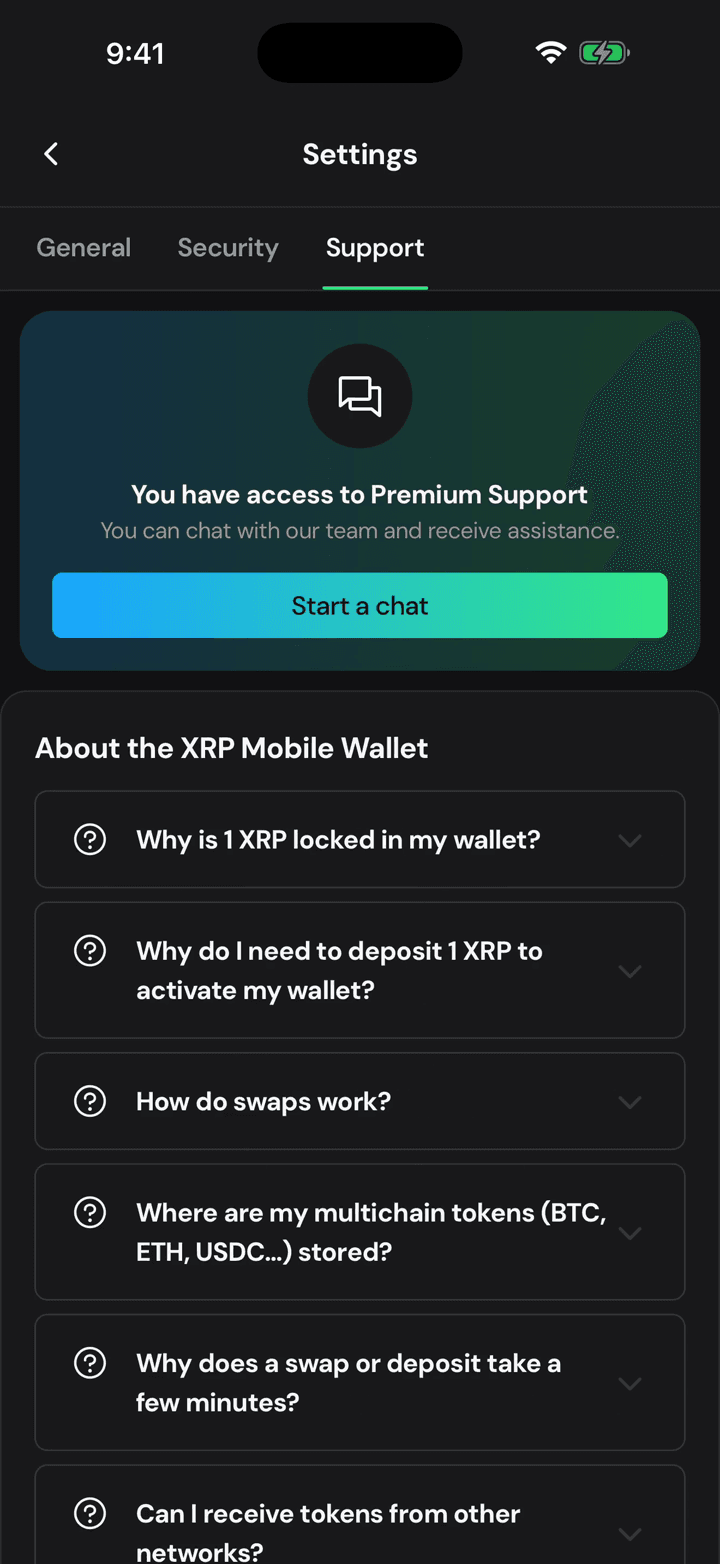
Start a chat puts you through to the team. Nobody there will ever ask for your recovery phrase or your secret numbers, and anyone who does is stealing from you.
3. The 1 XRP question
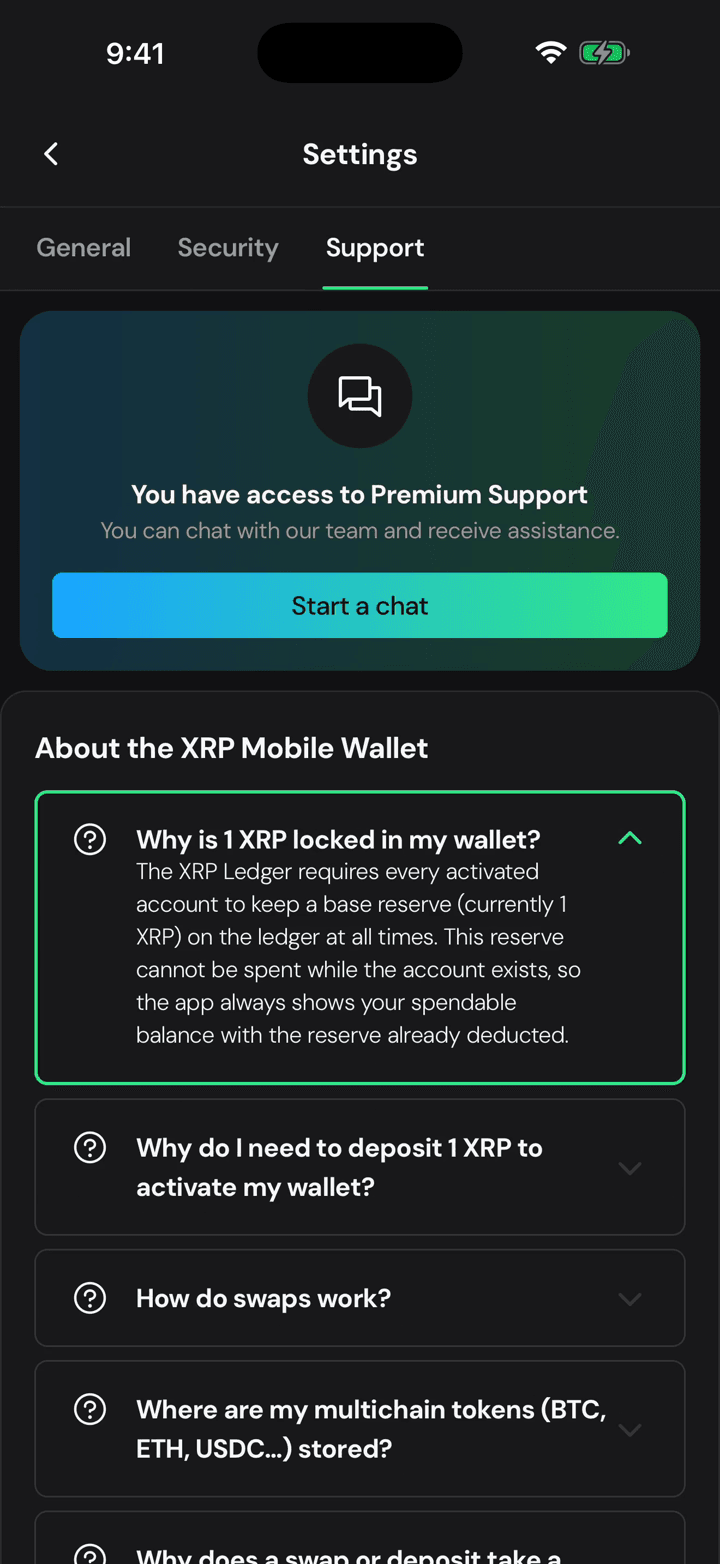
Under it sits the FAQ, and it opens with the question we get more than any other: why 1 XRP is locked in your wallet.
4. Swaps, chains and waiting
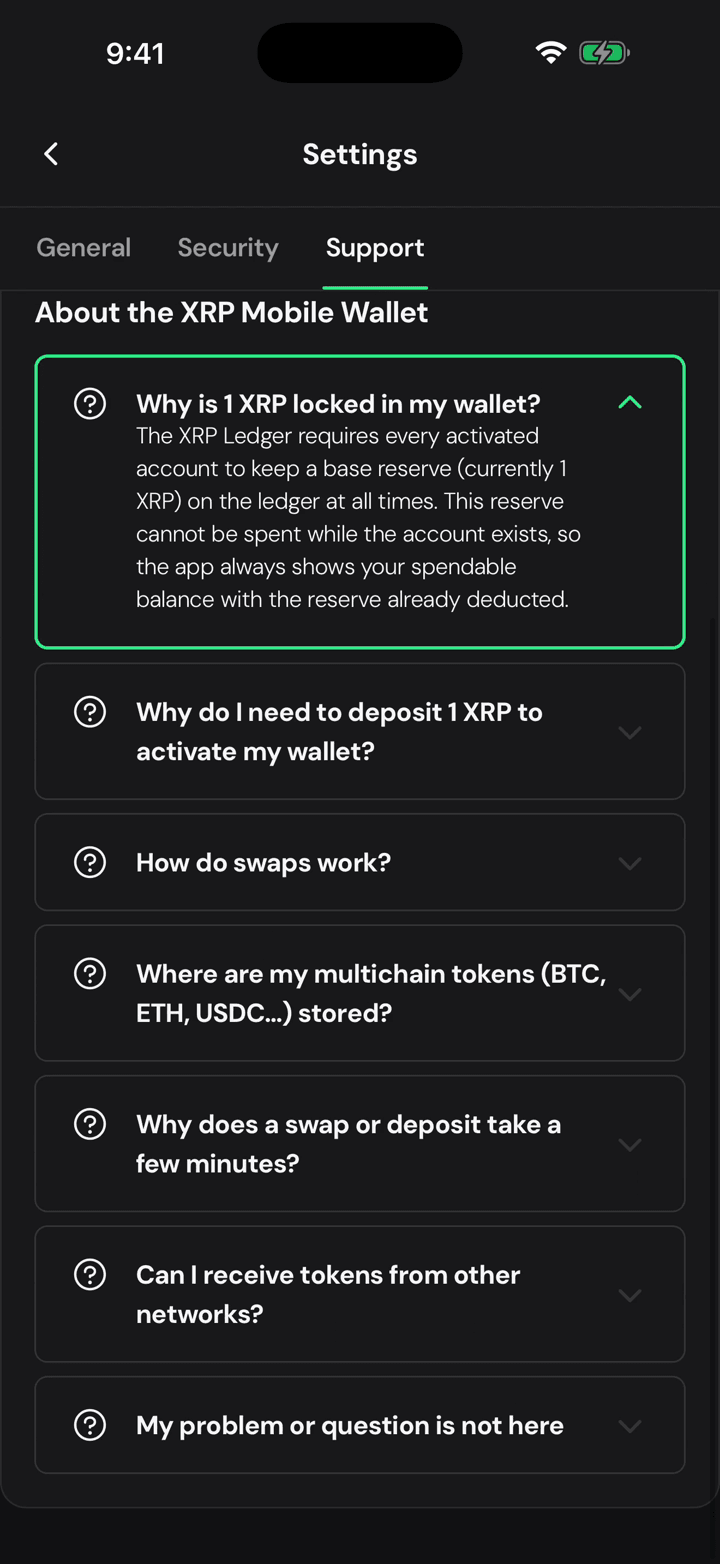
Then how swaps work, where your Bitcoin and Ethereum are actually held, why a deposit takes a few minutes, and whether you can receive from other networks.