Send XRP
Short XRP Mobile tutorial: send XRP from a self custody wallet. Pick a recipient and watch the address validate as you type, enter an amount or use the percentage shortcuts, read what the recipient gets against the network fee, then sign with your PIN. Ends on the transaction hash, your receipt on the XRP Ledger. The one check the wallet cannot do for you: comparing the address against the person expecting the money.
You are about to move real money. Here is every check XRP Mobile makes before your XRP leaves, and the one check it cannot make for you.
Prefer to read? The steps below are the same walkthrough, 10 screens and 98 seconds of video.
1. Tap Send
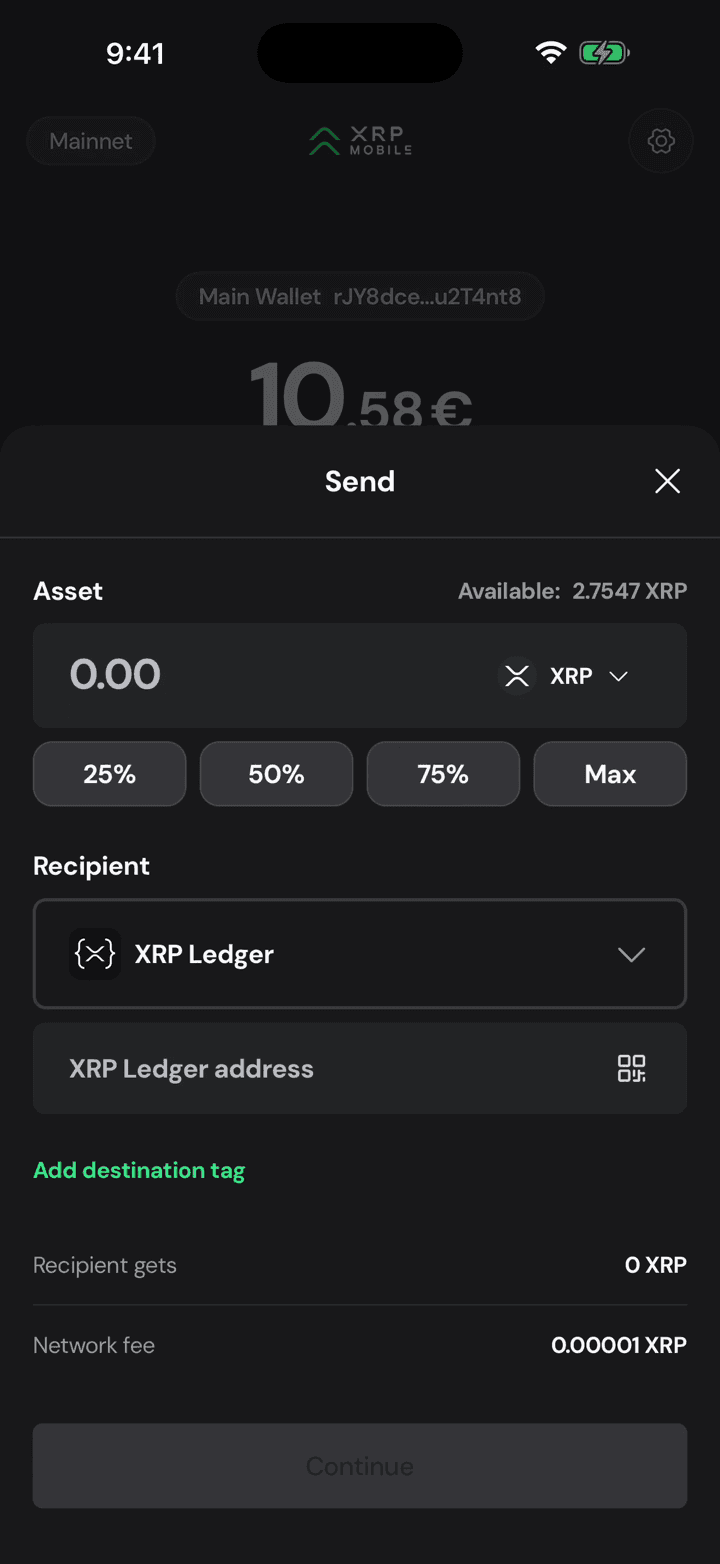
From the wallet home, tap Send. The sheet opens on XRP and tells you how much of it you can actually spend, which is your balance minus the reserve the ledger keeps.
2. Choose the recipient
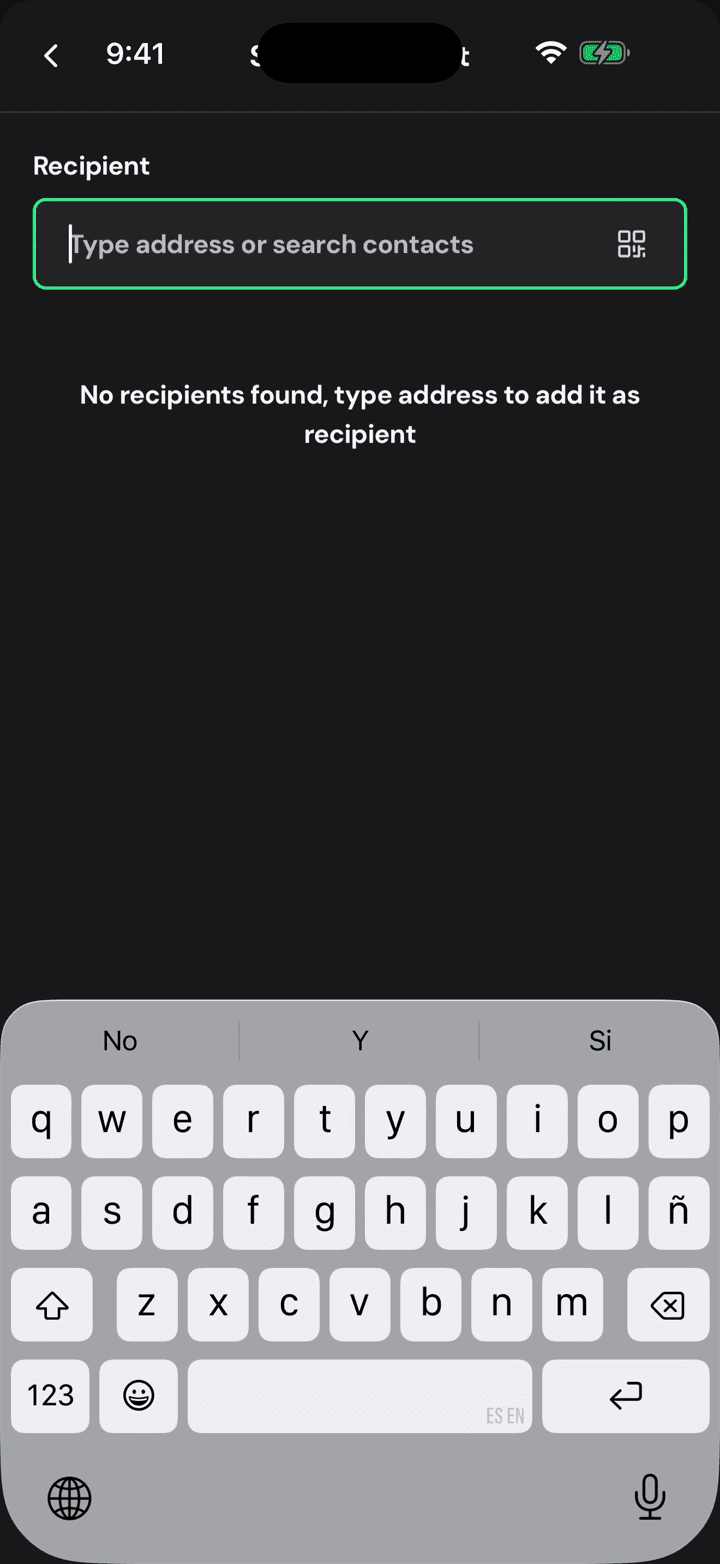
Tap the address field. Recipients get a sheet of their own, so anyone you pay twice is one tap away the second time.
3. Type or scan the address
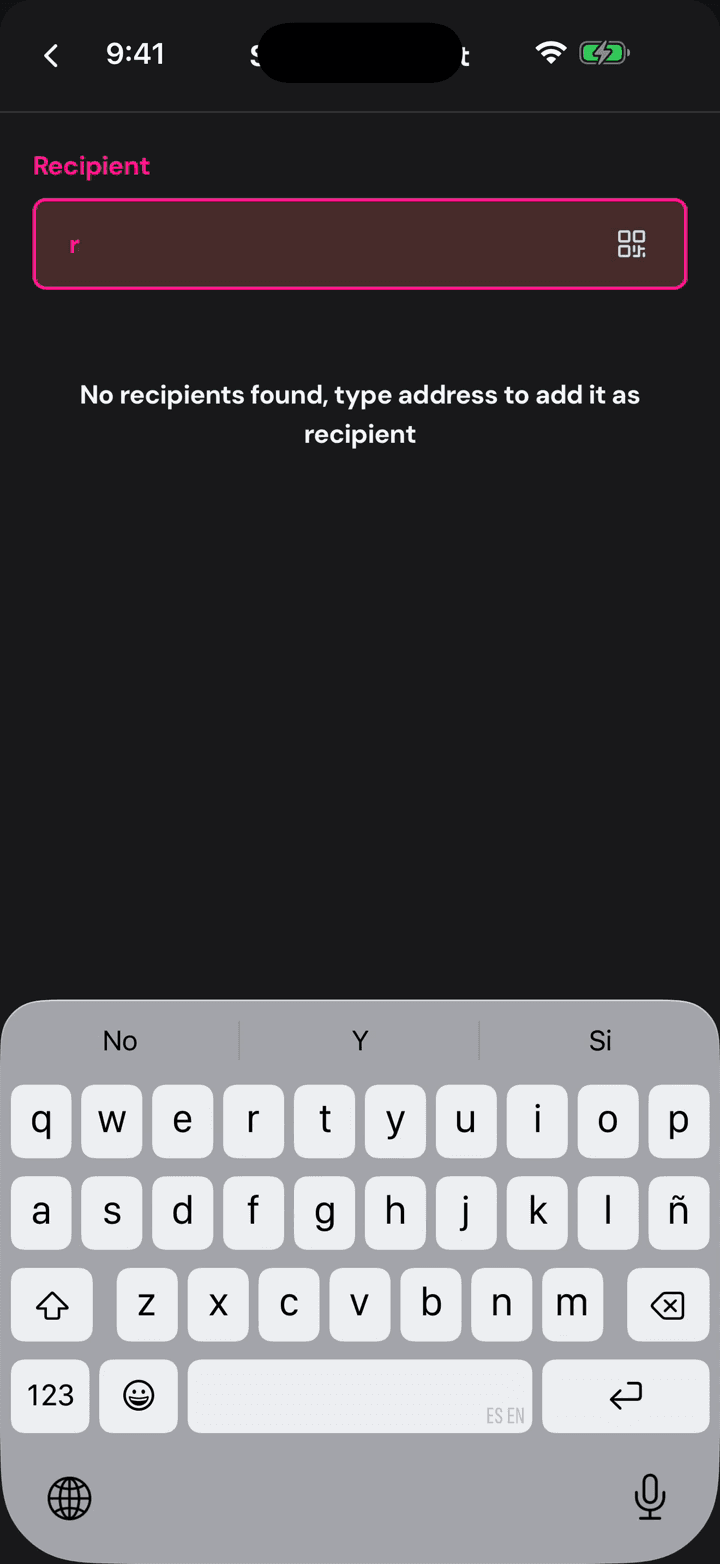
Type the address, or scan a QR with the button on the right. While it is incomplete the field stays red: the app is checking the address on every keystroke.
4. Green means it checks out
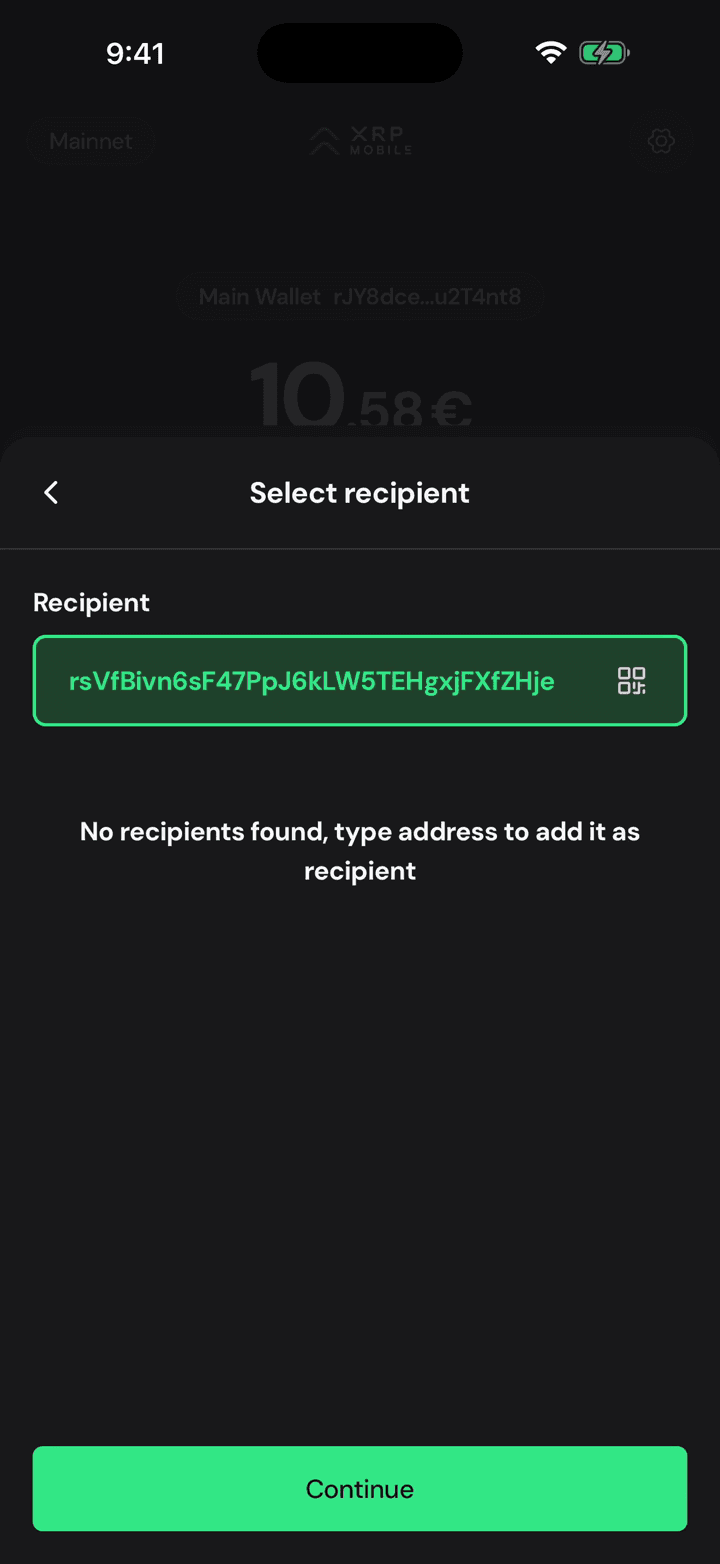
Green means the address is valid on the XRP Ledger. Valid is not the same as correct, so compare the first and last characters against whoever is expecting the money. That is the one check no wallet can do for you.
5. Enter the amount
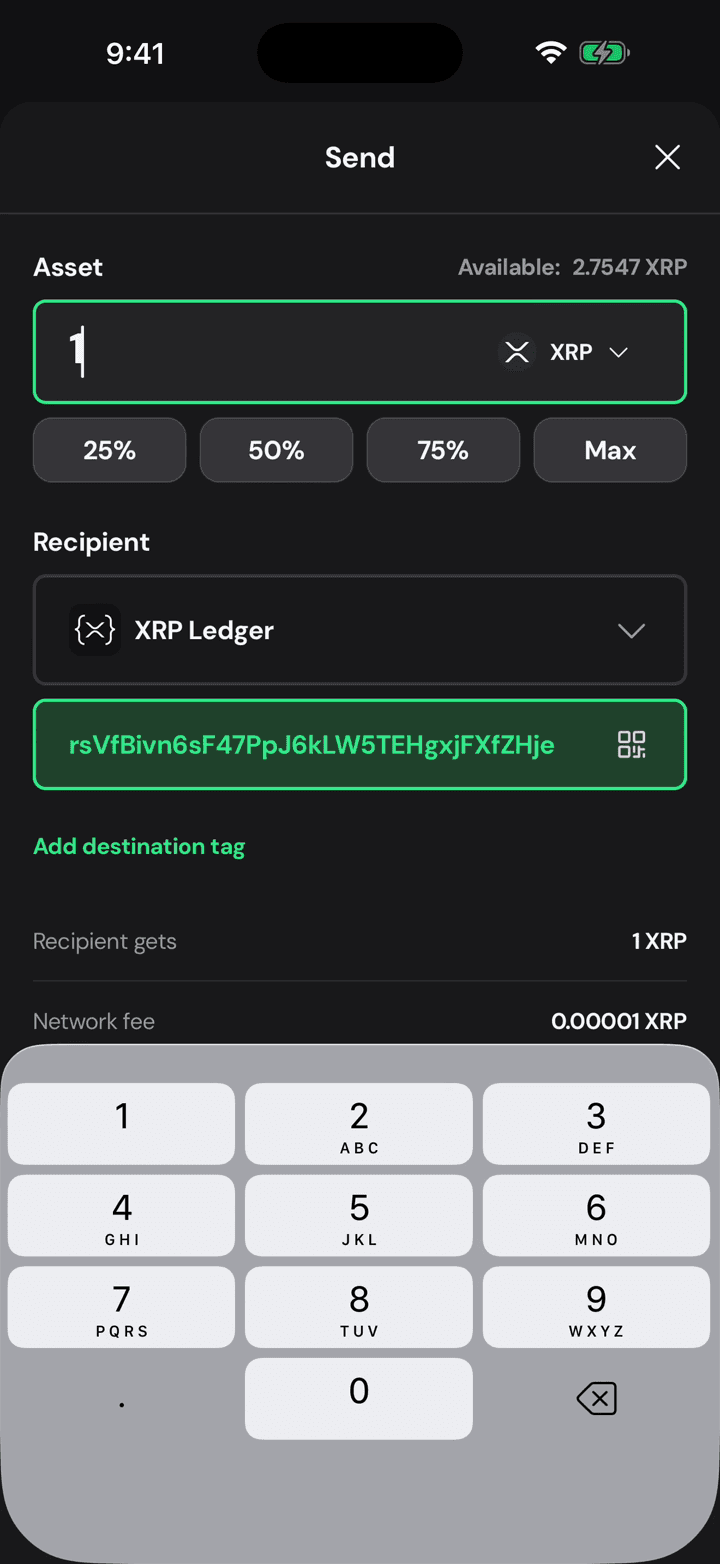
Now the amount. One XRP here, typed on the pad, or take a shortcut: a quarter, half, three quarters, or the maximum you can spend.
6. Recipient gets, and the fee
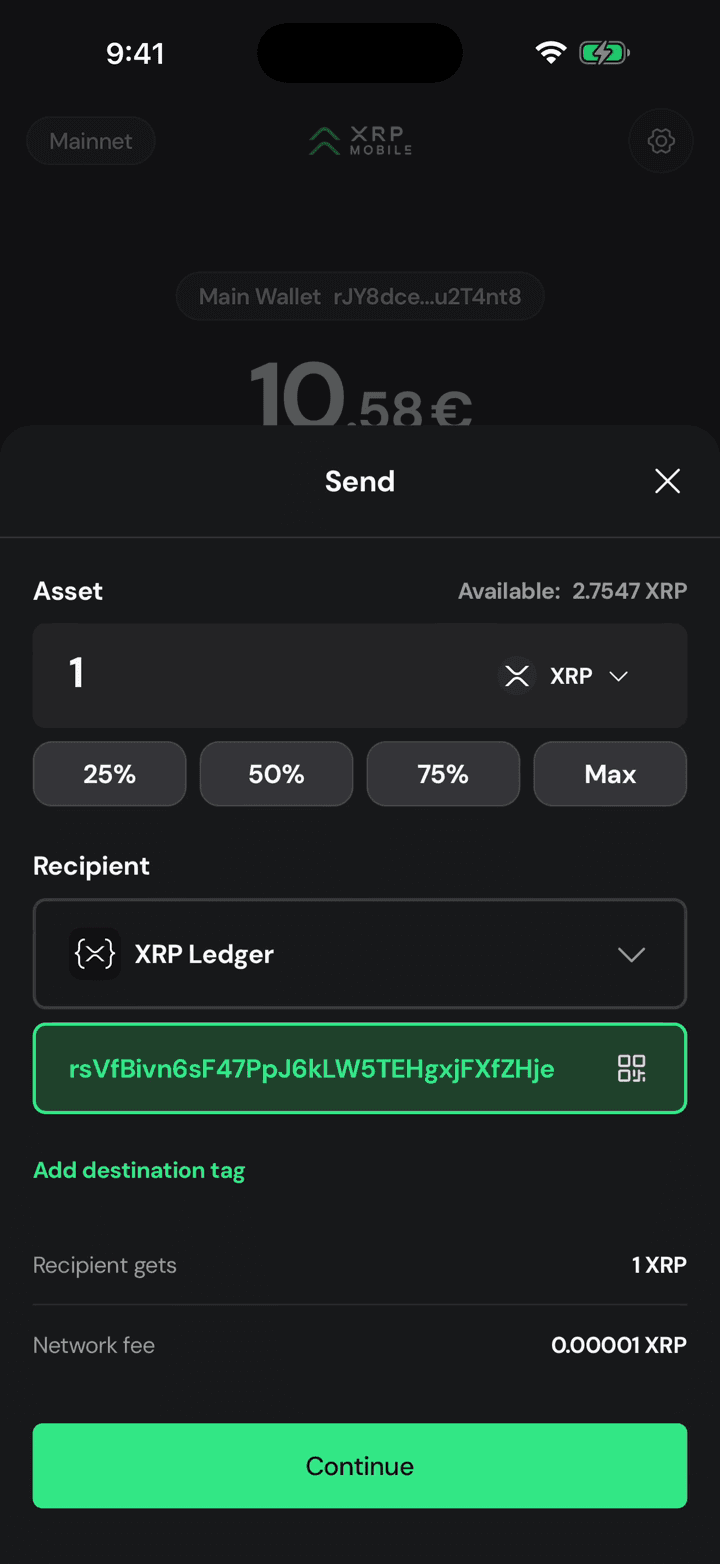
Two numbers to read before you go on: what the recipient actually gets, and the network fee. On the XRP Ledger that fee is a hundredth of a cent.
7. Read the summary
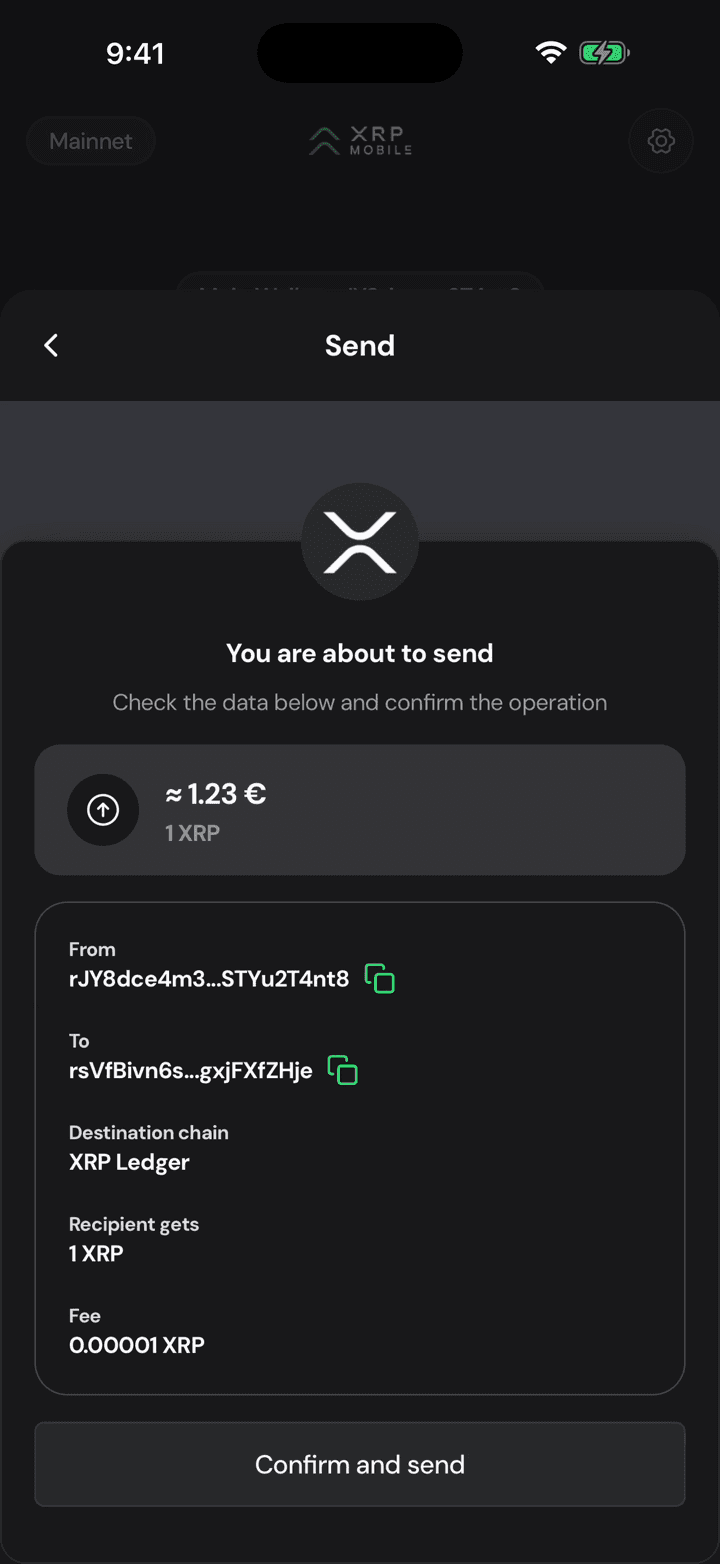
The summary is your last look before it is irreversible: which wallet it leaves, where it lands, the chain it settles on, and the amount in your own currency.
8. Sign with your PIN
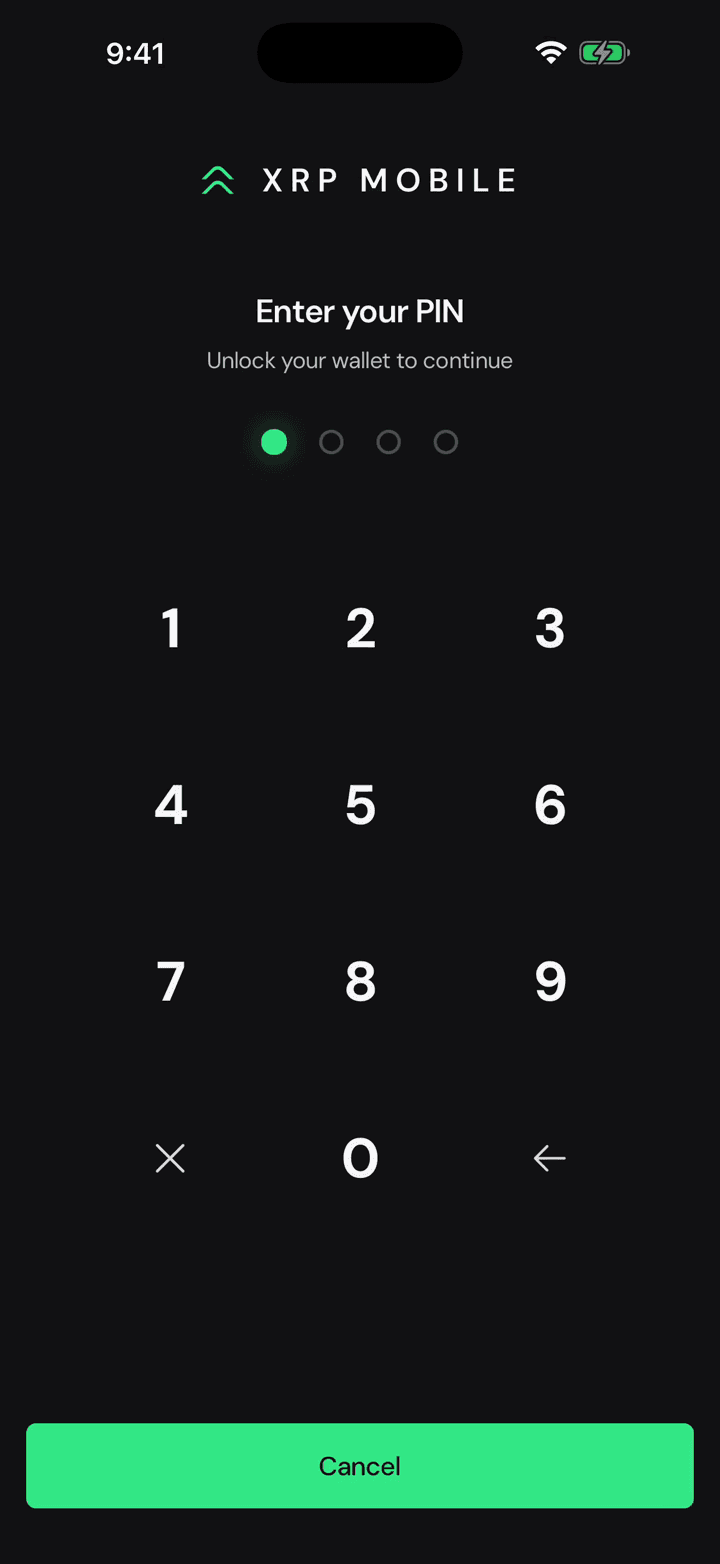
Confirm and send asks for your PIN. Your keys never leave the phone: the PIN is what unlocks them to sign this one payment.
9. The ledger settles it
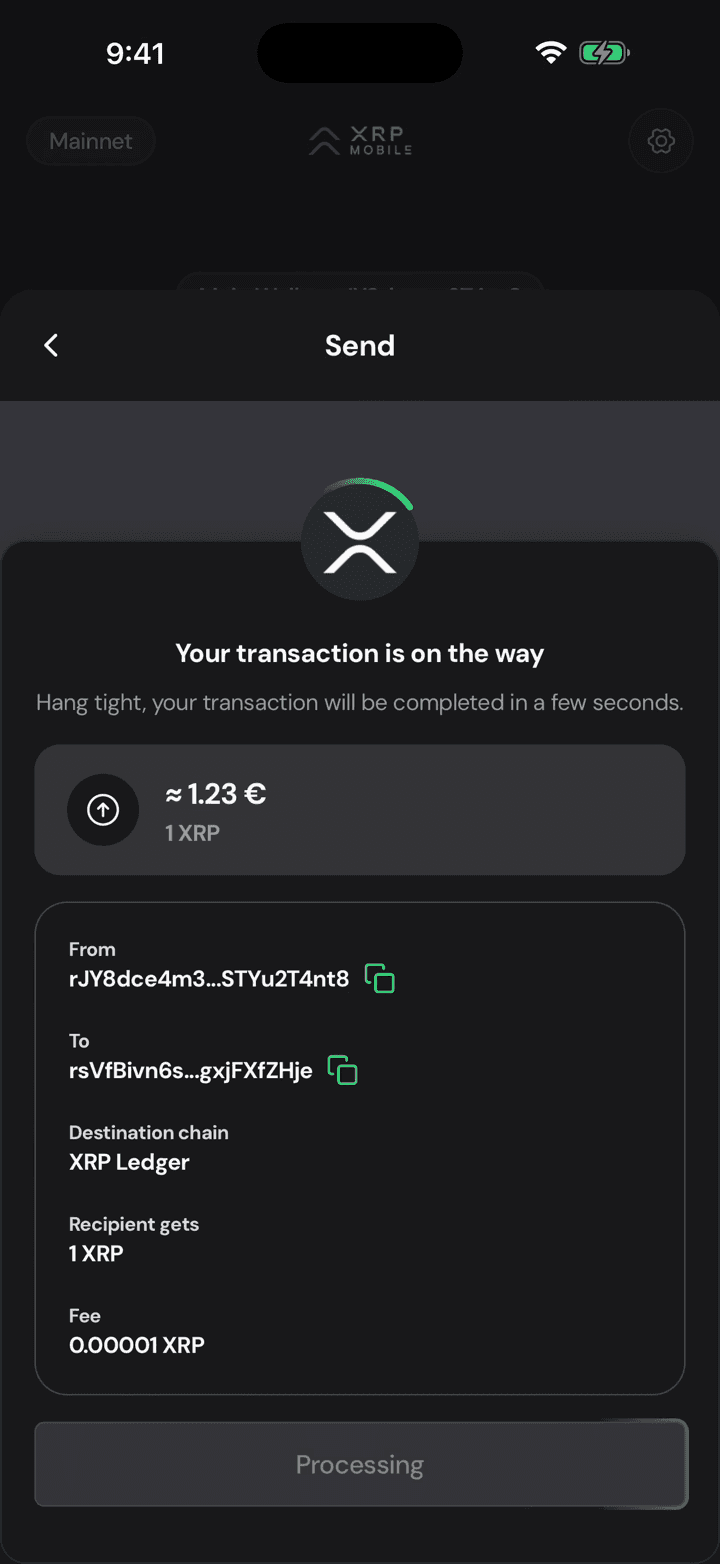
The XRP Ledger closes a new ledger every three to five seconds, so the wait is short, and there is no pending state to babysit.
10. Sent, with a receipt
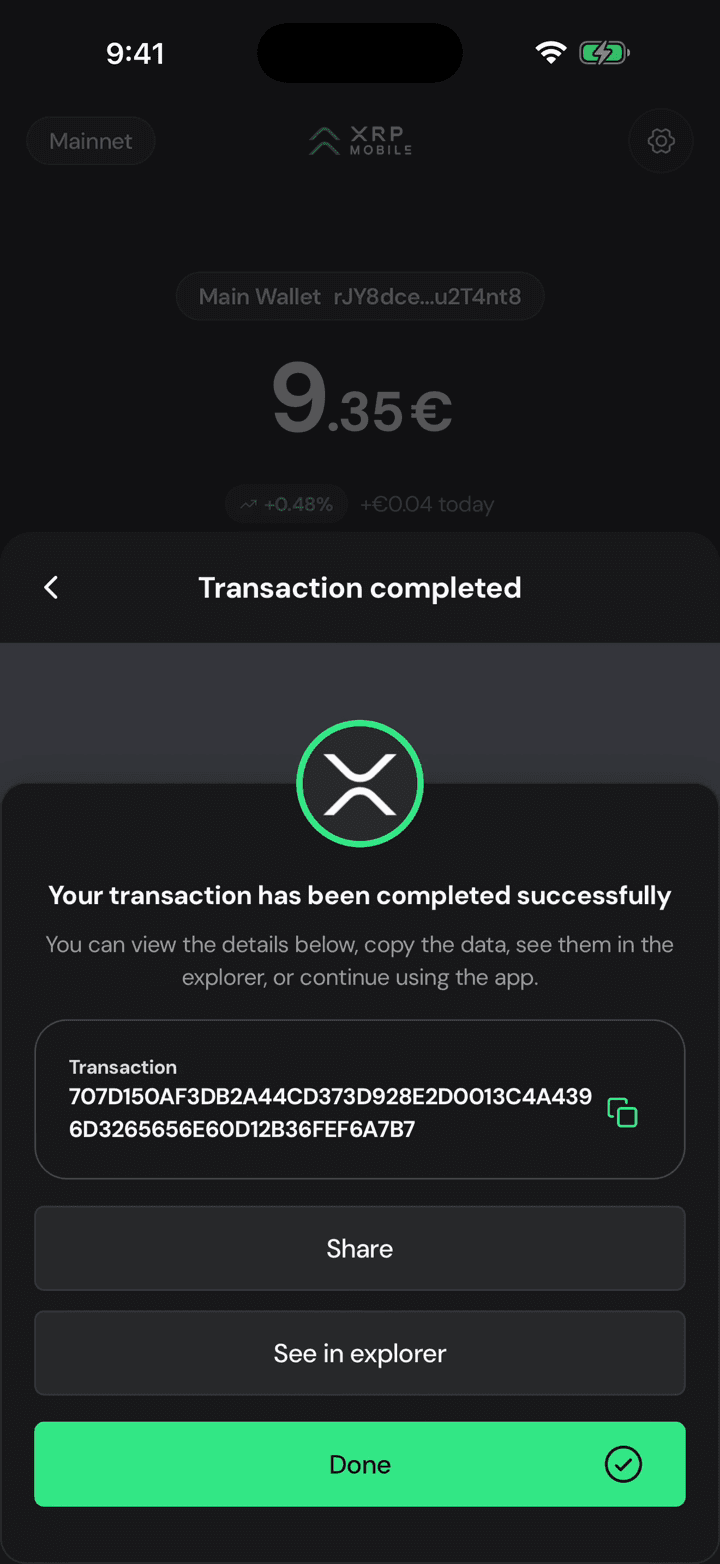
Done, and your balance already reflects it. That long string is the transaction hash: your receipt. Open it in the explorer, or send it to whoever is waiting.
Buy XRP with a card
Short XRP Mobile tutorial: buy XRP with a credit or debit card. Pick an amount, watch the live quote update, and read the full breakdown before committing: the rate, the provider's fee, how much XRP actually reaches your wallet, and how long it takes. The card details are entered with the third party provider, never inside the wallet.
Send with a destination tag
Short XRP Mobile tutorial: send XRP with a destination tag. What a destination tag actually is, why exchanges need one when personal wallets do not, where to find yours on the exchange's deposit page, and what the transaction looks like once the tag rides along with it. Ends with the transaction hash, the one thing support will ask for if a deposit goes missing.