Back up your wallet the right way
Step by step XRP Mobile tutorial: back up your wallet from Settings, Security. Pick the wallet, choose the recovery phrase over the private key, pass the three question quiz, confirm with your PIN, and write the 12 words down on paper. Nobody from XRP Mobile will ever ask you for them.
Lose your phone and you lose nothing, as long as you did this once. It takes a minute, and the app makes you earn it.
Prefer to read? The steps below are the same walkthrough, 7 screens and 58 seconds of video.
1. Settings, then Security
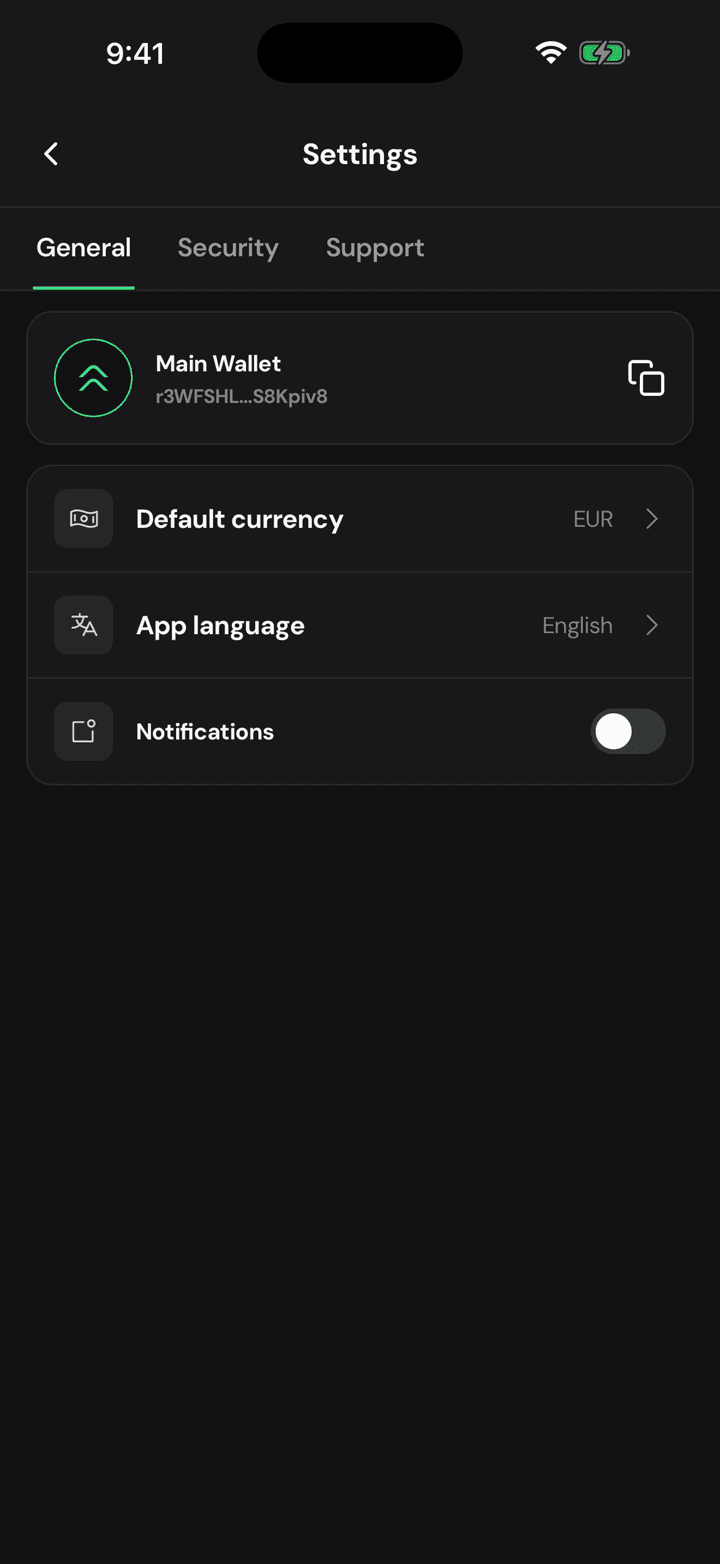
Open the gear and move to Security. If your backup is still pending, the app has been telling you so with a red flag right here.
2. Pick the wallet
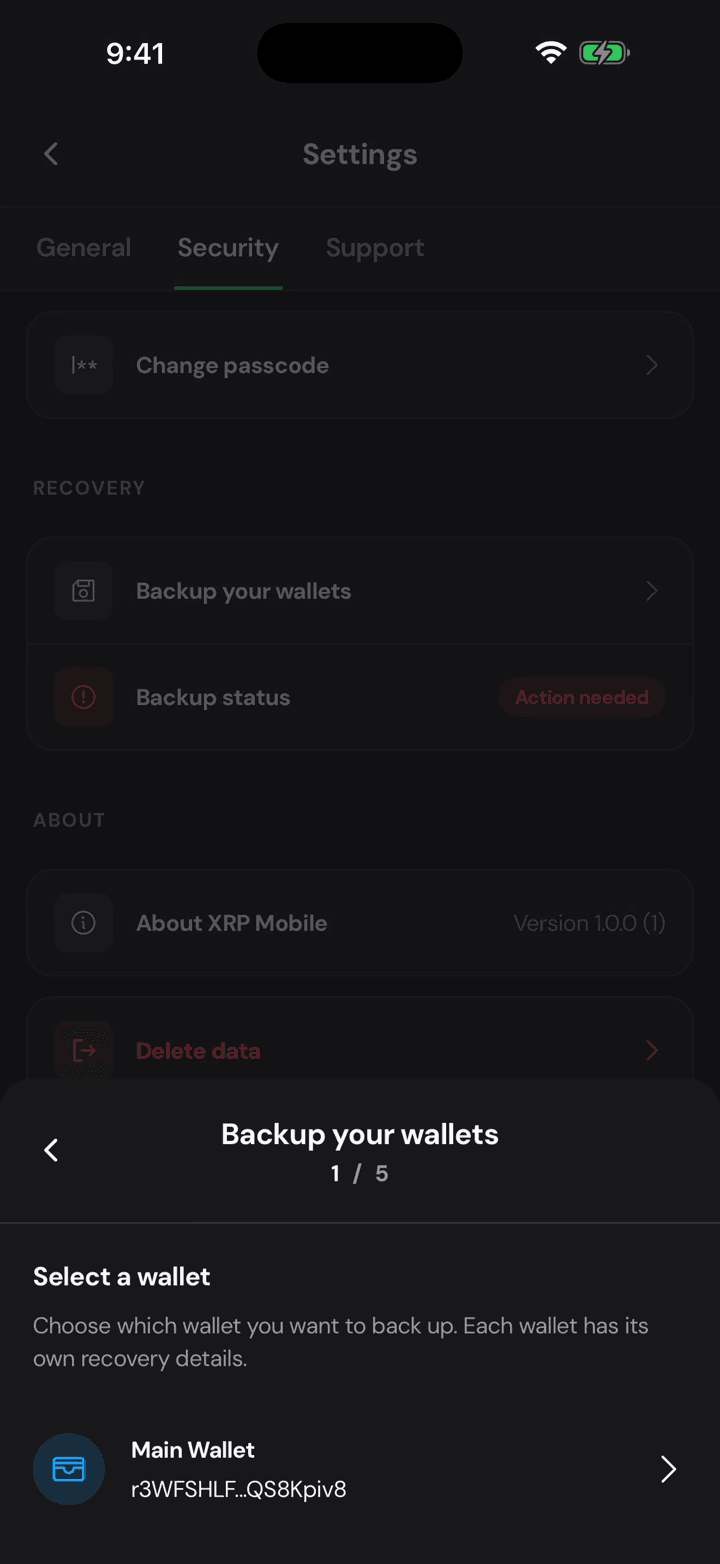
Choose which wallet you're backing up. Each one has its own phrase, so having done one does not cover the others.
3. Phrase or private key
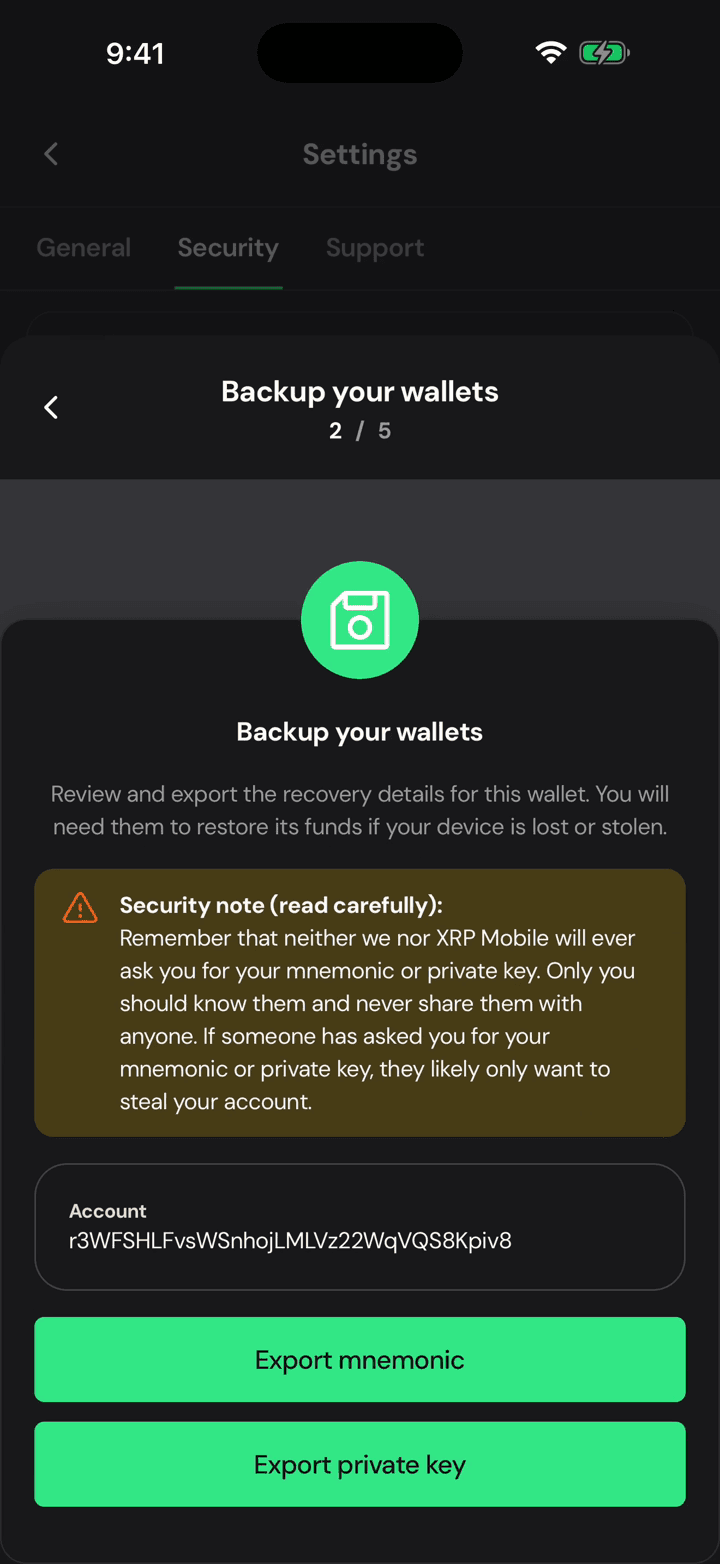
You can export the recovery phrase or the private key. The phrase is what restores the wallet anywhere, so that is the one to write down.
4. A quiz first, on purpose
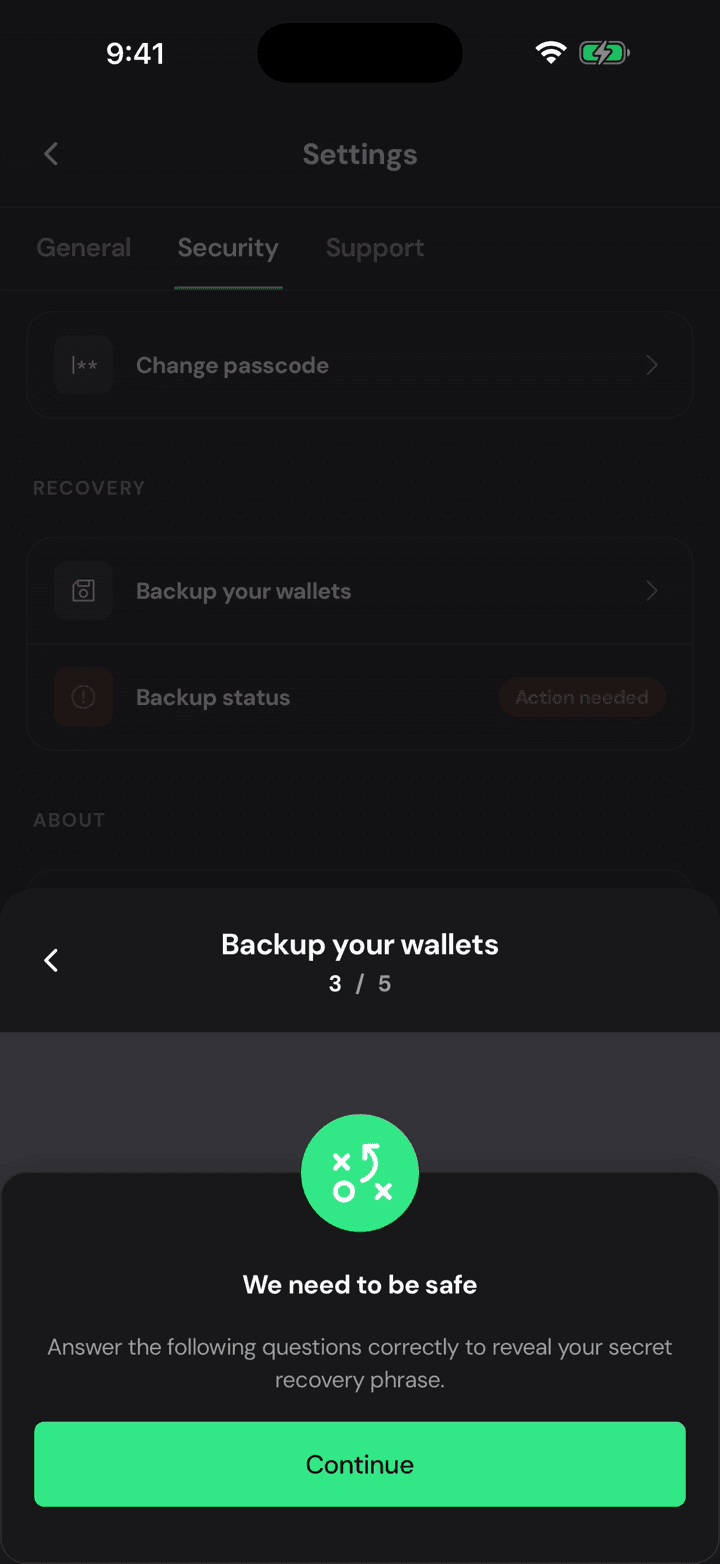
Before it shows you anything, the app asks you to prove you understand what you are about to hold. This is not bureaucracy: people lose money to exactly these three questions.
5. Three questions
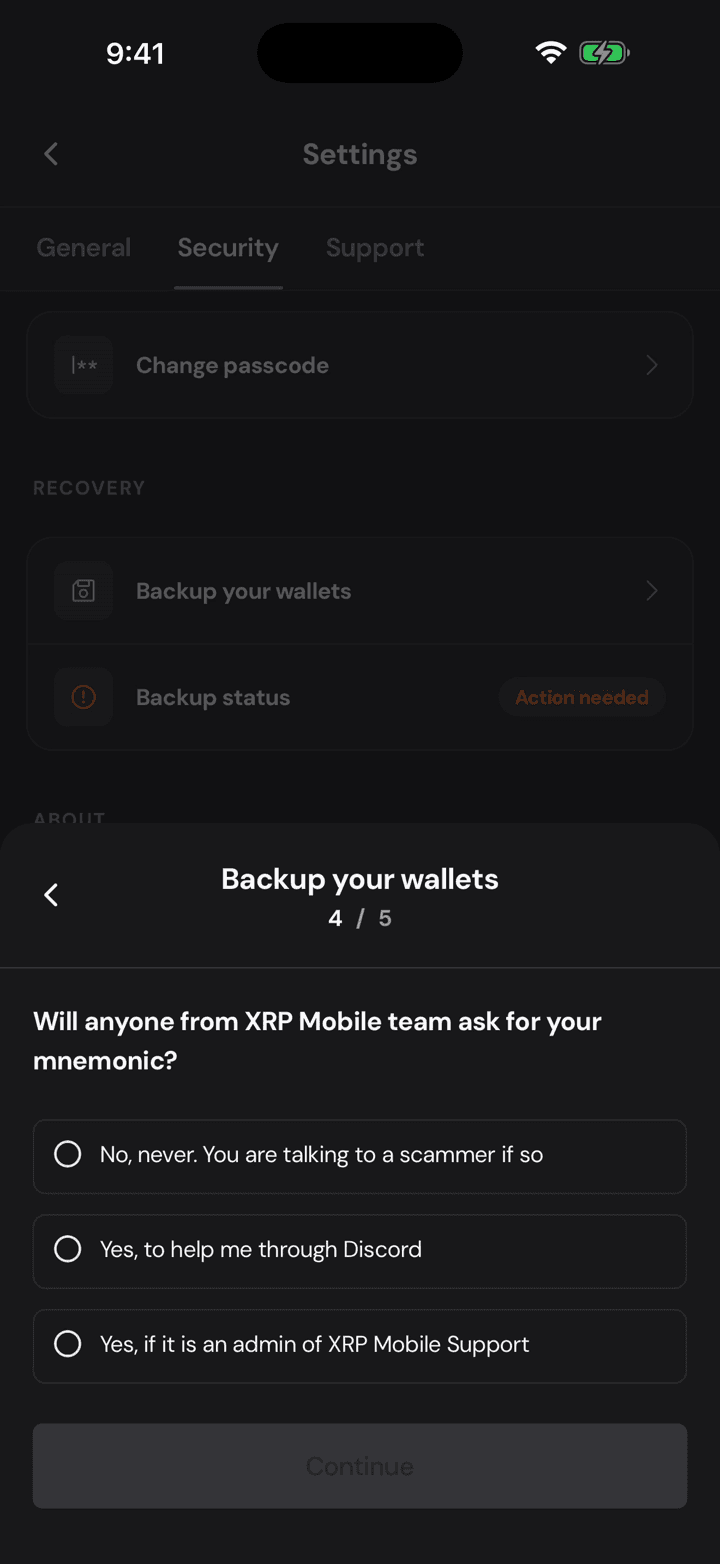
Never share your private key. Nobody from XRP Mobile will ever ask for your phrase. And if you think someone has seen it, move your funds to a new wallet immediately.
6. Your PIN, again
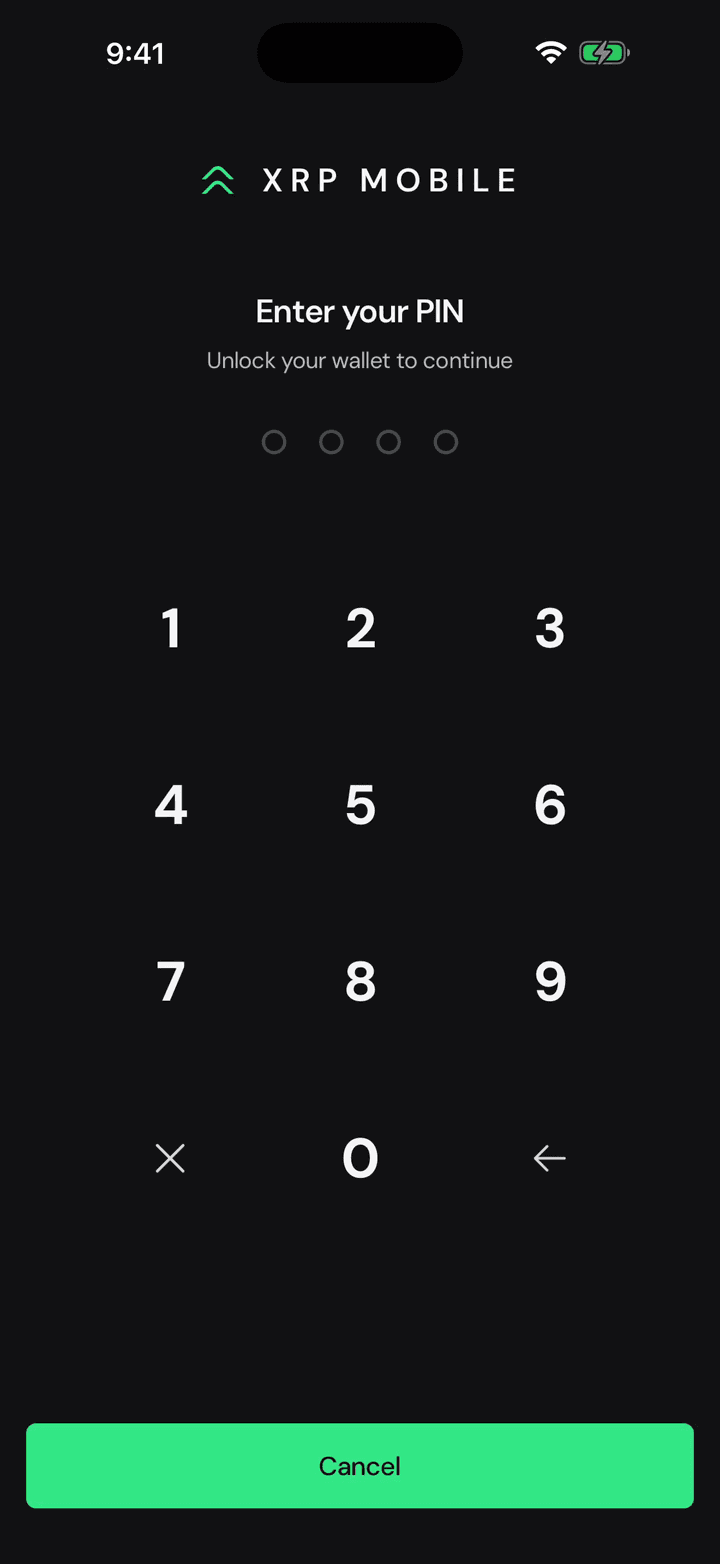
Then your PIN, because passing a quiz is not proof that it is your phone.
7. Write it down, then close
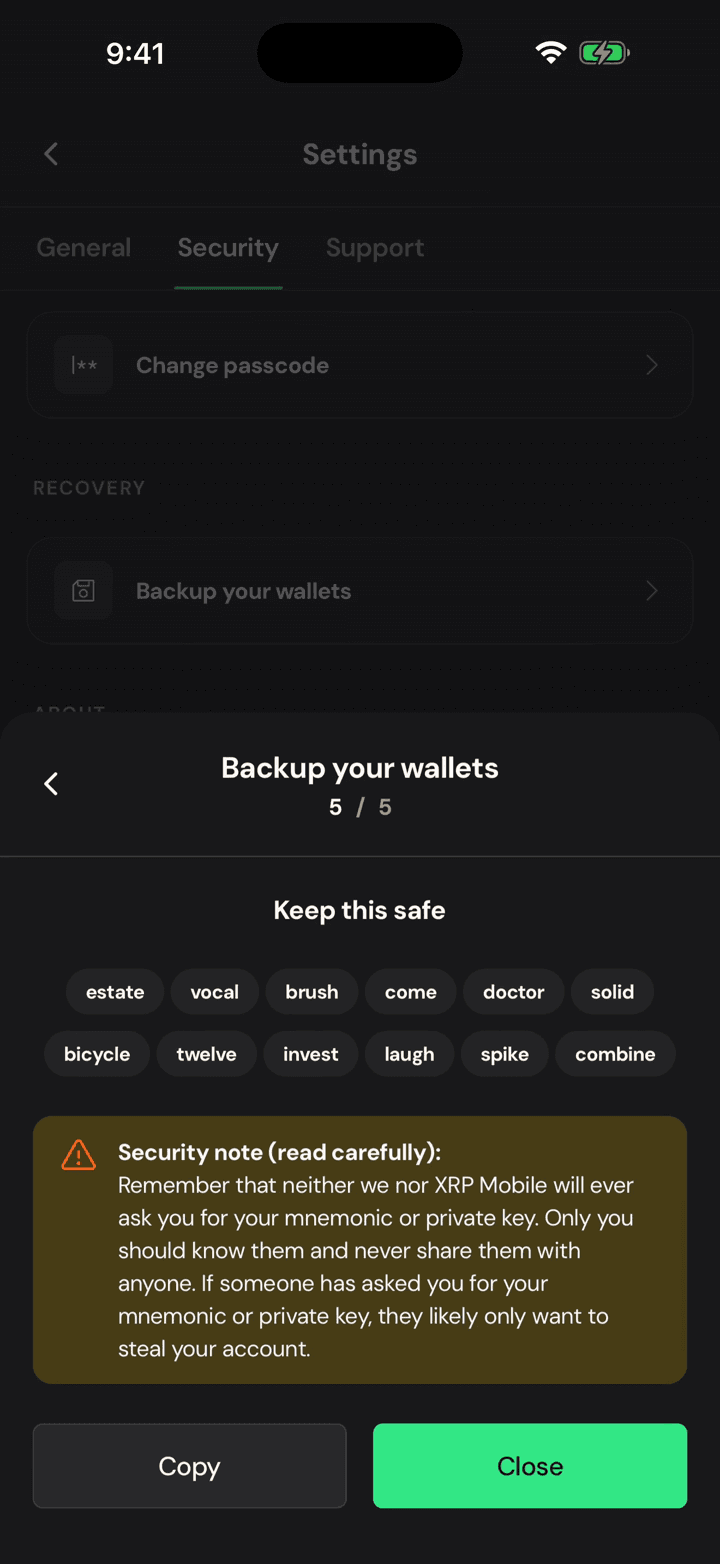
And there it is. Write the words on paper, in order, and put the paper somewhere a thief and a fire cannot reach. Not a screenshot, not a note on your phone.
Add a second wallet
Short XRP Mobile tutorial: add another wallet from the home carousel. Create a brand new one or import an existing one, keep balances separate, and switch between them with a swipe. Creating an extra wallet is the one place the app lets you choose between a 12 word recovery phrase and 8 rows of secret numbers.
Receive XRP
A short XRP Mobile walkthrough: open Receive, pick XRP, and share your deposit address or QR code. We cover the XRP Ledger network warning that catches people out, and the 1 XRP minimum that a brand new XRPL account needs before it exists on the ledger. XRP Mobile is a self custody wallet where you can buy, send, receive and swap XRP.