Send with a destination tag
Short XRP Mobile tutorial: send XRP with a destination tag. What a destination tag actually is, why exchanges need one when personal wallets do not, where to find yours on the exchange's deposit page, and what the transaction looks like once the tag rides along with it. Ends with the transaction hash, the one thing support will ask for if a deposit goes missing.
Sending XRP to an exchange? There is one field that decides whether it reaches your account there or sits in limbo, and it is hidden until you ask for it.
Prefer to read? The steps below are the same walkthrough, 12 screens and 98 seconds of video.
1. Tap Send
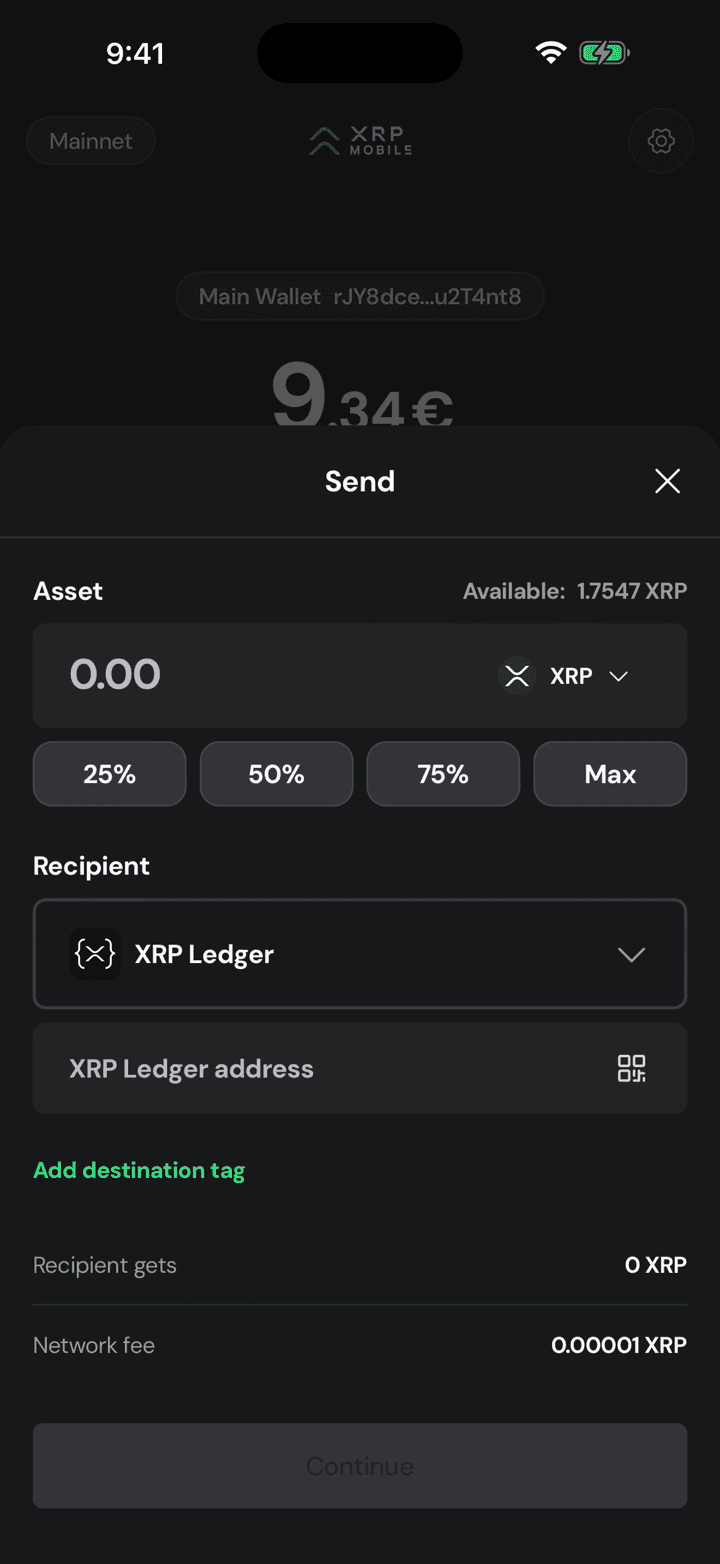
Start the same way as any payment: from the wallet home, tap Send.
2. Choose the recipient
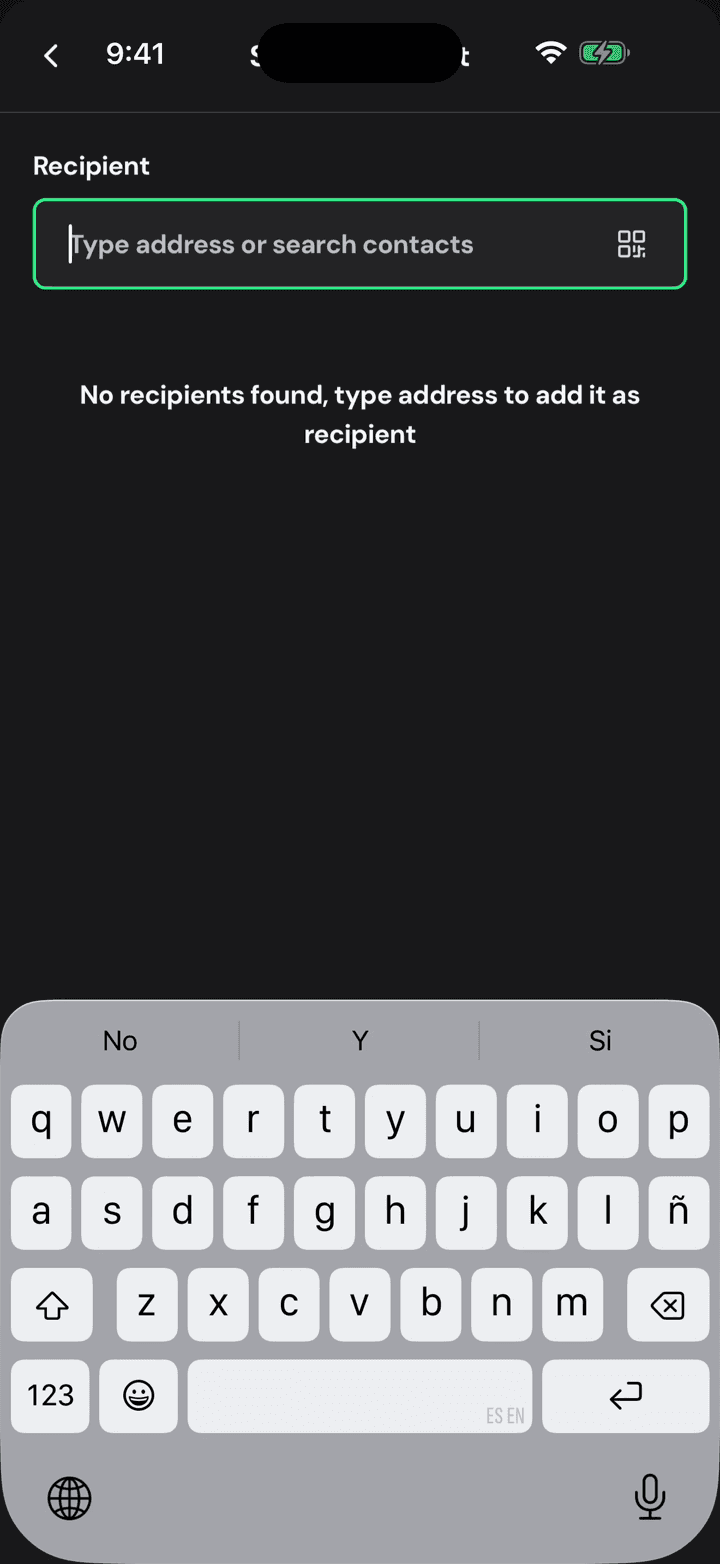
Tap the address field to open the recipient sheet.
3. Type or scan the address
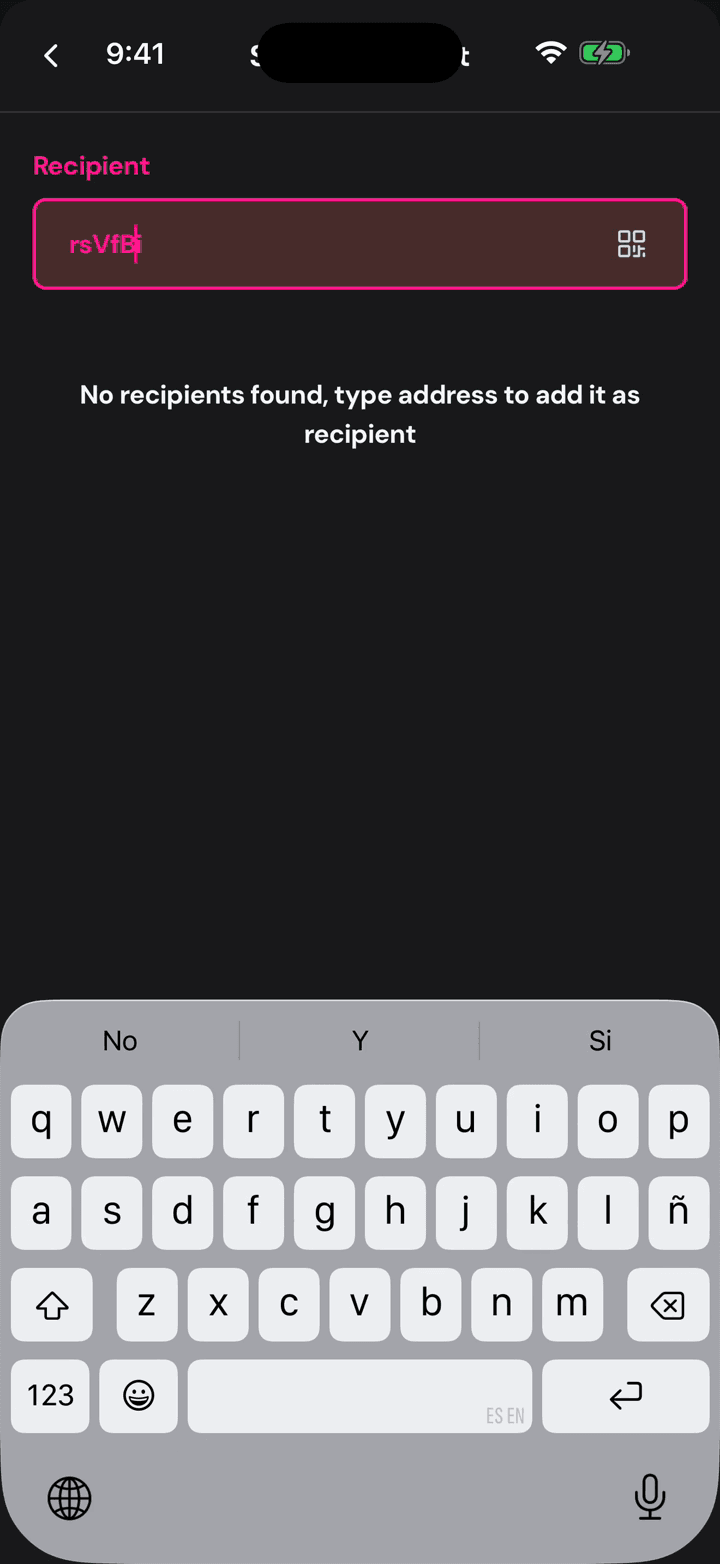
Type the exchange's deposit address, or scan its QR. This is the address of the exchange itself, shared by thousands of customers.
4. Green means it checks out
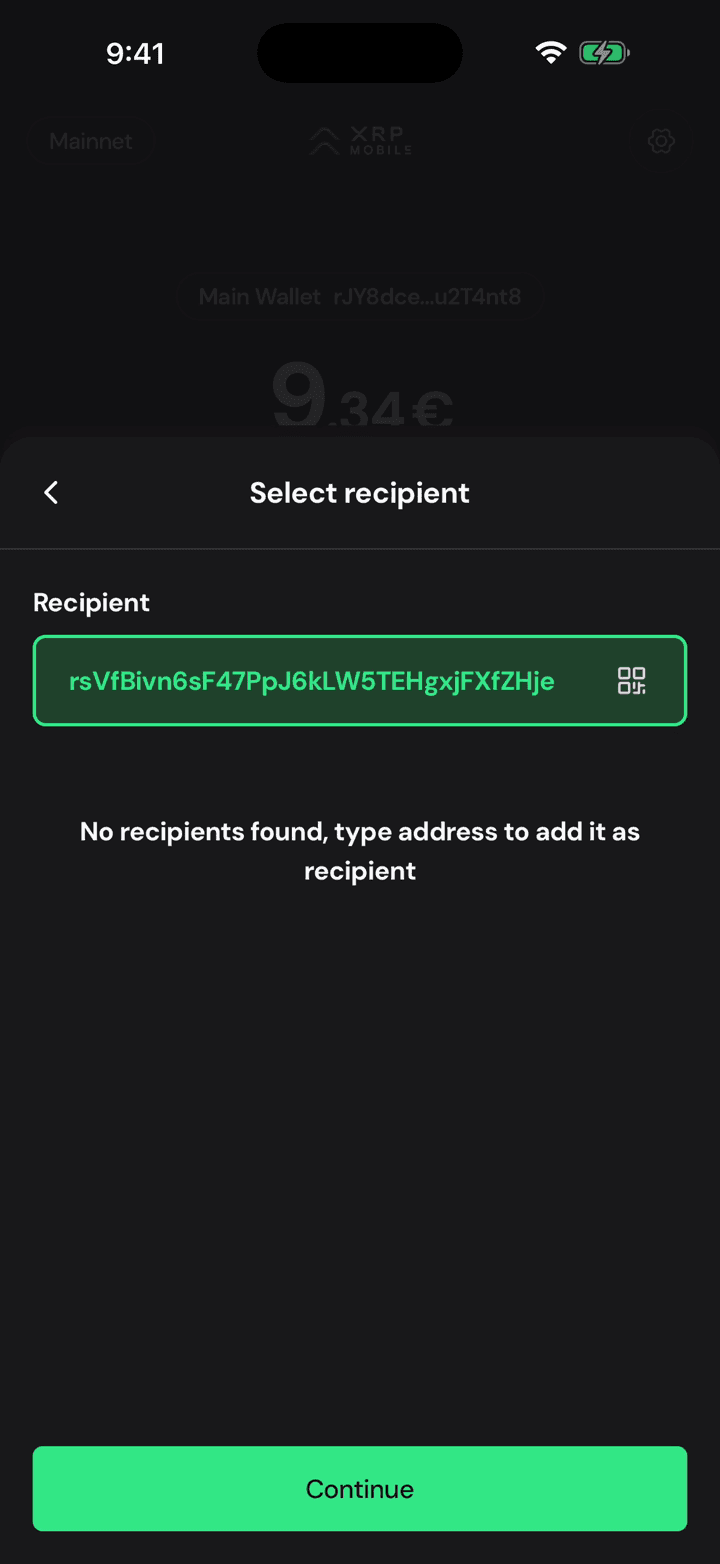
Green means the address is valid, and that is exactly the problem: a valid exchange address on its own does not say which account inside the exchange the money belongs to.
5. Add destination tag
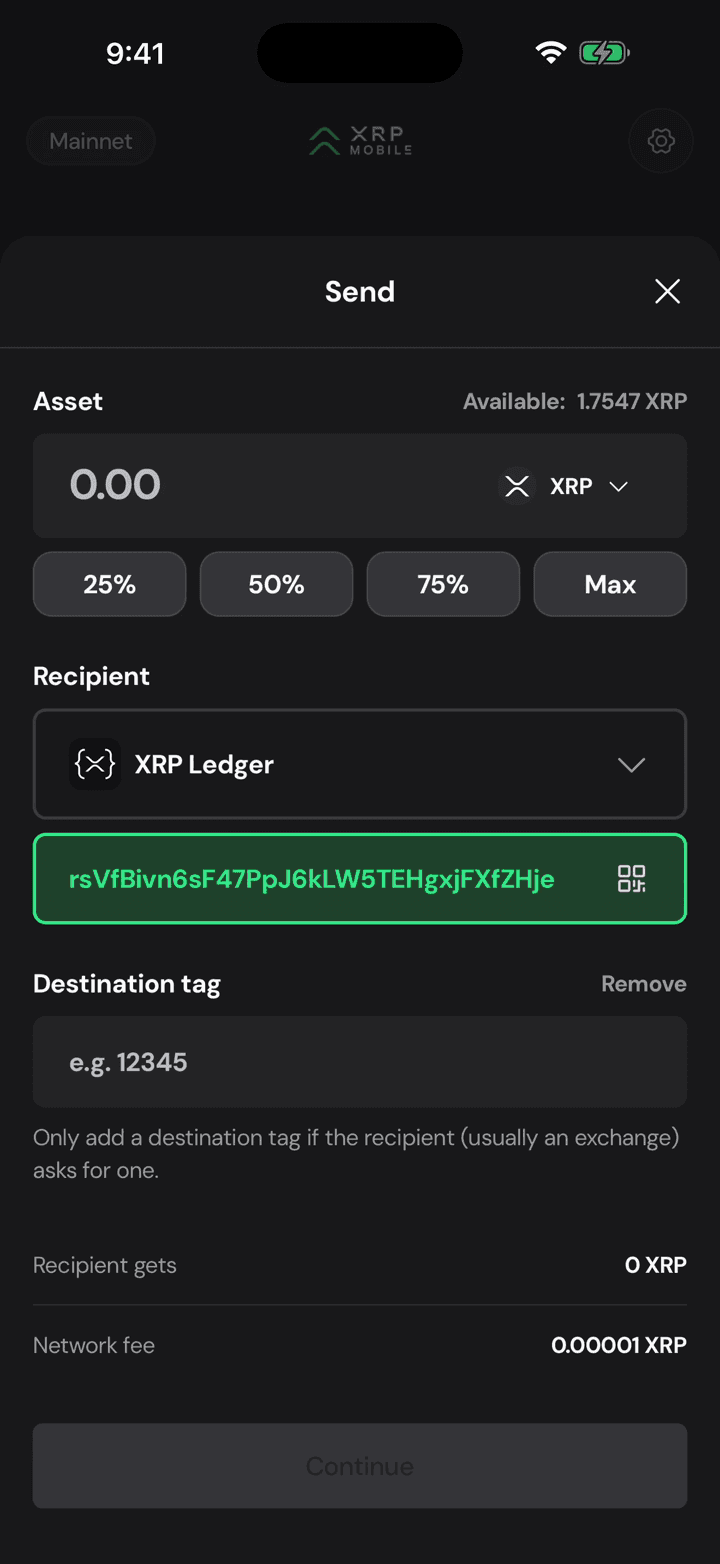
That is what the destination tag is for. It stays hidden until you tap Add destination tag, so nobody sends one by accident.
6. Type the tag they gave you
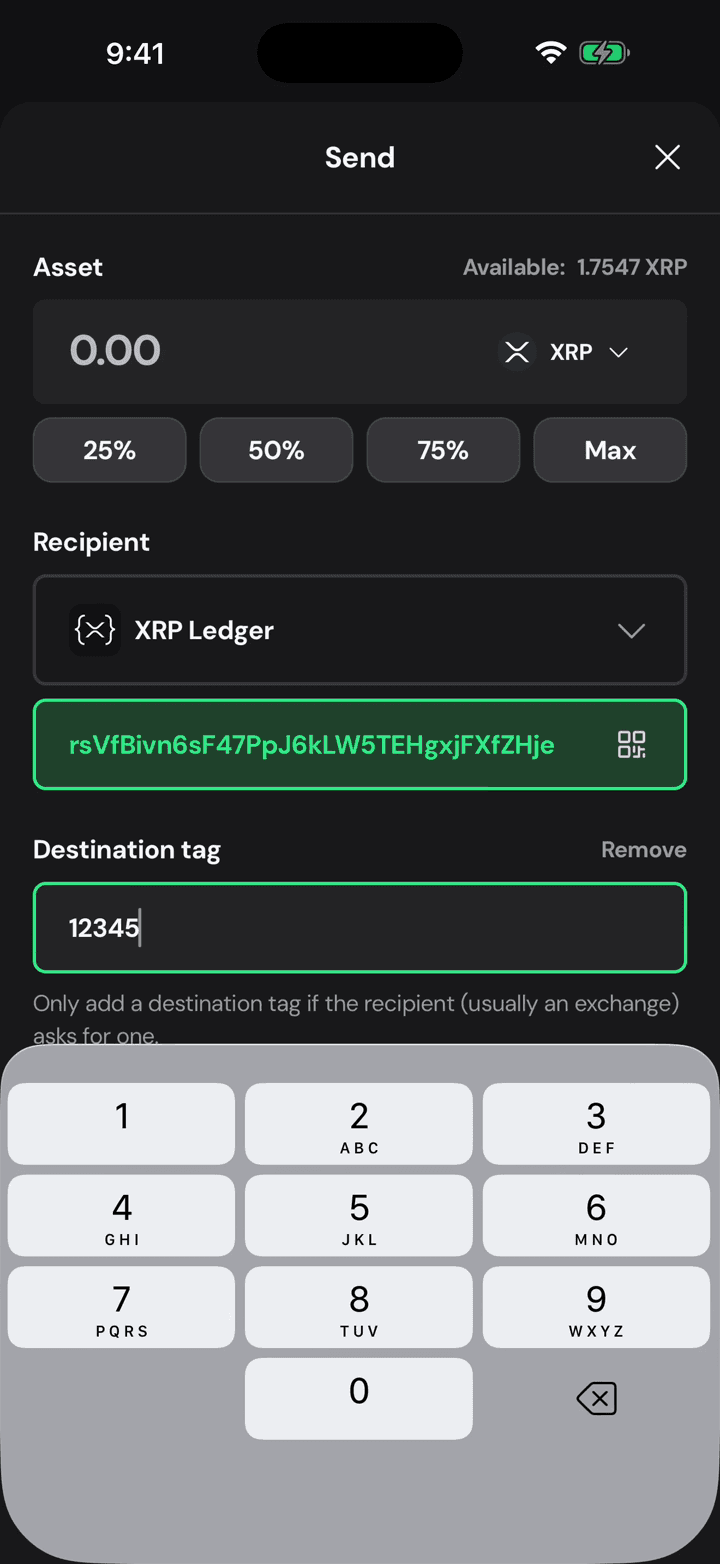
Type the exact number the exchange gave you, on its deposit page, next to the address. It is your account number inside their wallet. Only add one when they ask for it: a tag sent to a personal wallet is simply ignored.
7. Then the amount
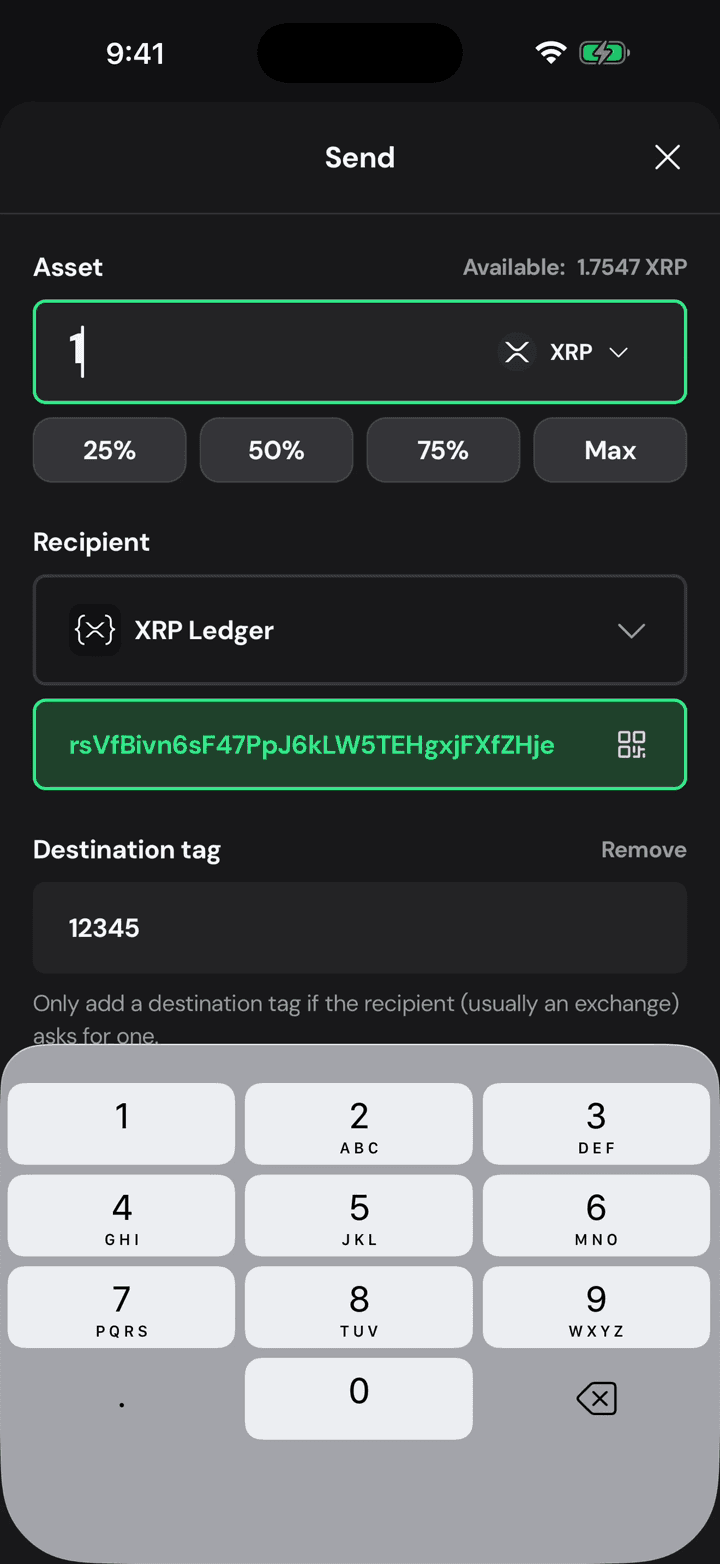
Then the amount, as usual, typed on the pad or taken from the percentage shortcuts.
8. Address and tag, side by side
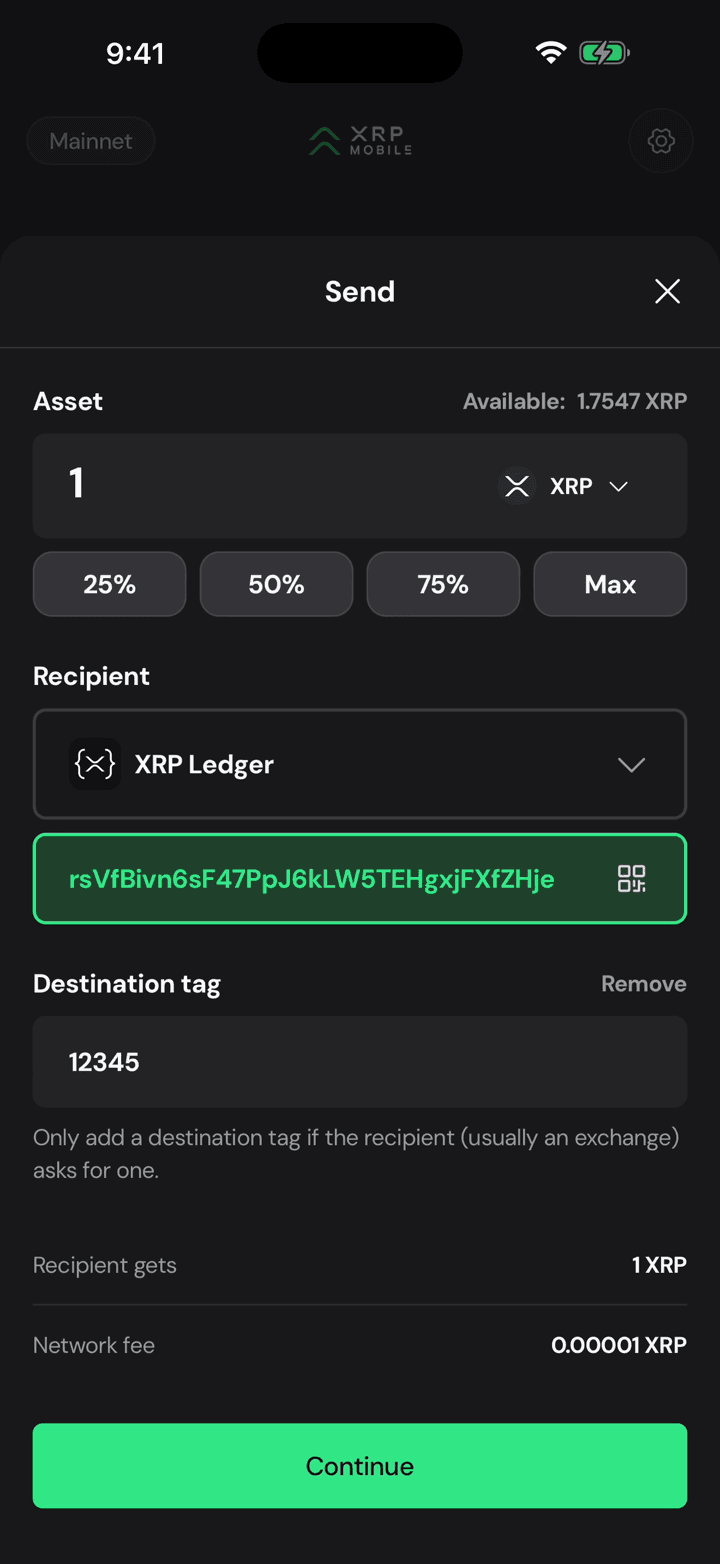
Before you continue, read the address and the tag together. Both have to match the deposit page you copied them from.
9. The tag rides with the payment
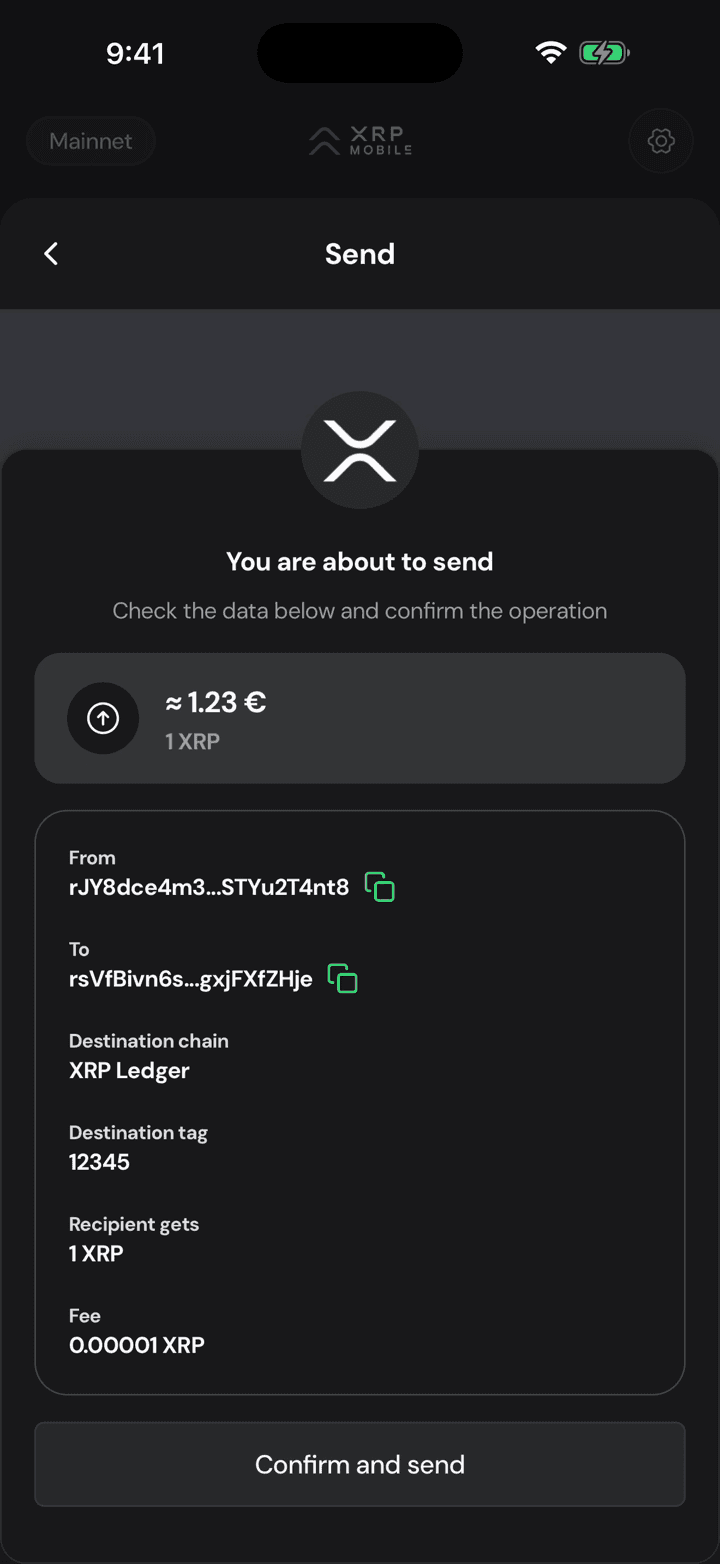
The summary shows the tag on its own line. It travels inside the transaction, which is how the exchange knows to credit you and not somebody else.
10. Sign with your PIN
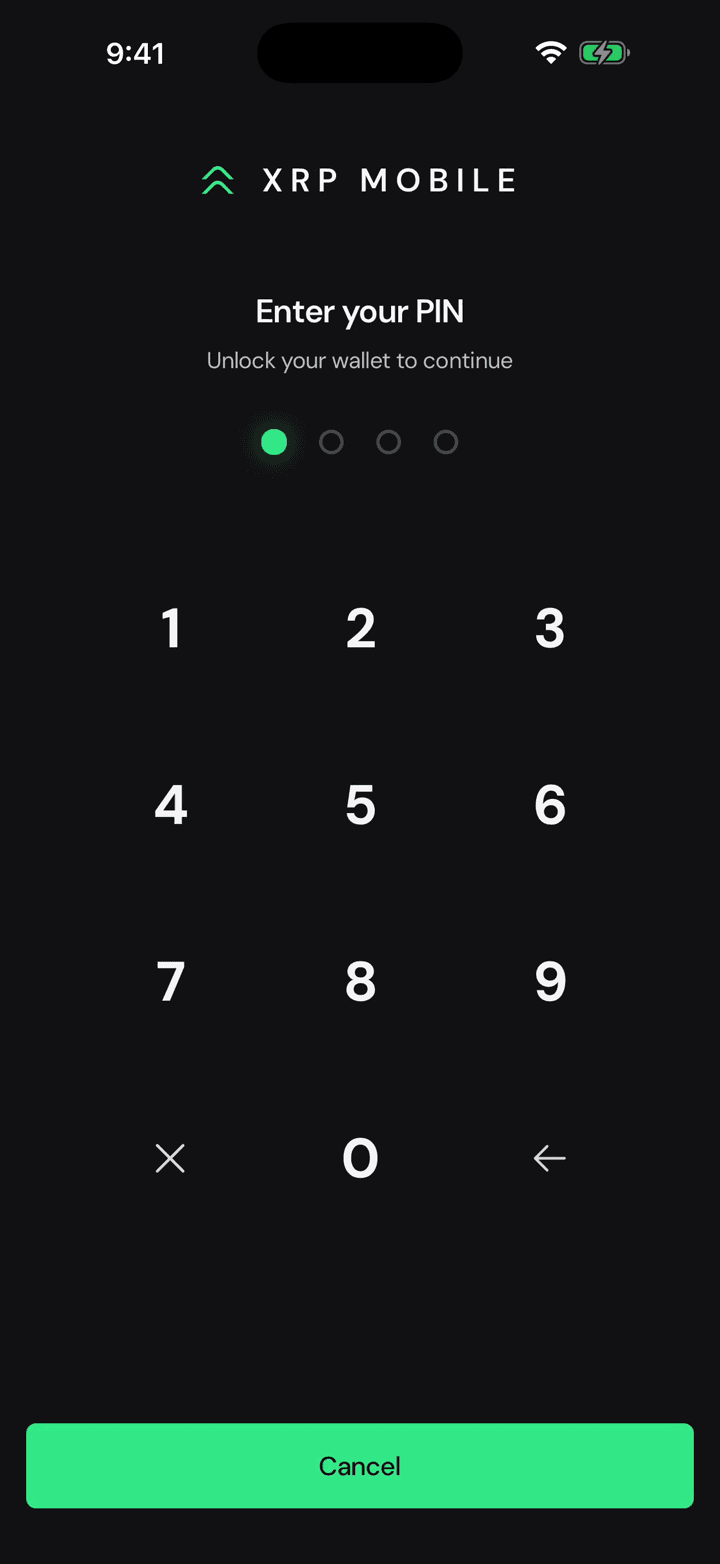
Confirm and send, then your PIN. From here it is irreversible: an exchange deposit with the wrong tag becomes a support ticket, and sometimes not even that.
11. The ledger settles it
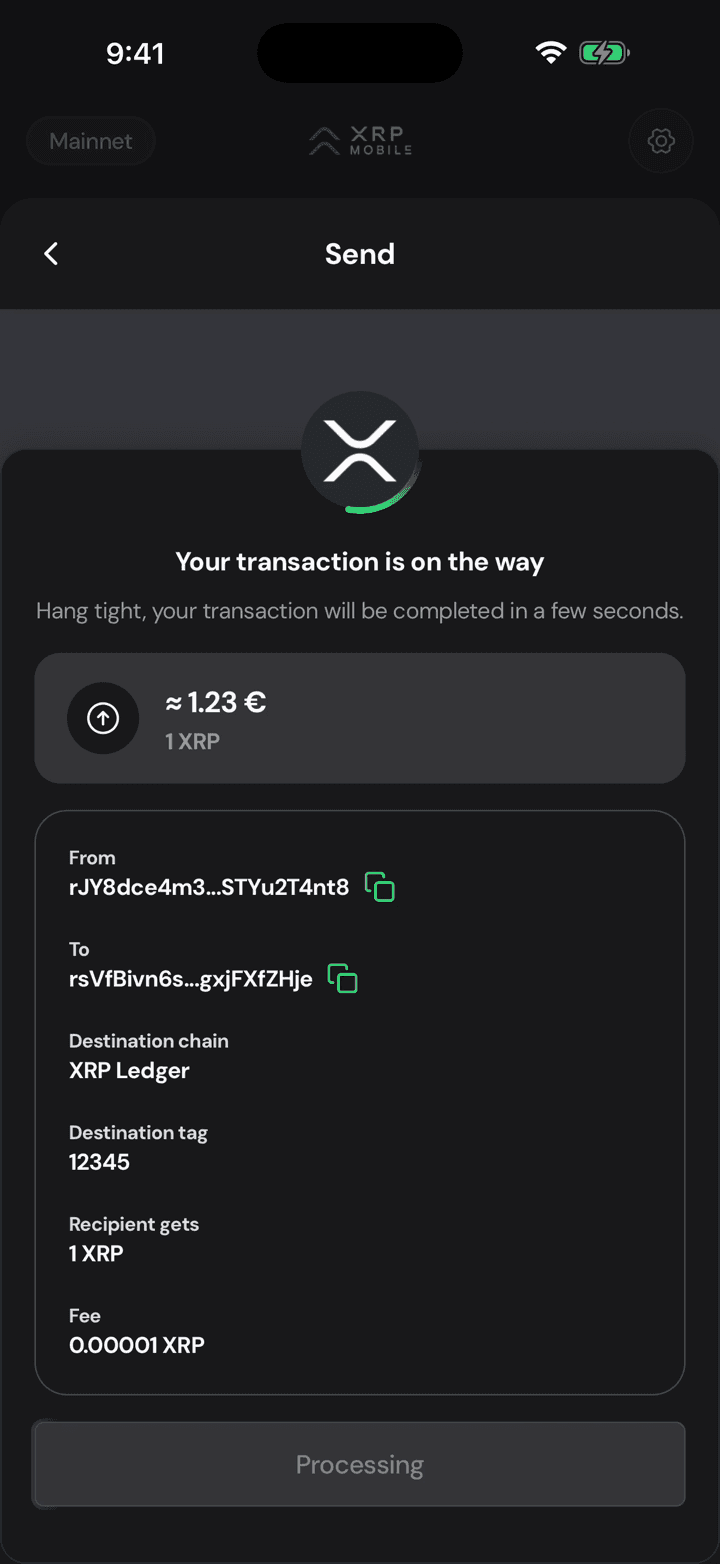
The XRP Ledger settles it in seconds. Crediting it on the other side is the exchange's job, and that can take a few minutes longer.
12. Sent, tag included
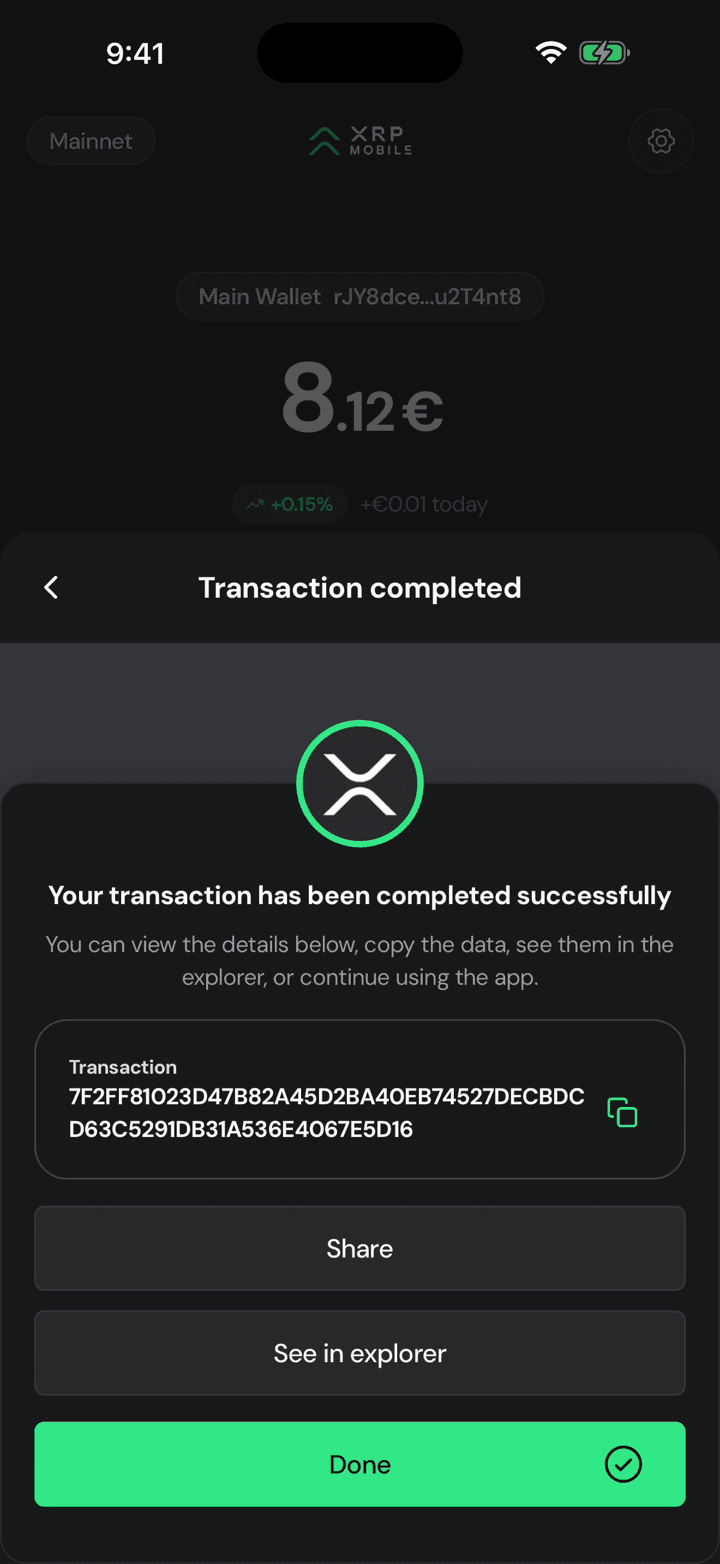
Done. Keep the transaction hash: if a deposit ever goes missing, that string plus the tag is what support will ask you for.
Send XRP
Short XRP Mobile tutorial: send XRP from a self custody wallet. Pick a recipient and watch the address validate as you type, enter an amount or use the percentage shortcuts, read what the recipient gets against the network fee, then sign with your PIN. Ends on the transaction hash, your receipt on the XRP Ledger. The one check the wallet cannot do for you: comparing the address against the person expecting the money.
Deposit from another chain
Short XRP Mobile tutorial: bring an asset in from another blockchain. Pick what you are depositing, pick the network it is coming from, and read the deposit address the wallet generates for that exact pair. Why the same USDC needs a different address on Base than on Solana, what happens if you send the wrong token or use the wrong network, and why you should check the address every time instead of reusing a saved one.