Find any token in Explore
Short XRP Mobile tutorial: use the Explore tab as your market screen. See the day's biggest gainers and losers, browse every listed token with live prices, search by name or symbol, and open any token for its own page and chart. No account needed to look.
Before you buy anything, look at what is actually moving. The Explore tab is the market, inside your wallet.
Prefer to read? The steps below are the same walkthrough, 4 screens and 26 seconds of video.
1. Open Explore
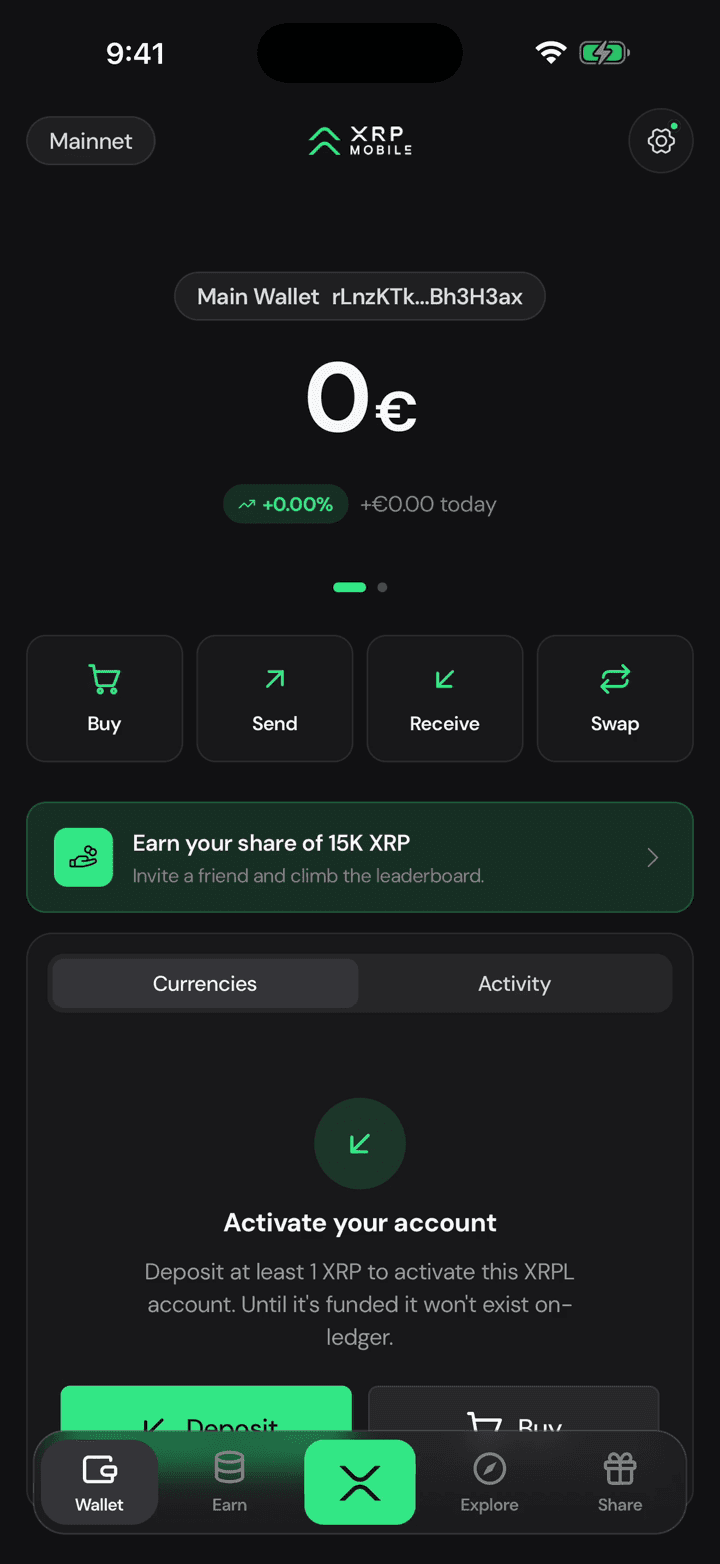
Tap Explore. No account, no sign up: this is just the market, and you can read it all day without owning anything.
2. Top movers first
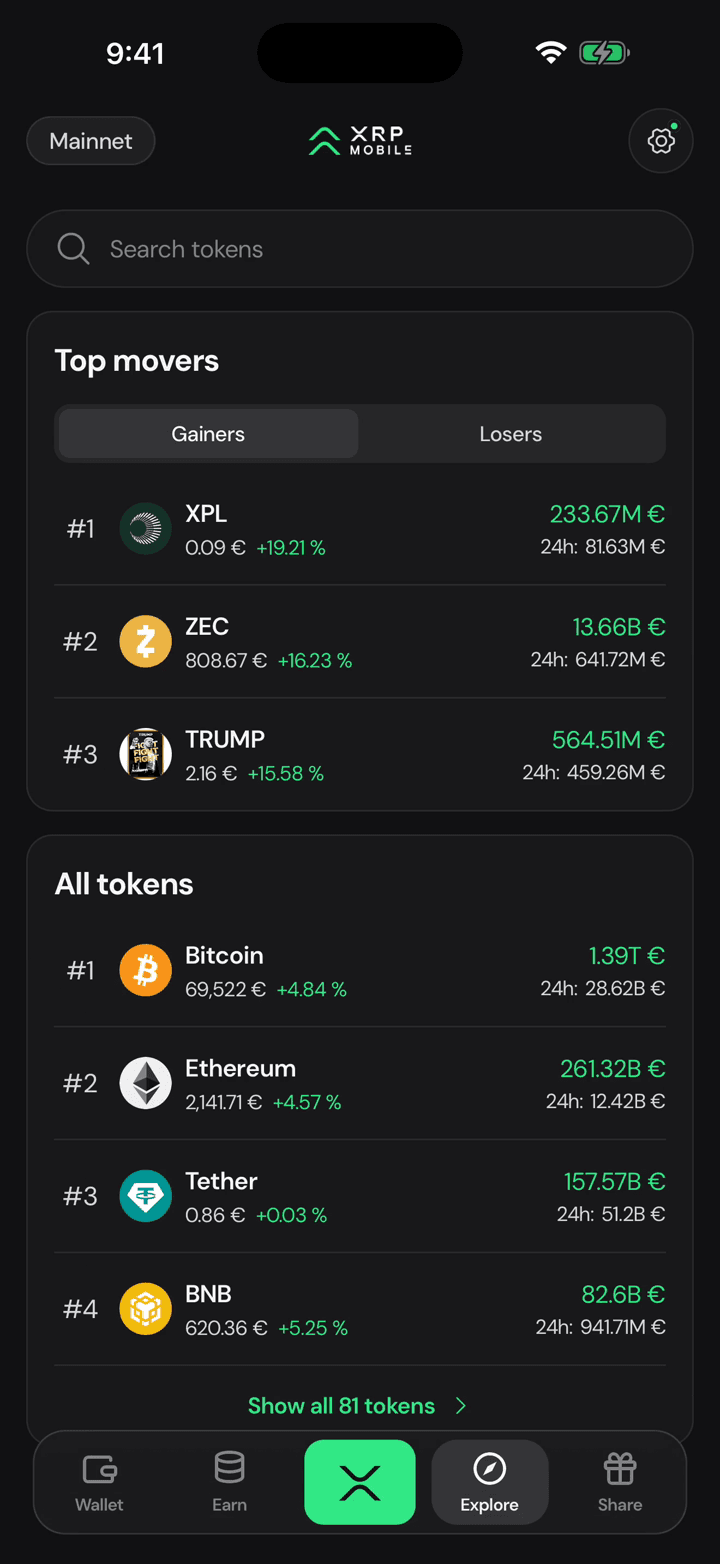
Top movers opens with the biggest gainers and losers of the last 24 hours, which is usually the only question anyone actually has.
3. Then every token
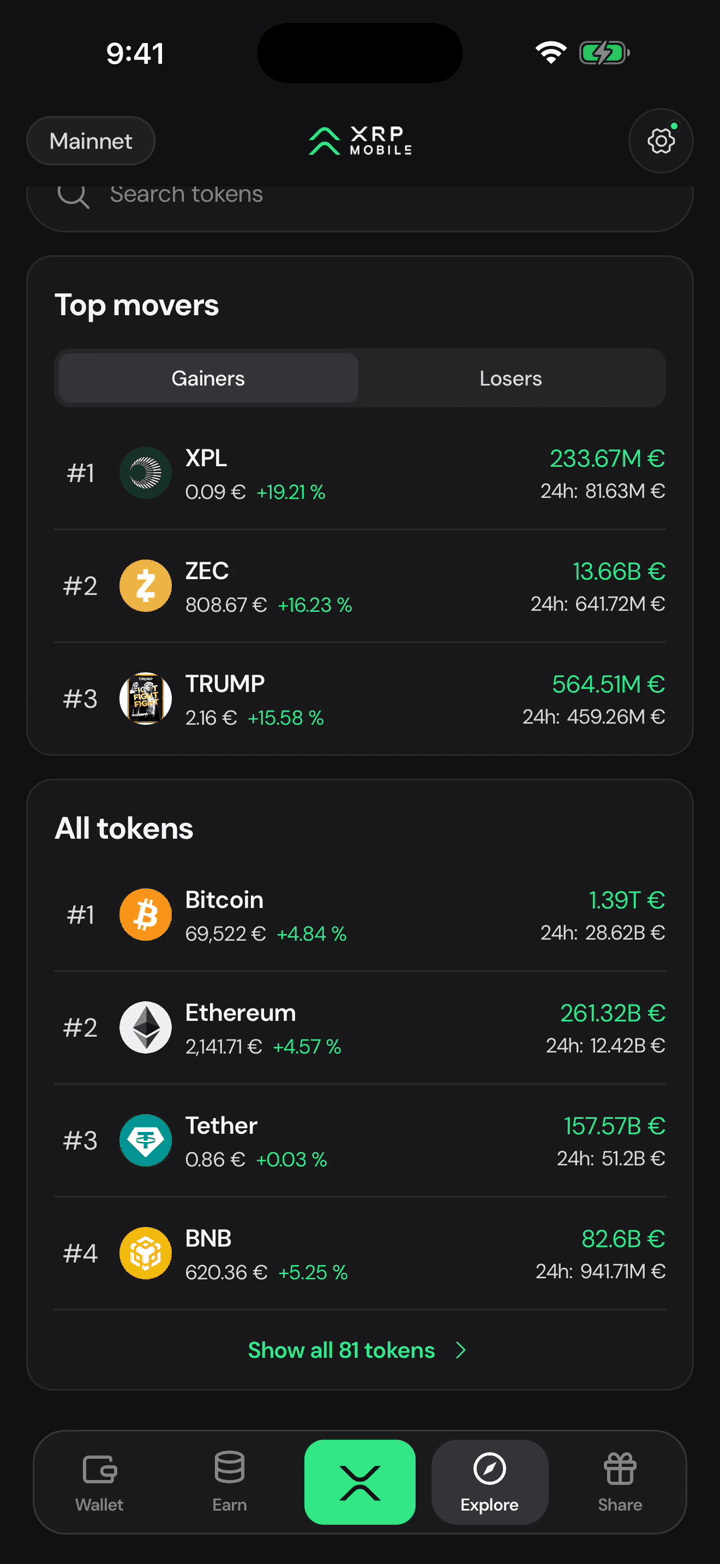
Under it sits every token the app lists, with its price and its move on the day.
4. Keep going
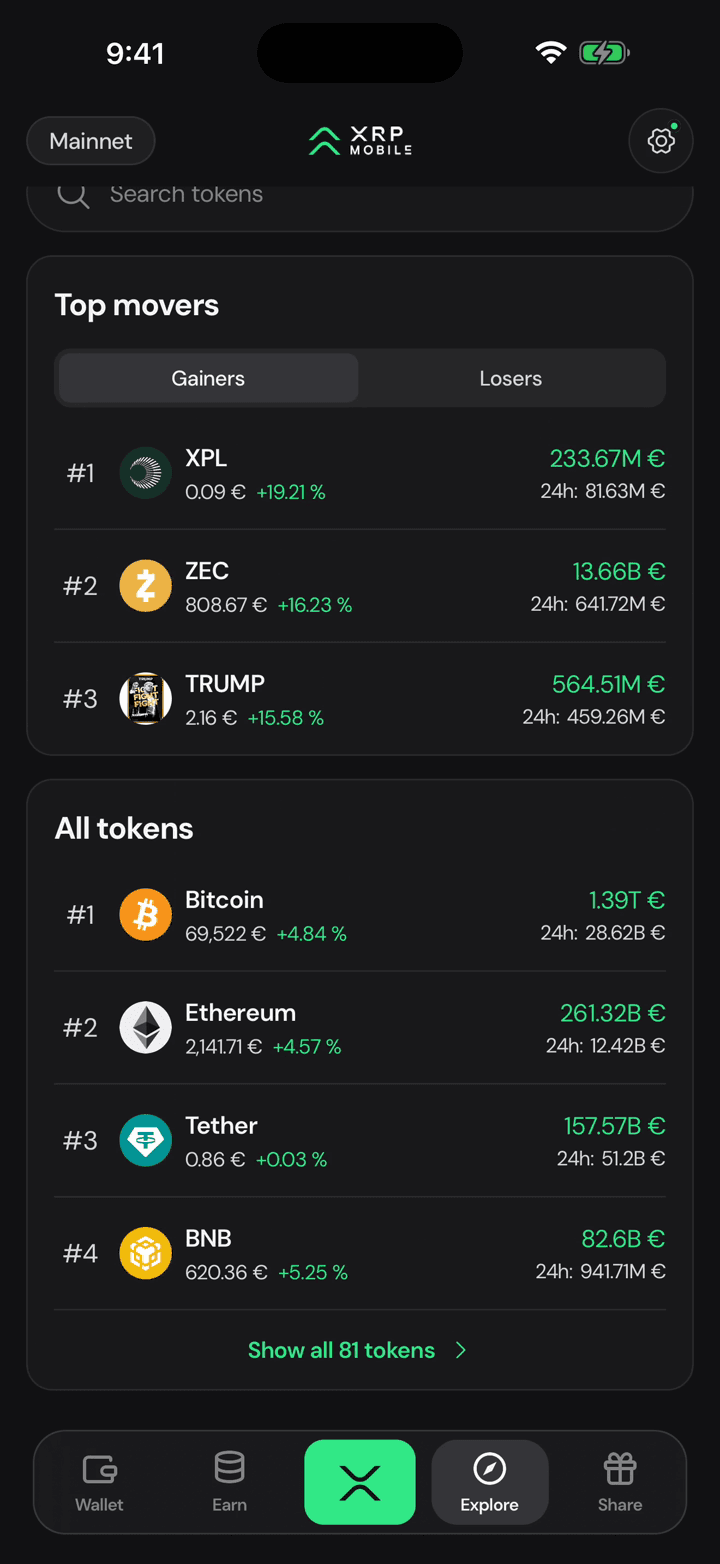
Keep scrolling, or search by name or symbol, and tap any token for its own page and chart.
Wipe XRP Mobile from this phone
Short XRP Mobile tutorial: remove your wallet from a device with Delete data, in Settings under Security. It wipes the wallets, keys and PIN from that phone. Your funds are untouched because they live on the XRP Ledger, not on the device, but without your recovery phrase nobody can restore the account afterwards.
Look a token up before you buy it
Short XRP Mobile tutorial: open any token's page from the Explore market. Read its chart from one day to all time, then the numbers that matter, market cap, 24 hour volume and total supply, plus links to the project's website and whitepaper. Not financial advice, just where to look.