Look a token up before you buy it
Short XRP Mobile tutorial: open any token's page from the Explore market. Read its chart from one day to all time, then the numbers that matter, market cap, 24 hour volume and total supply, plus links to the project's website and whitepaper. Not financial advice, just where to look.
Before you put money into a ticker, spend thirty seconds finding out what it actually is. The app has the page for it.
Prefer to read? The steps below are the same walkthrough, 4 screens and 32 seconds of video.
1. Open it from the market
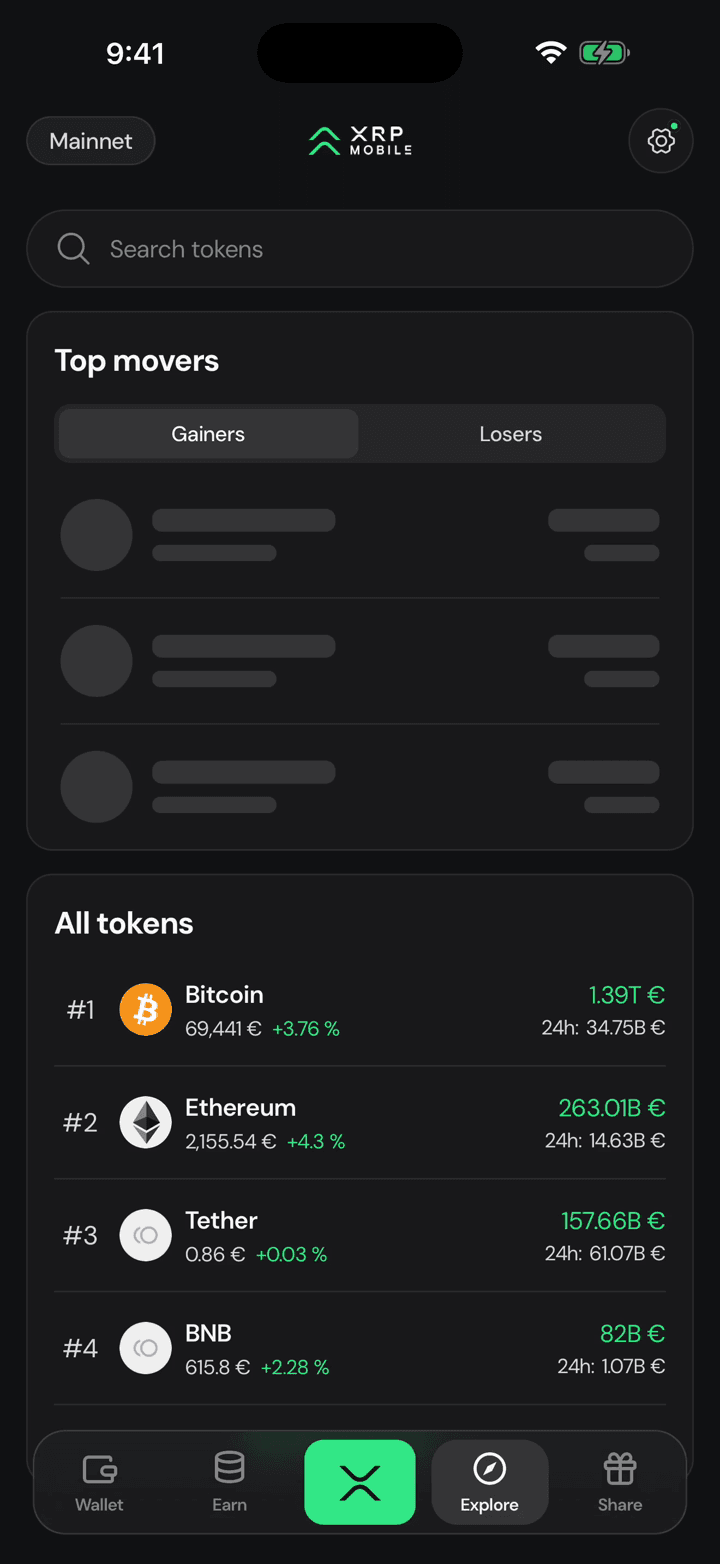
In Explore, tap any row. Every listed token has its own page, whether or not you hold it.
2. Position is what you hold
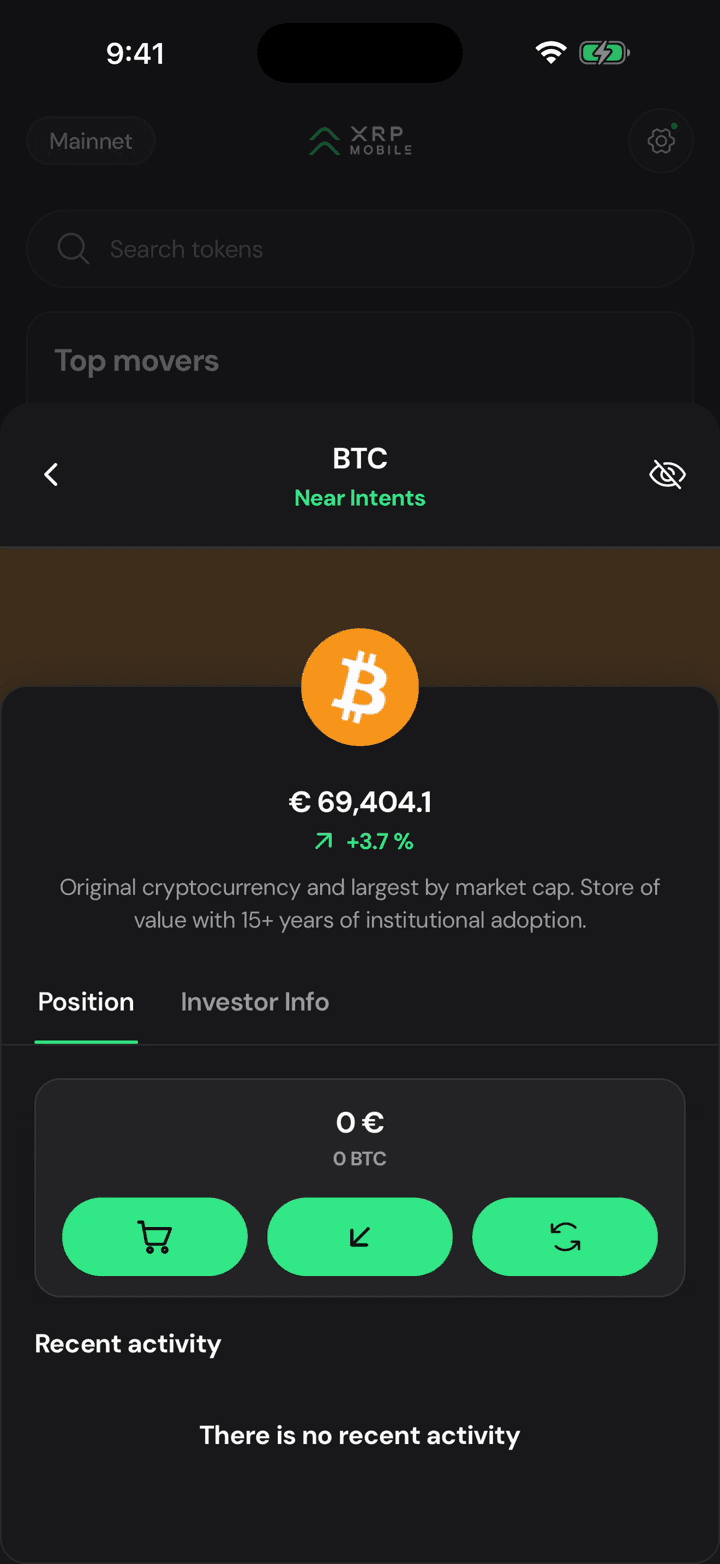
It opens on Position, which is your own balance in that token. On a fresh wallet that is a row of zeros, so move across to Investor Info.
3. The chart
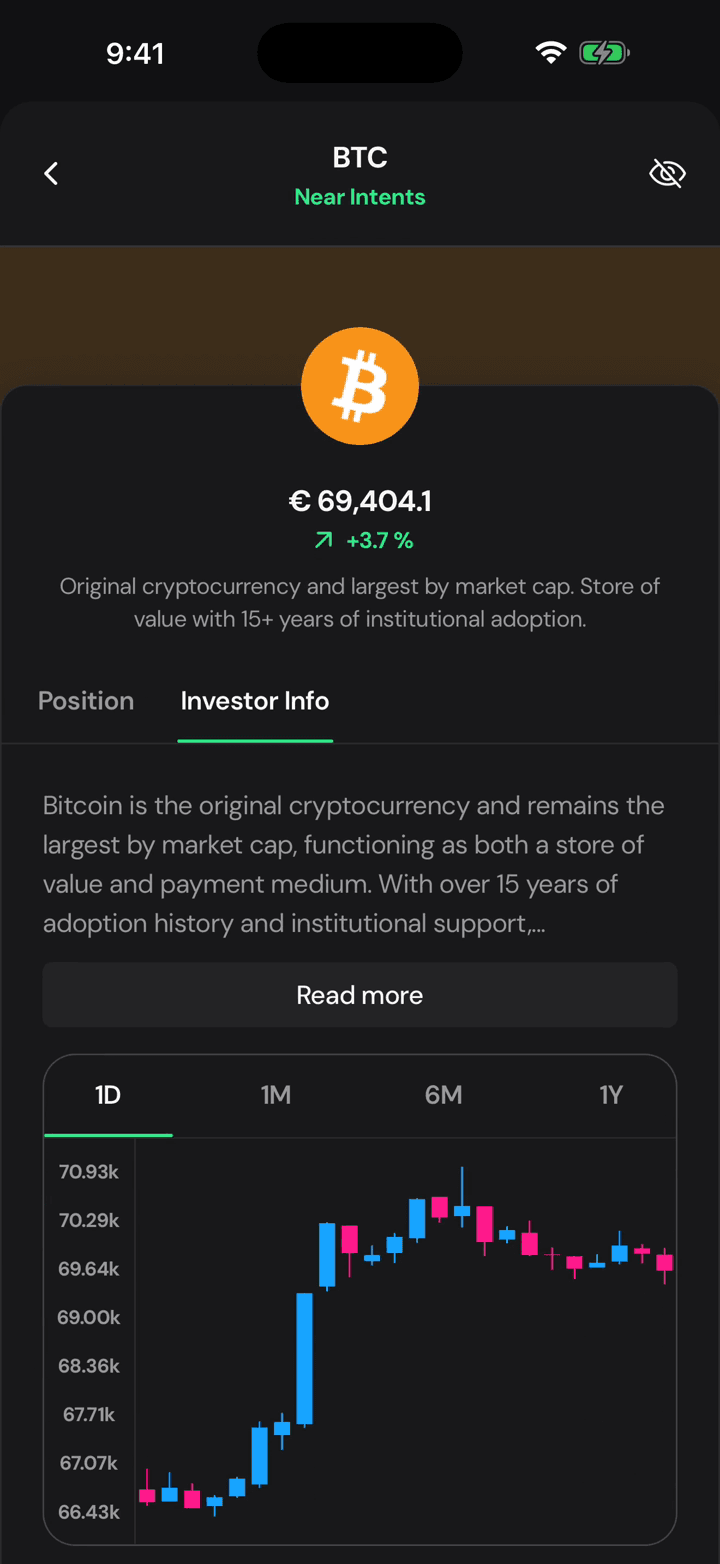
Now the candles, and a price you can read against a real scale instead of a single number.
4. Then the boring numbers
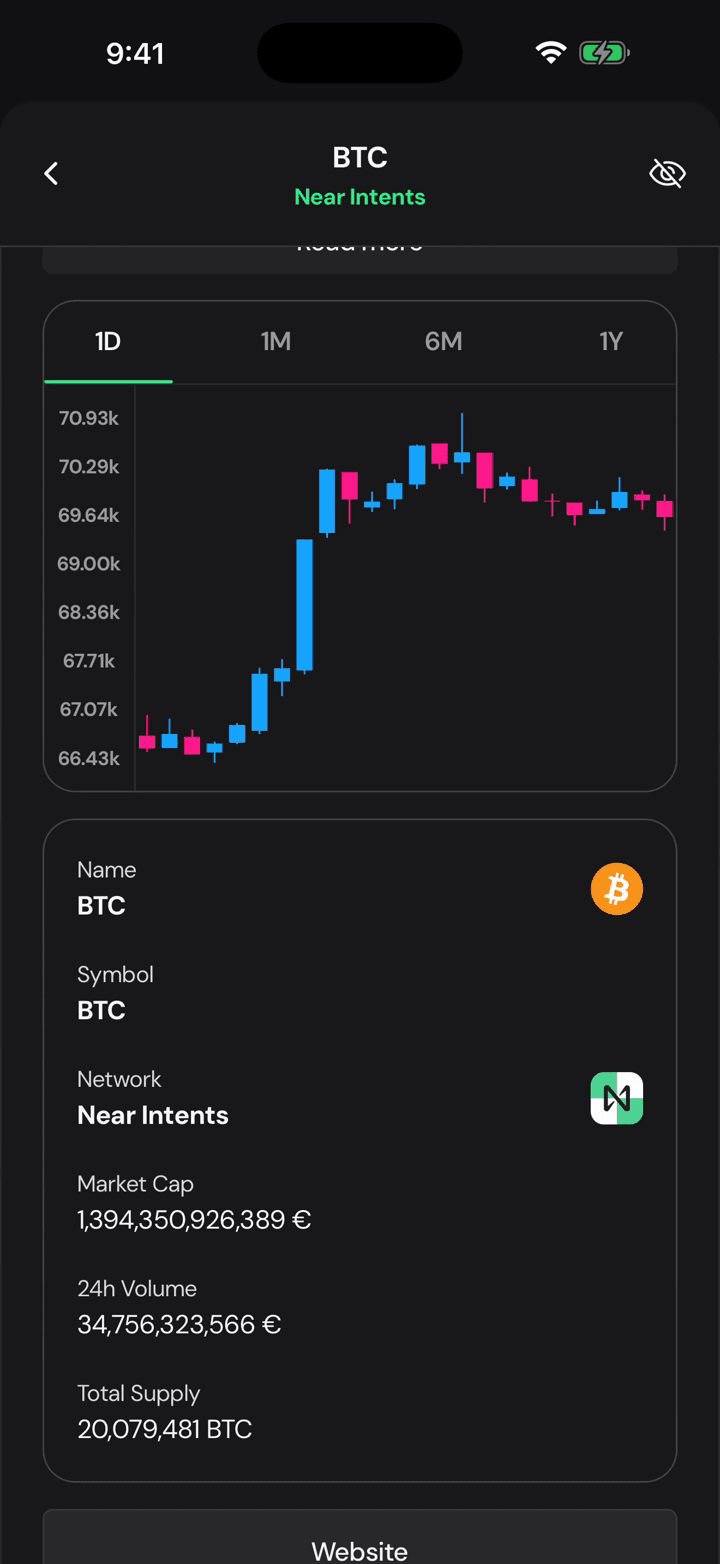
And under it the numbers that actually matter: market cap, 24 hour volume and total supply, with links to the project's own site, its X account and its report on Messari.
Find any token in Explore
Short XRP Mobile tutorial: use the Explore tab as your market screen. See the day's biggest gainers and losers, browse every listed token with live prices, search by name or symbol, and open any token for its own page and chart. No account needed to look.
Earn is on the way
A short look at the Earn tab in XRP Mobile. There is no yield product yet: the tab shows what we are building towards, self custody yield with no lock ups, and the two pools we would start from, XRP and RLUSD. Nothing is confirmed and no rate is promised. Turn on the notification to hear about it first.