Send to another chain
Short XRP Mobile tutorial: send a multichain asset out to another blockchain. Choosing USDC turns the recipient row into a network picker, the address field changes to the format that chain expects, and the summary shows what the recipient actually receives after the routing cost. The transfer settles in three legs, each with its own hash, which is why it takes longer than a payment on the XRP Ledger. Includes the warning about sending to exchanges from a third party.
You hold a stablecoin in a wallet built for the XRP Ledger, and it needs to reach an address on Base. You do not need a second wallet for that.
Prefer to read? The steps below are the same walkthrough, 12 screens and 116 seconds of video.
1. Tap Send
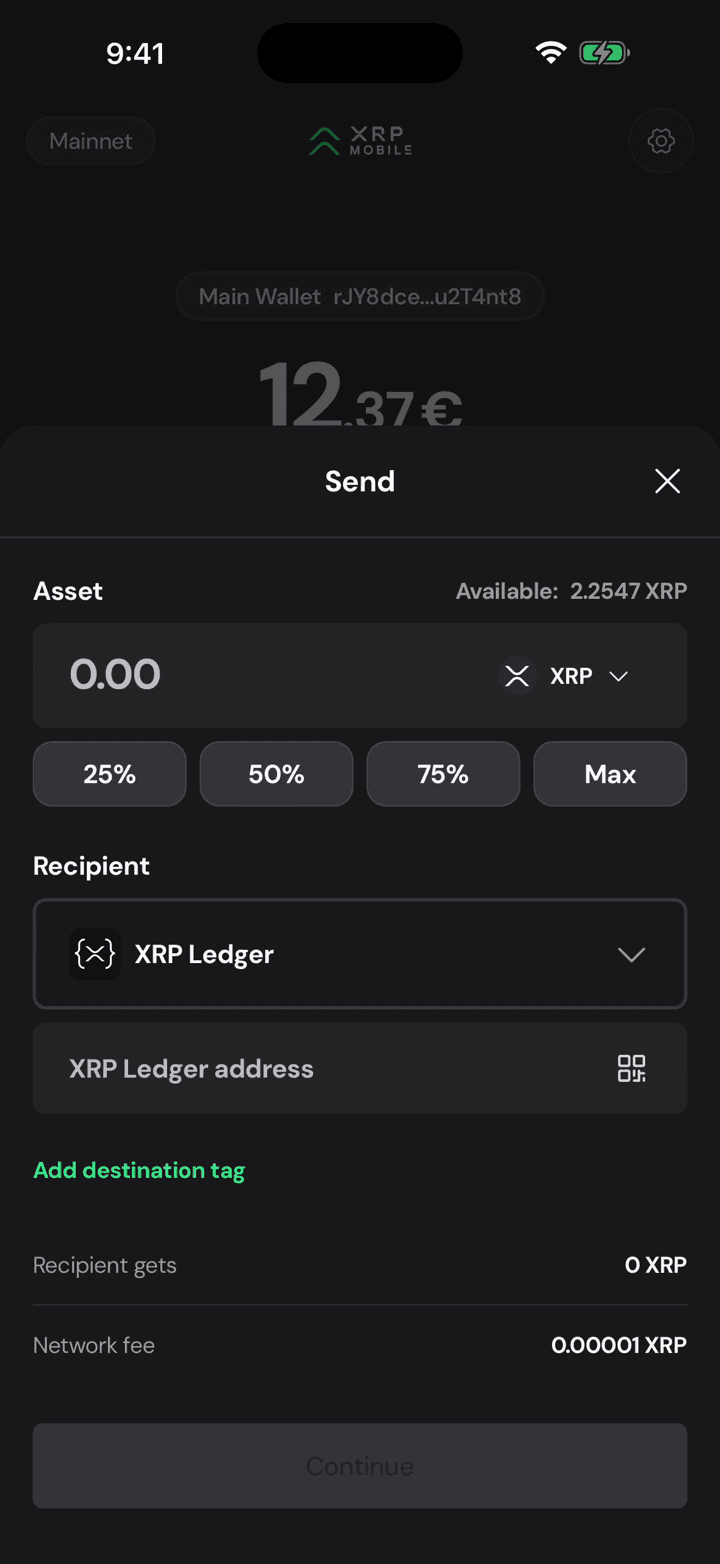
Same Send button as always. The sheet opens on XRP, because that is what the wallet holds most of.
2. Pick the asset
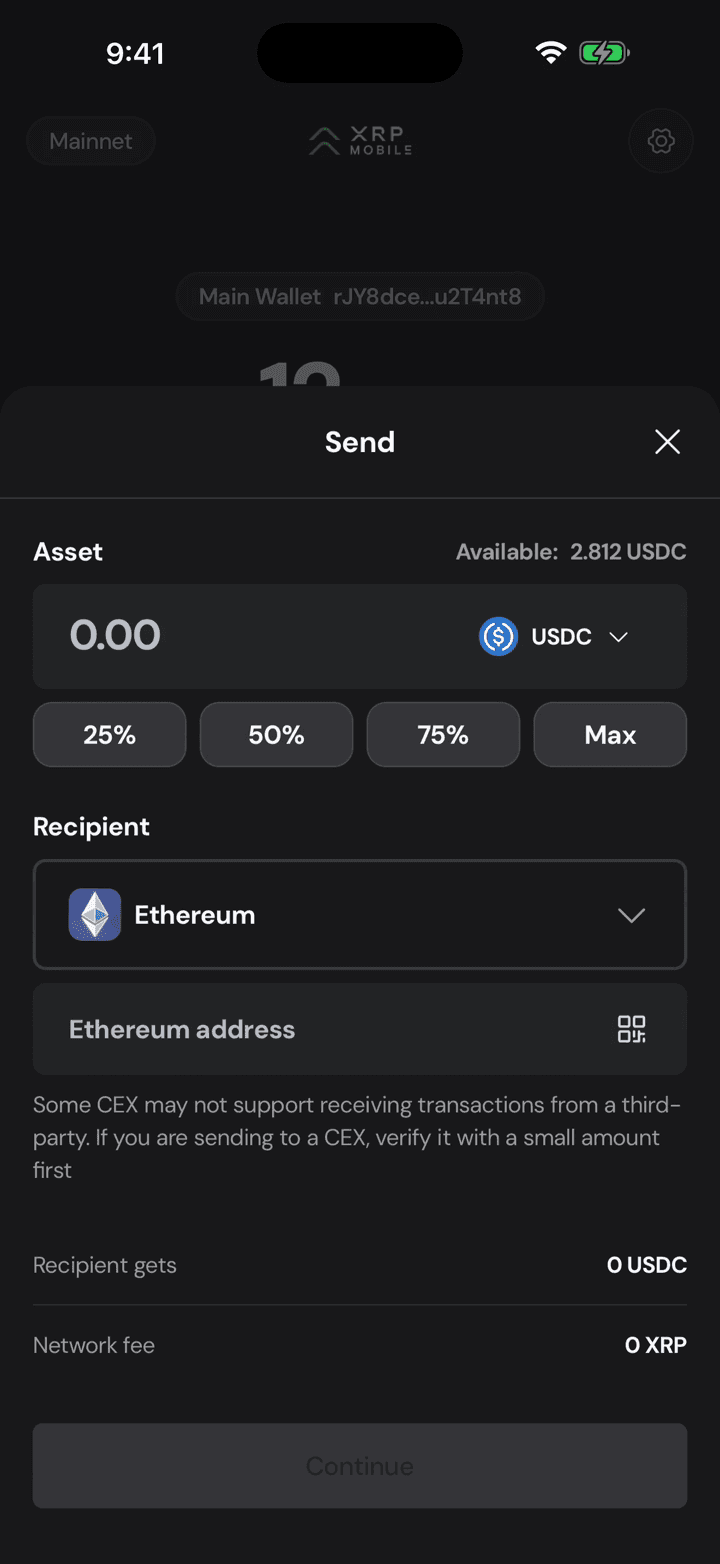
Open the asset selector and choose what you are actually sending. USDC here, and the sheet rebuilds itself around it.
3. The network follows the asset
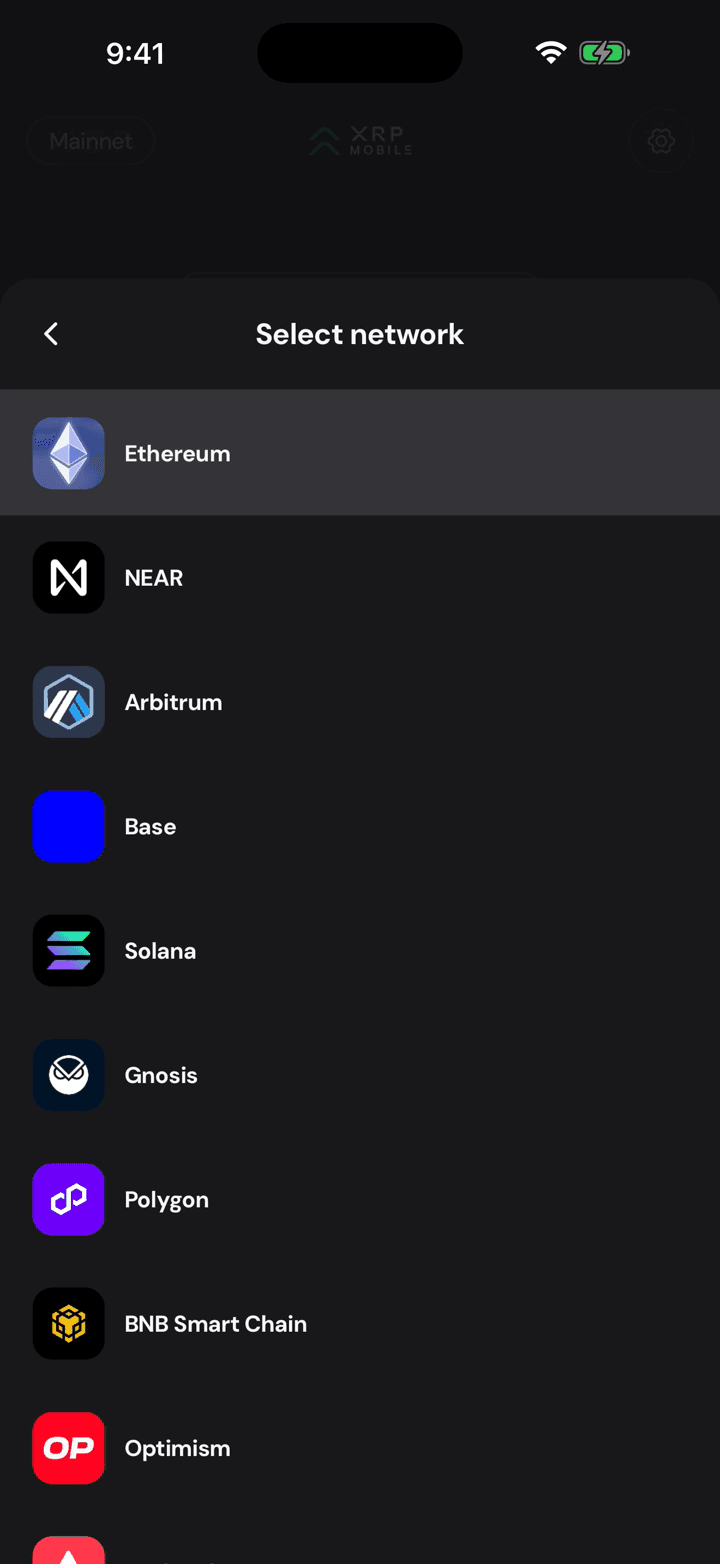
The recipient row is no longer fixed to the XRP Ledger: an asset that lives on many chains gets a network picker, because the same USDC exists on all of them.
4. Choose where it lands
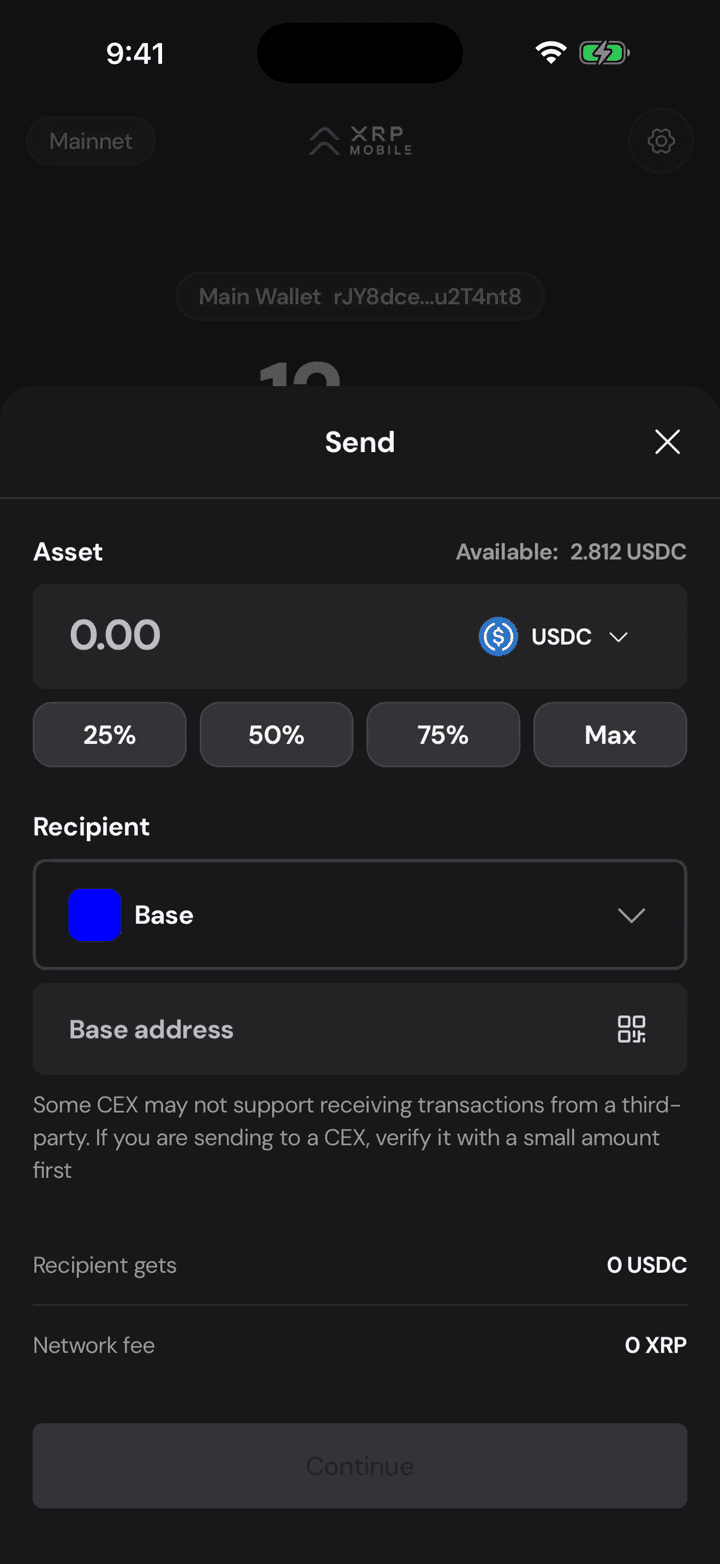
Pick the chain the recipient is on. Base here. Get this wrong and the money goes to a real address on the wrong network, which is not something anyone can undo.
5. The address changes shape
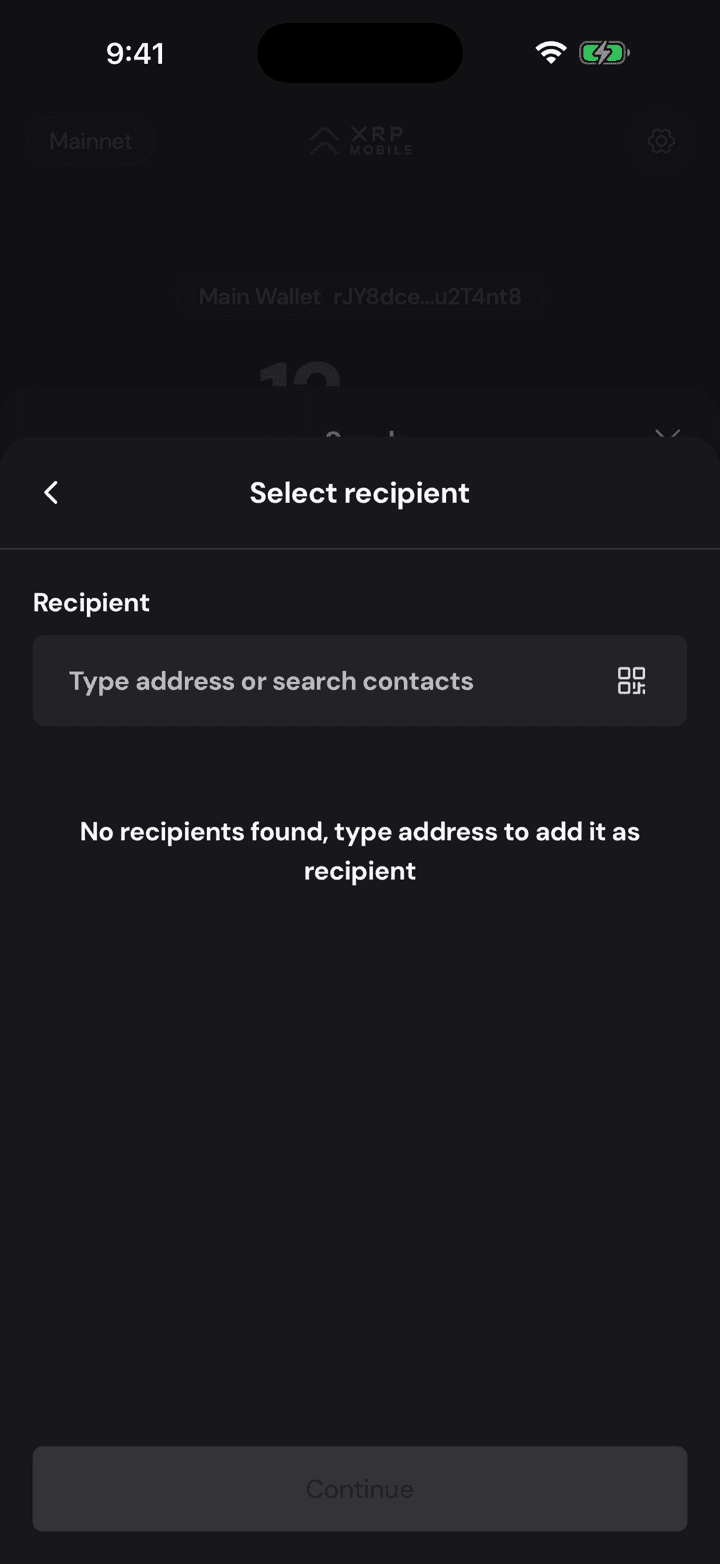
Notice the field is asking for a Base address now, not an XRP one. Different chain, different address format, and the app checks what you type against the chain you picked.
6. Type or scan it
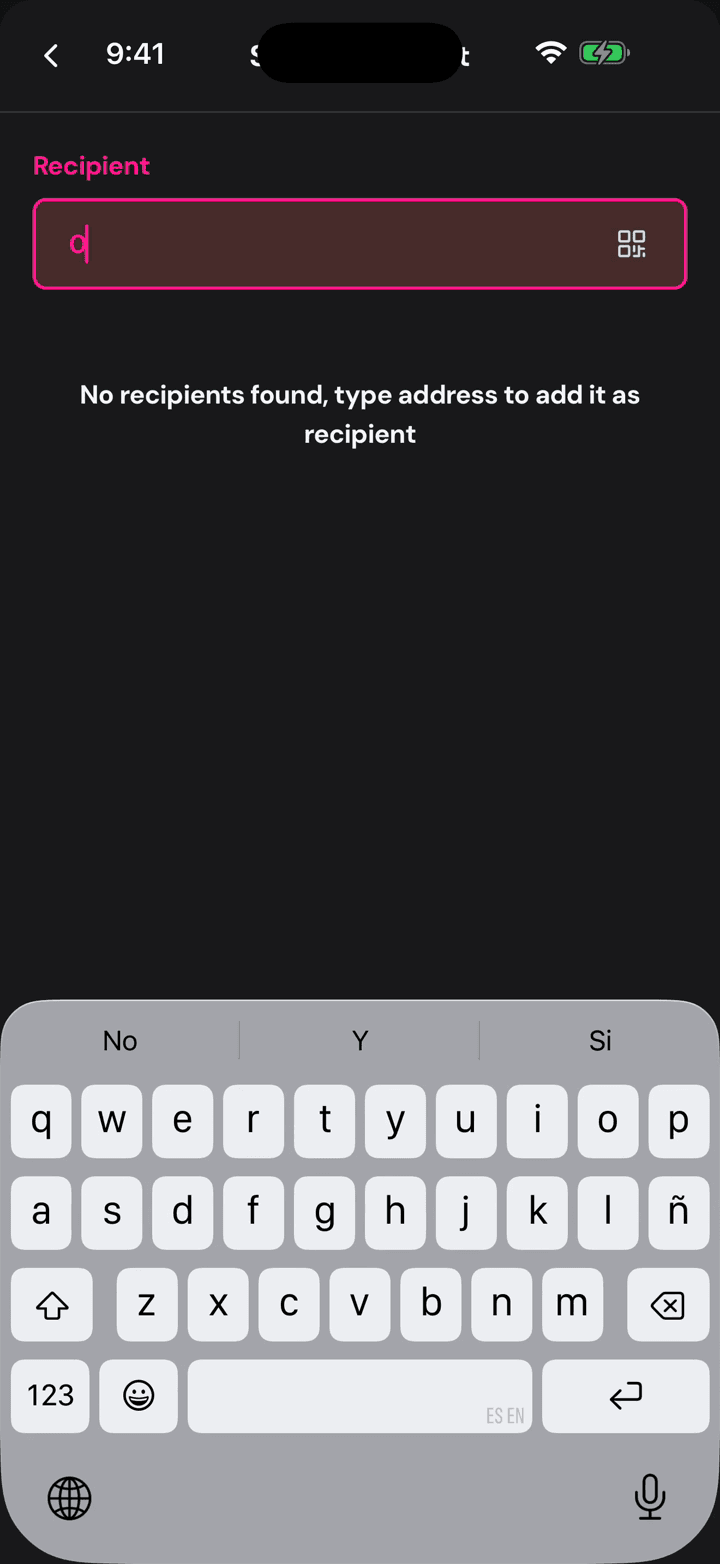
Type it, paste it, or scan the QR. This one is another wallet of the same recovery phrase, on the other side.
7. Green means it fits
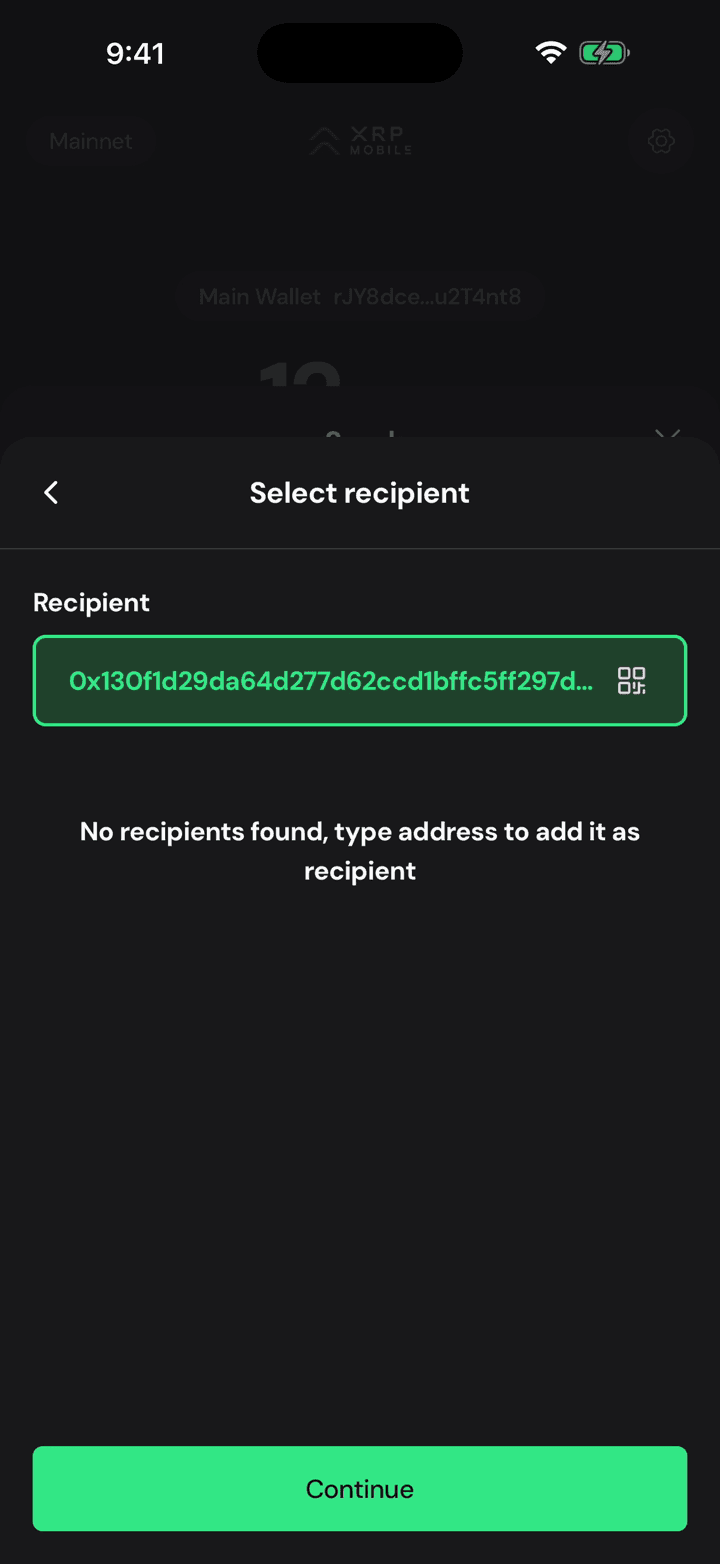
Green means the address is valid for this network. There is a warning here worth reading: some exchanges will not credit a deposit that arrives from a third party like this one, so if the destination is an exchange, test it with a small amount first.
8. Send the lot
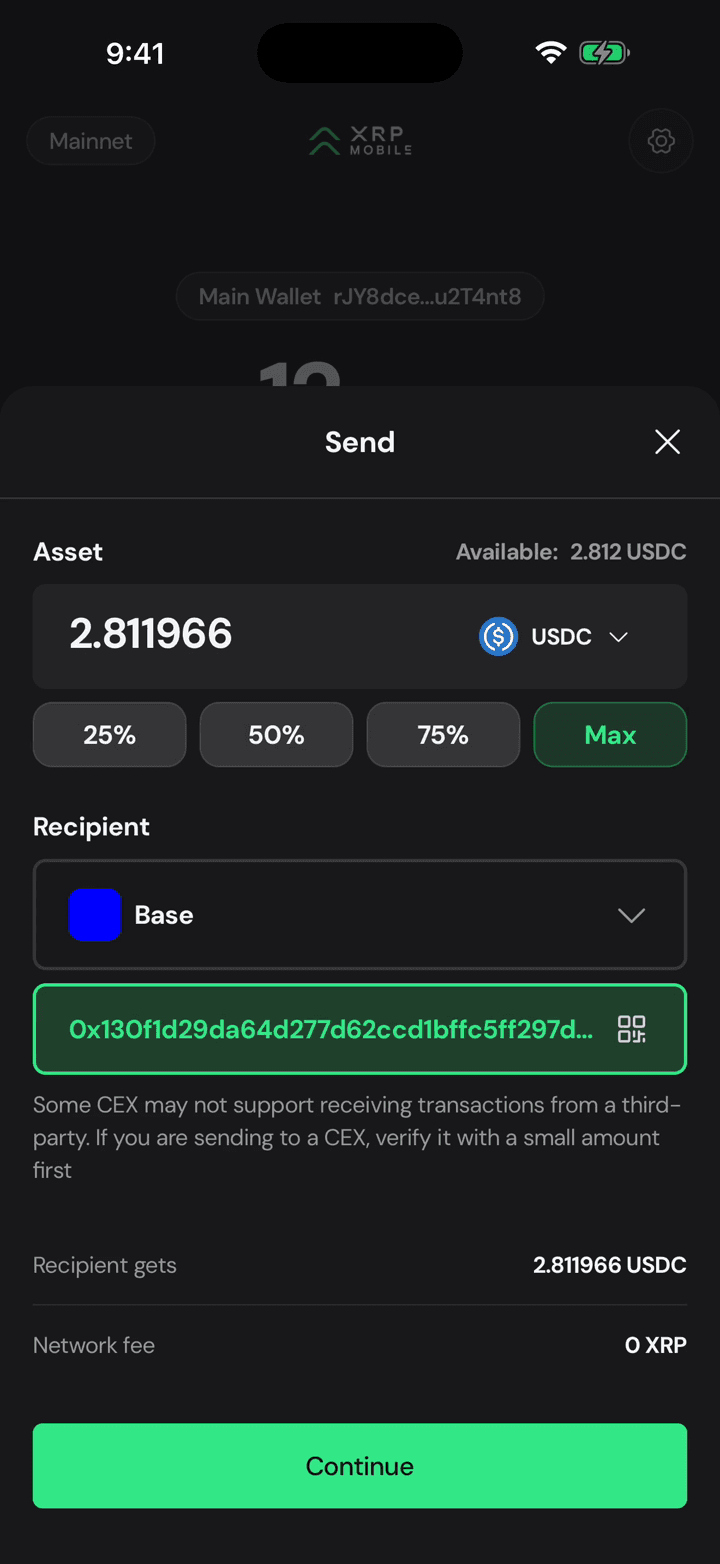
Max sends the whole balance, since there is no reserve to keep on this side.
9. Read what actually lands
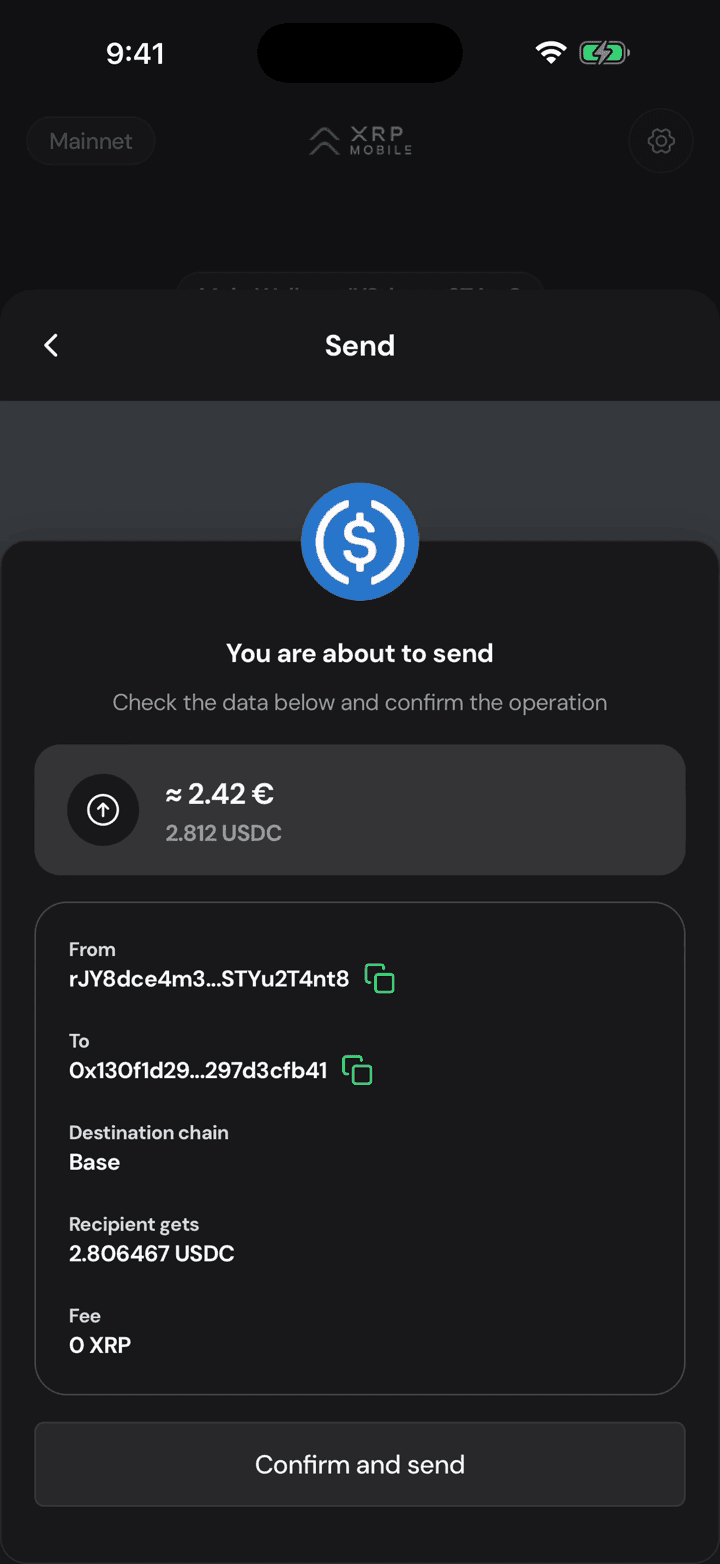
The summary is where the bridge shows its price: you send 2.812 USDC, the recipient gets 2.806, and the difference is the routing cost. There is no XRP network fee on this one.
10. Sign with your PIN
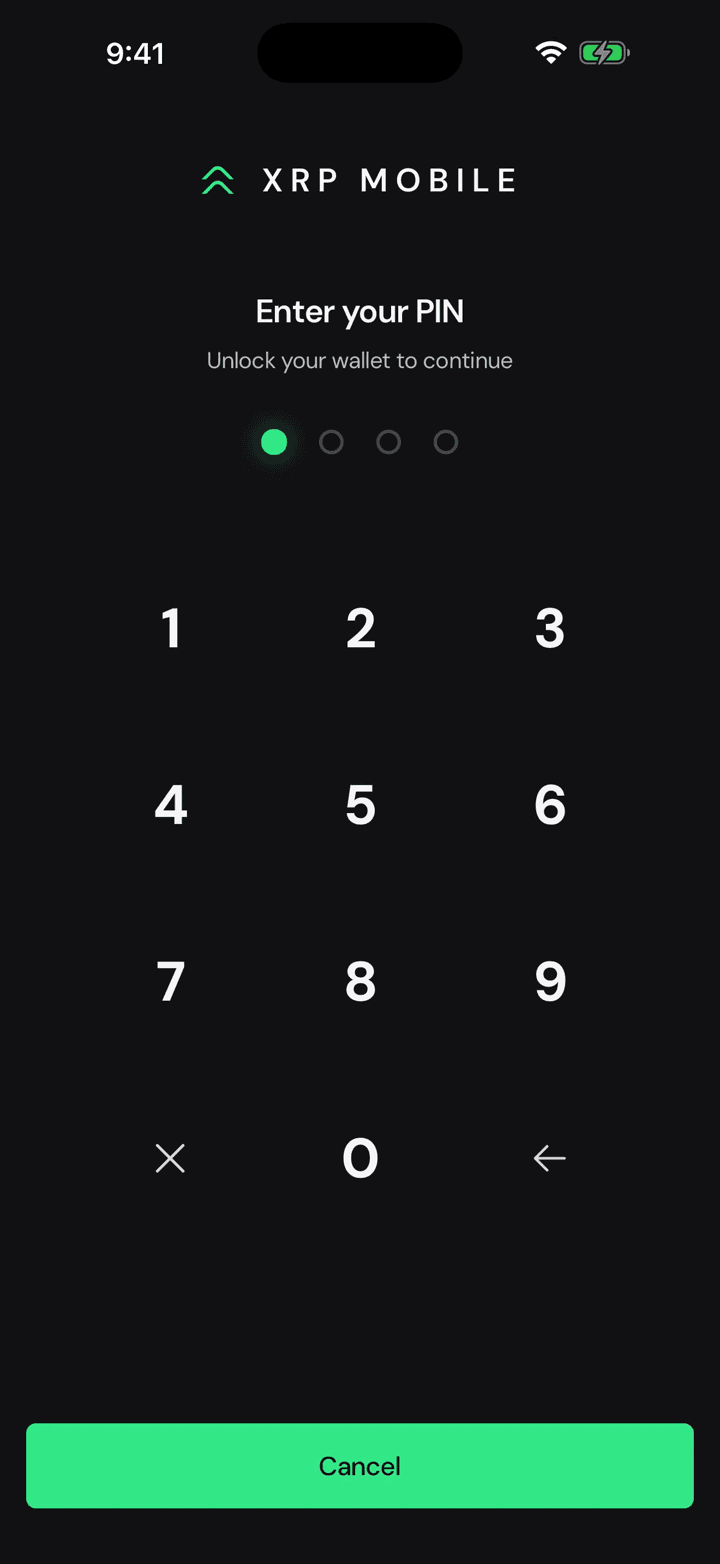
Confirm and send, then your PIN. Same signature, on the same phone.
11. Three legs, three hashes
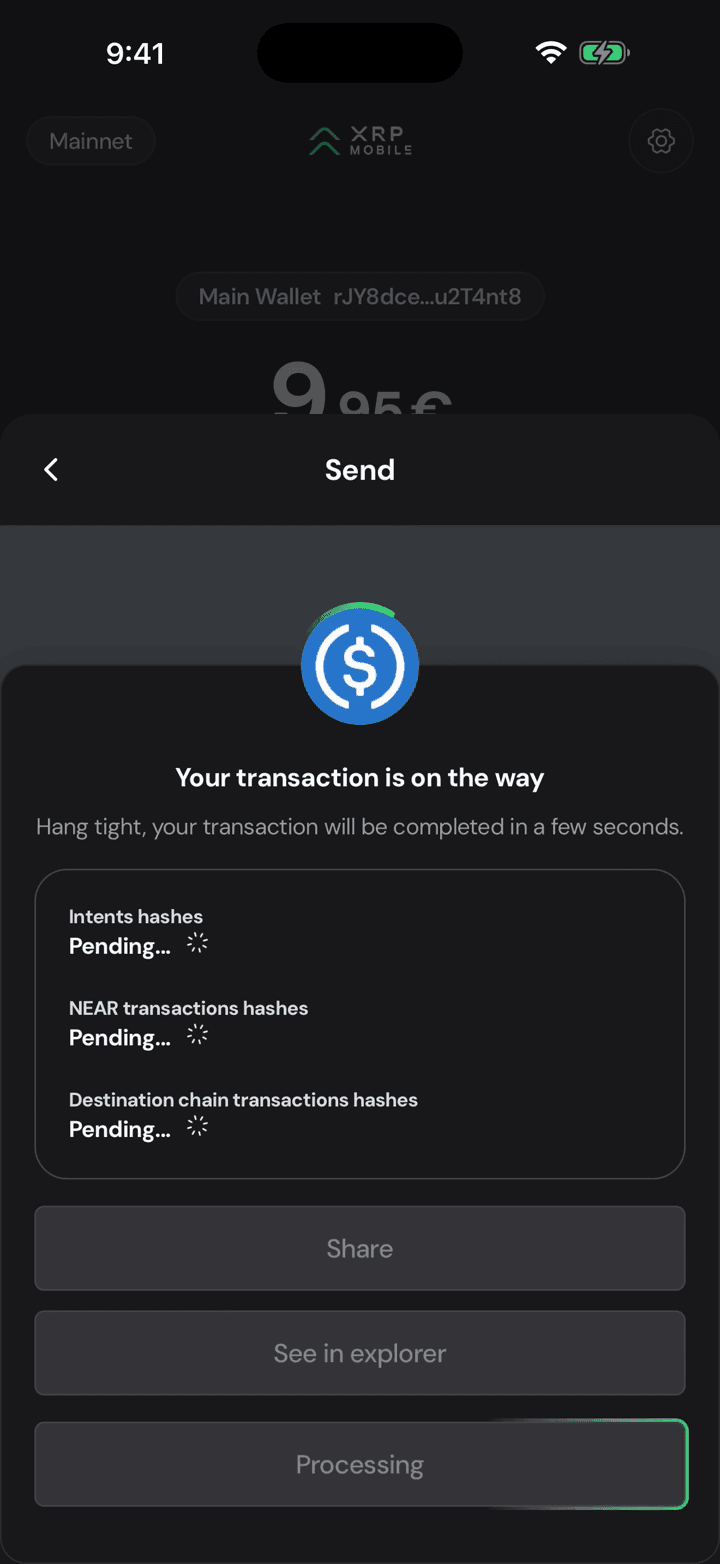
Now it takes a route: out of your wallet, through the intents layer, onto Base. The screen tracks all three legs, each with its own hash, and pending simply means it is still travelling. It is slower than an XRP payment because it is doing more.
12. Landed on Base
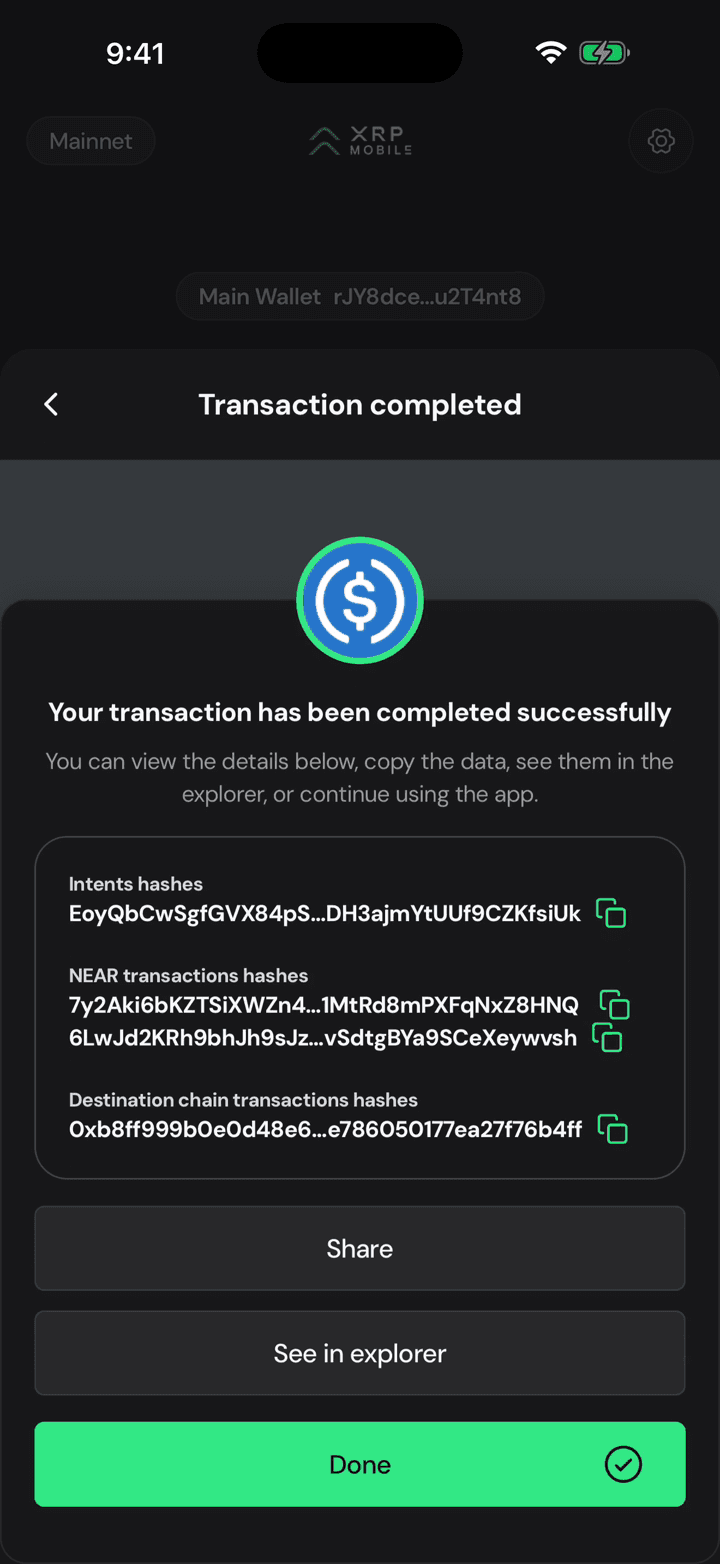
Completed, and the last hash is the one that matters: paste it into a Base explorer and there is your USDC, on the other chain.
Deposit from another chain
Short XRP Mobile tutorial: bring an asset in from another blockchain. Pick what you are depositing, pick the network it is coming from, and read the deposit address the wallet generates for that exact pair. Why the same USDC needs a different address on Base than on Solana, what happens if you send the wrong token or use the wrong network, and why you should check the address every time instead of reusing a saved one.
Swap XRP for USDC
Short XRP Mobile tutorial: swap XRP for USDC from a self custody wallet, with no exchange account. Where the minimum comes from, how to read the live quote, what the two fees actually are, what max slippage protects you from, and why a swap takes half a minute when an XRP payment takes four seconds: it is routed through NEAR Intents and crosses two networks, so it settles with two hashes instead of one.